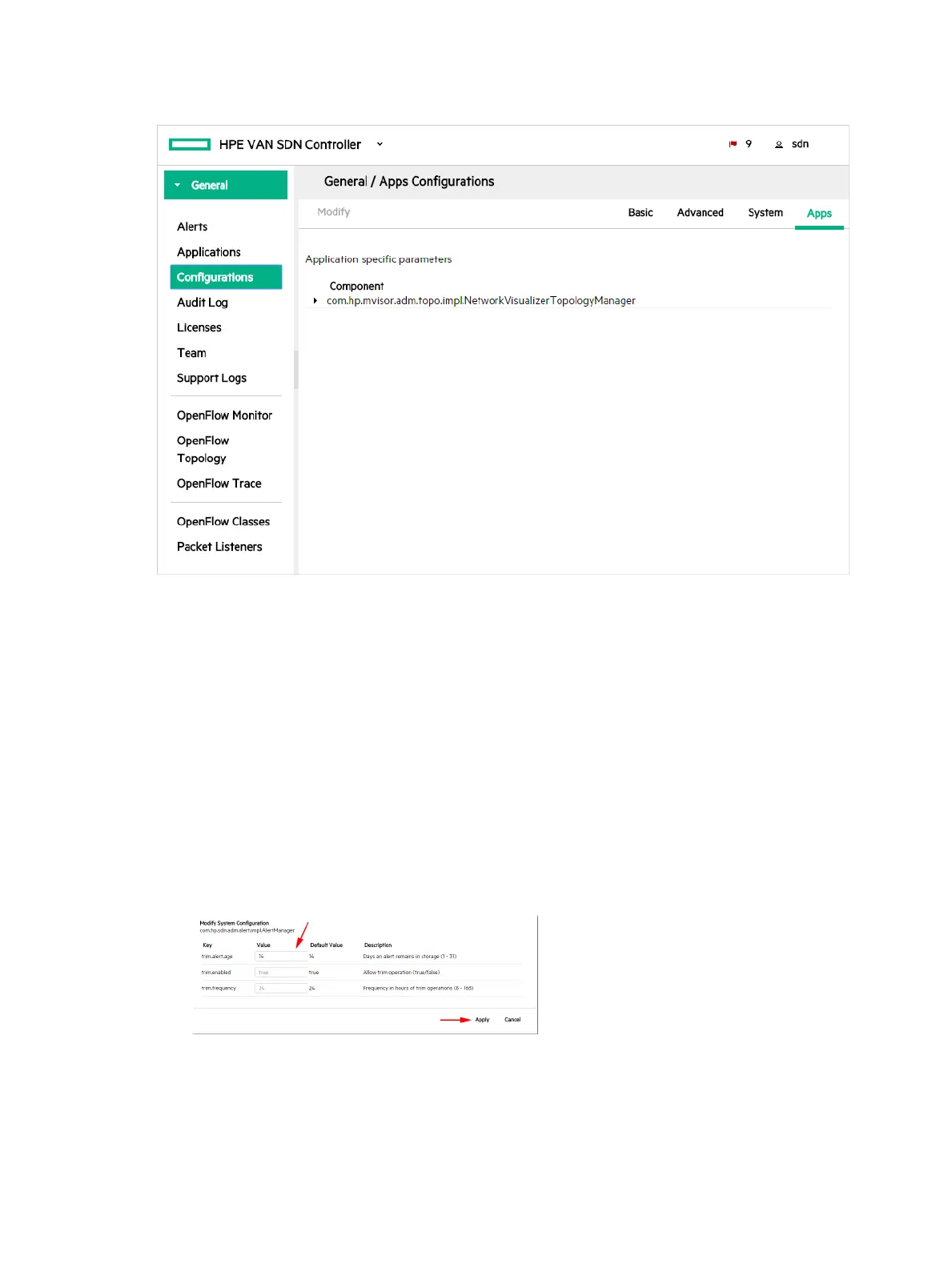
Apps Configurations view
Figure 14 Apps Configurations view
If you have other SDN applications installed, configurable components for these applications are
listed in the Apps Configurations view. For example in the screen shown above the
com.hp.mvisor.adm.topo.impl.NetworkVisualizerTopologyManager component for the HPE
Network Visualizer SDN Application is listed in the Apps Configurations view.
For details on configuring these SDN application specific components see the documentation
for the SDN application.
Modifying a component configuration
1. On the Configurations screen, select the tab that contains the component you want to
modify (Basic, Advanced, System, or Apps).
2. Select the component you want to modify.
3. Click Modify.
A Modify Configuration dialog box is displayed for the component you selected. For example:
4. Enter new values for each of the keys you want to modify.
5. Do one of the following:
• To save your changes and close the dialog box, click Apply.
• To close the dialog box without saving changes, click Cancel.
Configuration components 45



 To Next Page