Host end-nodes can be labelled with one of the following:
• IP Address (default)
• MAC Address
• No Label
To change the switch node labeling in the topology, enter the keyboard shortcut N and the display
will cycle through the different switch labels each time you enter N.
Switches can be labelled with one of the following:
• System name (default, if the switch does not contain a system name then IP address is
shown instead)
• IP address
• DatapathId
• No label
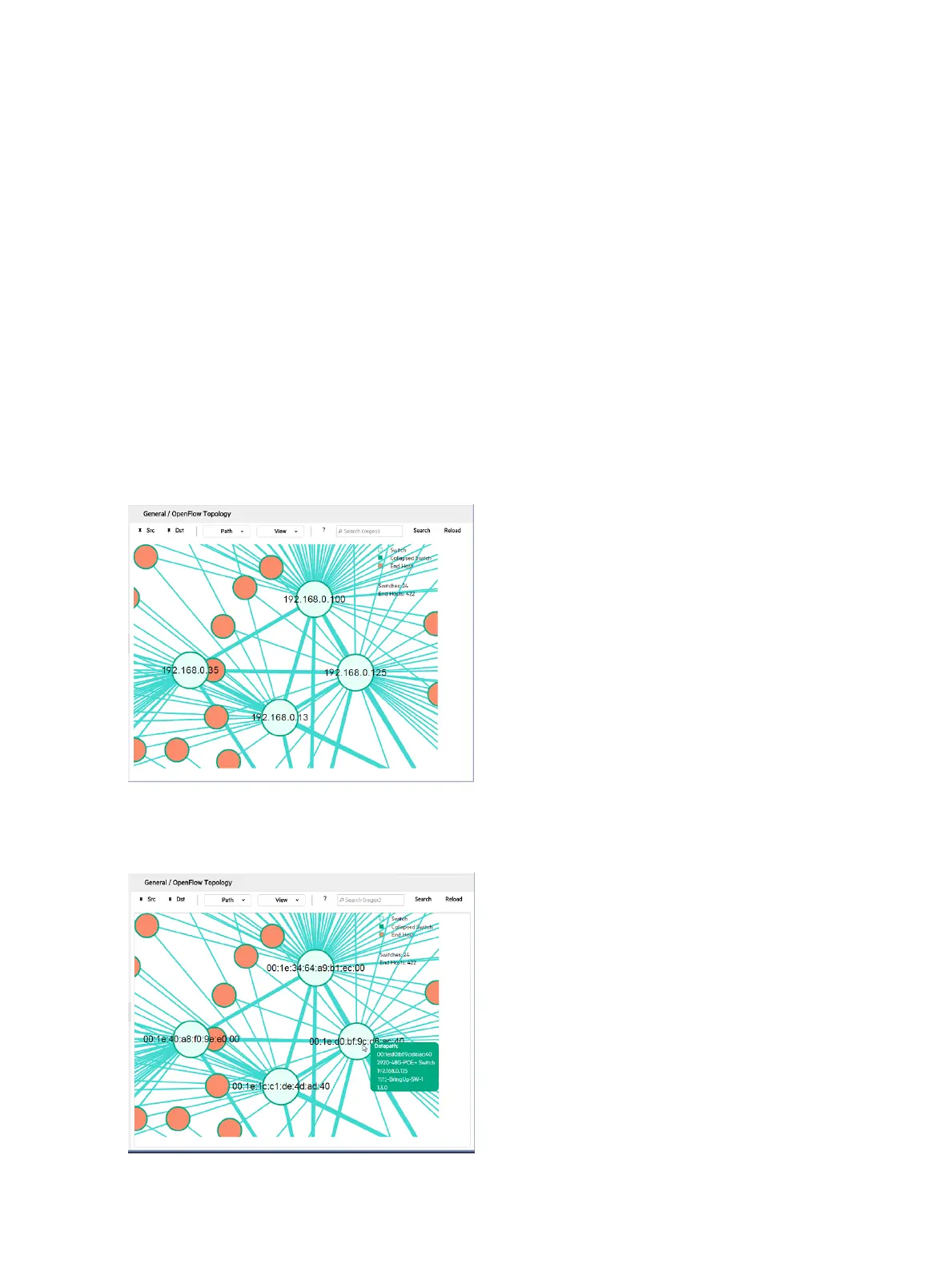
For example, to change the default display showing System name labels to show the IP addresses
of the switch nodes, click anywhere in the topology display, then press N. The switch IP addresses
appear as labels in the topology diagram:
Figure 29 Switch IP address labeling
Press N again to display the switch datapath IDs as labels in the topology diagram:
Figure 30 Switch datapath IDs as labels
Press N again to display the unlabeled switch view.
64 Using the SDN controller UI



 To Next Page