(9) Battery terminals (BAT1+ and
BAT1–)
(10) DC input terminals (PV2+ and
PV2–)
(11) DC input terminals (PV1+ and
PV1–)
(12) Ventilation valve
Note [1]: For models used in Australia, the DC switch padlock needs to be
installed according to the local standard to secure the DC switch (DC SWITCH)
and prevent incorrect startup. The DC switch padlock needs to be prepared by
the customer.
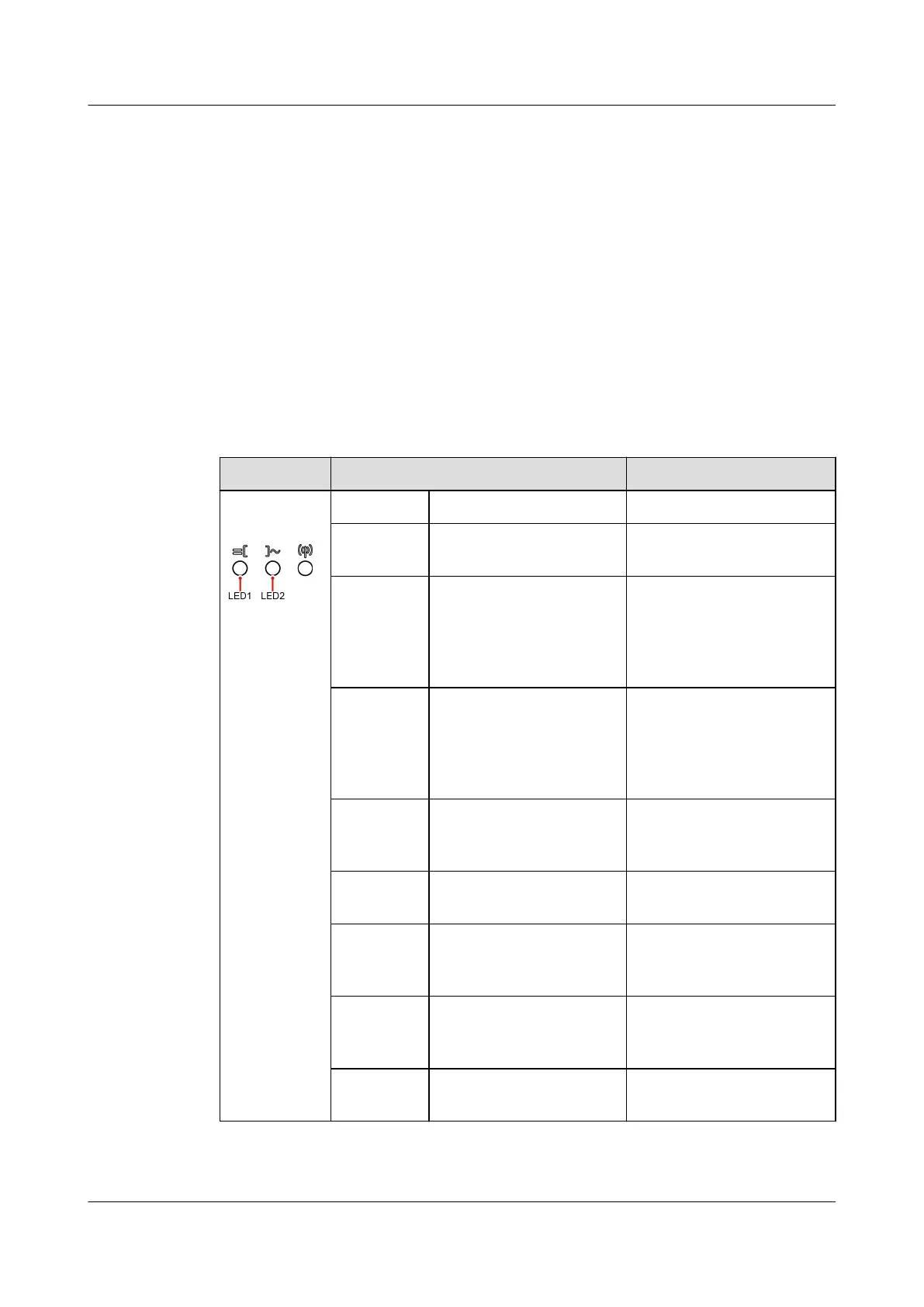
Indicator Description
Table 2-2 LED indicator description
Category Status Description
Running
indication
LED1 LED2 -
Steady
green
Steady green The inverter is operating
in grid-tied mode.
Blinking
green
slowly (on
for 1s and
o for 1s)
O The DC is on and the AC
is o.
Blinking
green
slowly (on
for 1s and
o for 1s)
Blinking green slowly
(on for 1s and o for
1s)
Both the DC and AC are
on, and the inverter is
o-grid.
O Blinking green slowly
(on for 1s and o for
1s)
The DC is o and the AC
is on.
Steady
yellow
Steady yellow The inverter is running in
o-grid state.
Blinking
yellow
slowly
O The DC is on and the
inverter has no output in
o-grid state.
Blinking
yellow
slowly
Blinking yellow slowly The inverter is
overloaded in o-grid
state.
O O Both the DC and AC are
o.
SUN2000-(5K-12K)-MAP0 Series
User Manual 2 Overview
Issue 01 (2024-05-13) Copyright © Huawei Digital Power Technologies Co., Ltd. 20












 To Next Page