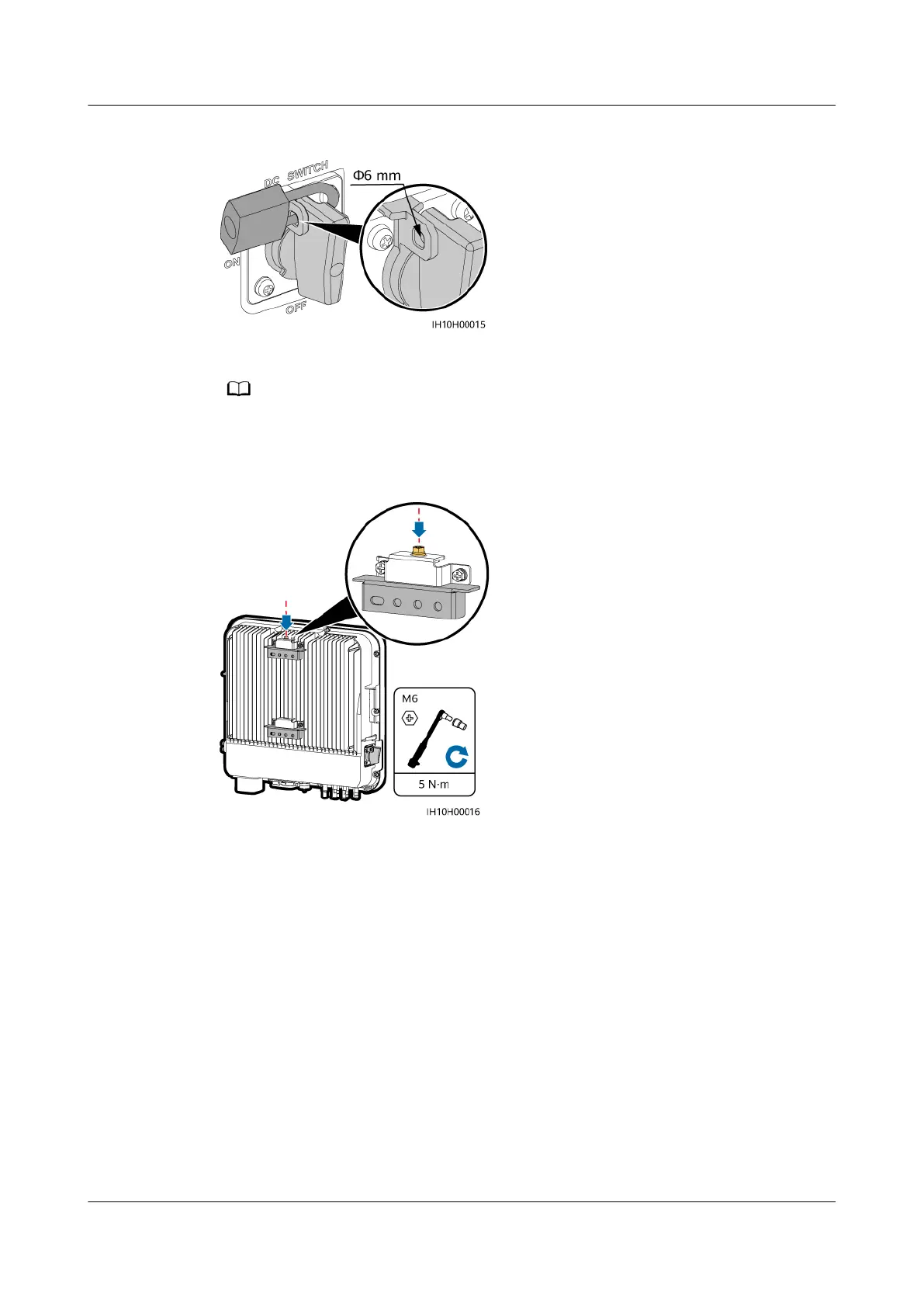
Figure 4-9 Installing a DC switch padlock
Step 3 Install the inverter on the mounting brackets.
The M6x16 hexagonal bolts delivered with the inverter are used to secure the mounting
bracket and hanging kit in the upper part.
Figure 4-10 Installing the inverter
----End
4.7 Installing the Inverter on a Support
Prerequisites
Prepare M6 stainless steel bolt assemblies (including at washers, spring washers,
and M6 bolts) with appropriate lengths as well as matched at washers and nuts
based on the support specications.
Procedure
Step 1 Install the mounting brackets.
1. Determine the positions for drilling holes using the marking-o template, and
then mark the positions with a marker.
SUN2000-(5K-12K)-MAP0 Series
User Manual 4 Installation
Issue 01 (2024-05-13) Copyright © Huawei Digital Power Technologies Co., Ltd. 36












 To Next Page