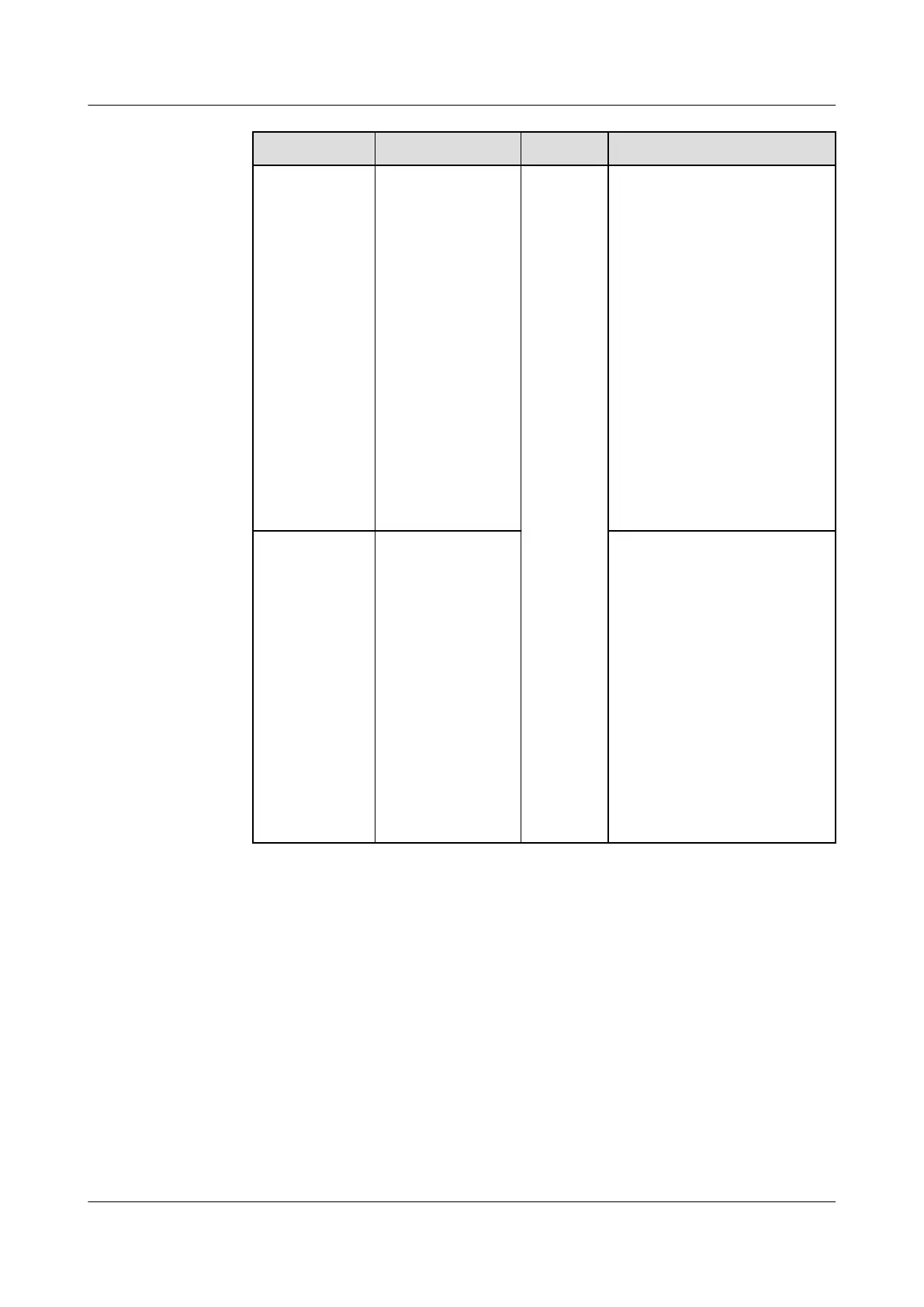
LED Indicator Status Remarks Description
Blinking slowly
(on for 1s and
o for 1s)
The Smart Dongle fails to
be connected to a
management system
because the SIM card has
poor or no reception, or has
run out of mobile data. If
the Smart Dongle is reliably
connected, check the SIM
card connectivity through
the app. If you have poor or
no reception, contact the
carrier. Check whether the
tari and mobile data plan
of the SIM card are
adequate. If not, ensure
sucient balance in the
SIM card or purchase a data
package.
Blinking red
and green
alternately
Blinking slowly
(on for 1s and
o for 1s)
No communication with the
inverter:
– Remove and then insert
the Smart Dongle.
– Check whether the
inverter matches the
Smart Dongle.
– Connect the Smart
Dongle to another
inverter.
Check whether the
Smart Dongle is faulty or
the USB port of the
inverter is faulty.
----End
7.2 Creating a Plant
7.2.1 Downloading the FusionSolar App
Method 1: Download and install the app from the app store.
● Huawei mobile phone users: Search for FusionSolar in Huawei AppGallery.
● iPhone users: Search for FusionSolar in the App Store.
● Other mobile phone users: Select method 2.
SUN2000-(5K-12K)-MAP0 Series
User Manual 7 Power-On and Commissioning
Issue 01 (2024-05-13) Copyright © Huawei Digital Power Technologies Co., Ltd. 91












 To Next Page