Table 5-4 Cable connection description
No. Cable Color
1 Orange-and-white
2 Orange
3 Brown
4 Brown-and-white
Procedure
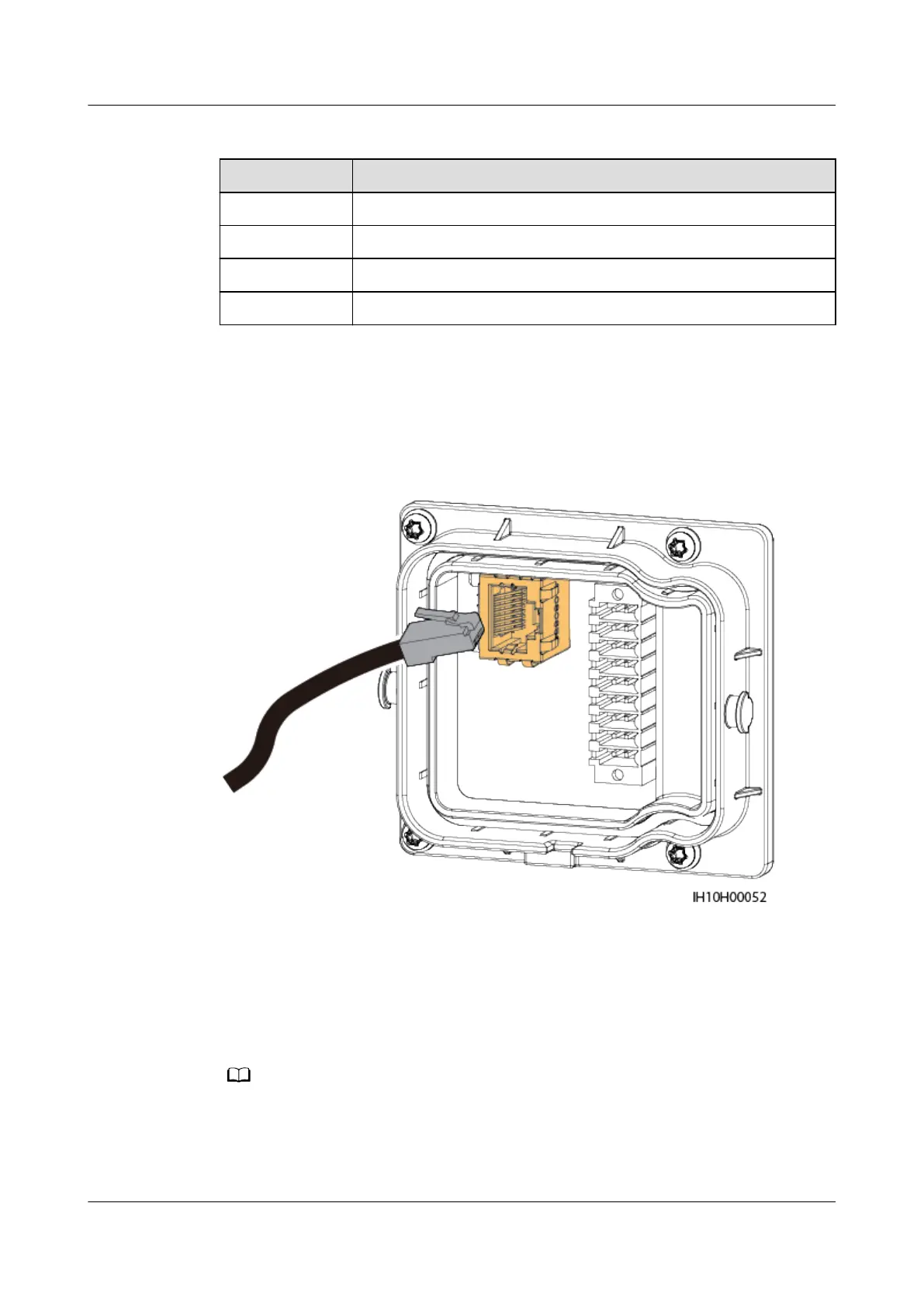
Step 1 Connect the RJ45 connector of the battery signal cable to the RJ45 port.
Figure 5-42 Installing the cable
----End
5.8 (Optional) Installing the Smart Dongle and Anti-
theft Components
● If WLAN-FE communication is used, install the WLAN-FE Smart Dongle (SDongleA-05).
For details, see SDongleA-05 Smart Dongle Quick Guide (WLAN-FE).
● If 4G communication is used, install the 4G Smart Dongle (SDongleB-06). For details,
see SDongleB-06 Smart Dongle Quick Guide (4G).
SUN2000-(5K-12K)-MAP0 Series
User Manual 5 Electrical Connections
Issue 01 (2024-05-13) Copyright © Huawei Digital Power Technologies Co., Ltd. 82












 To Next Page