● Move the inverter with care to prevent device damage and personal injury.
● Do not use the wiring terminals and ports at the bottom to support any weight
of the inverter.
● When you need to temporally place the inverter on the ground, use foam,
paper, or other protection material to prevent damage to its enclosure.
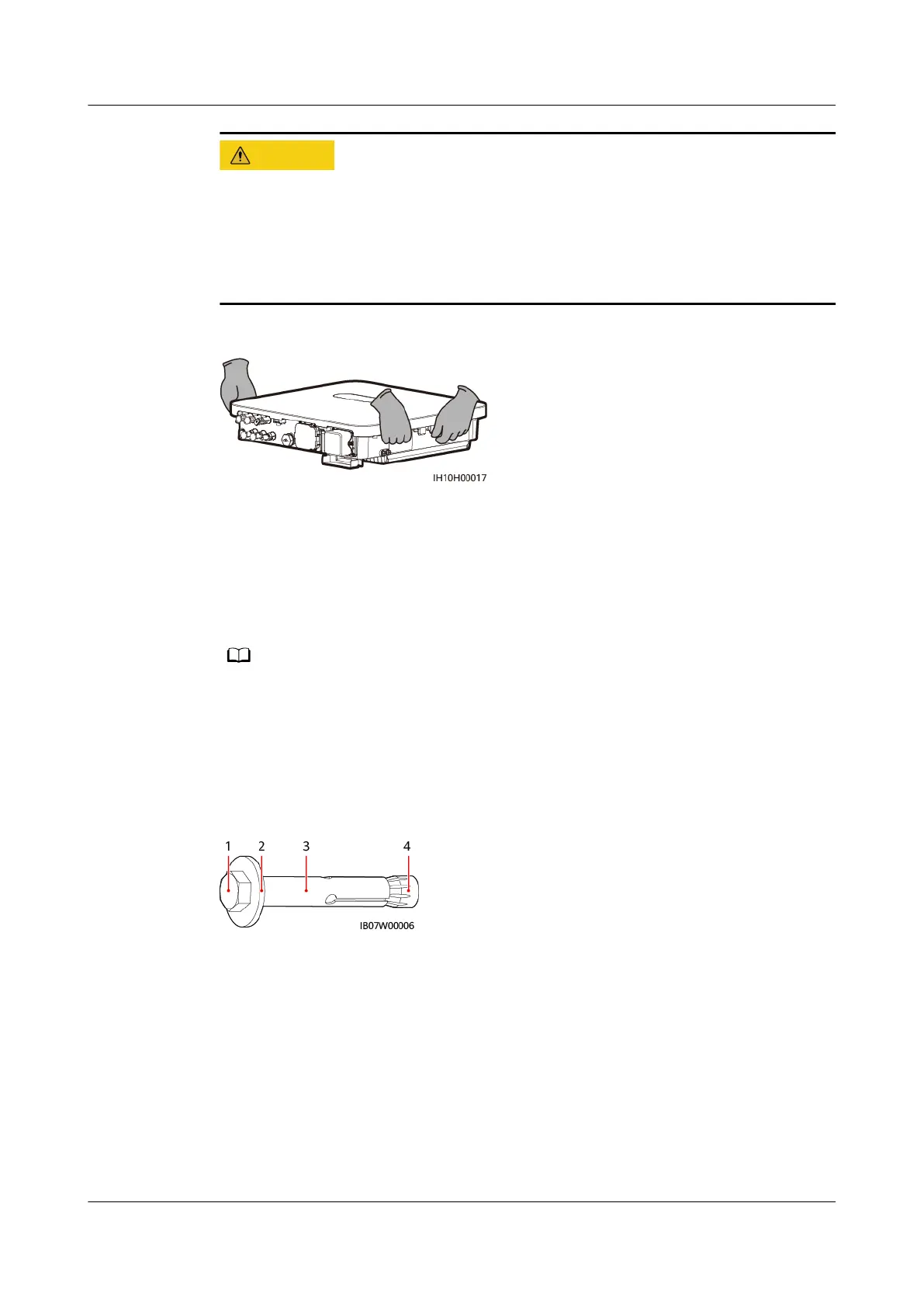
Figure 4-6 Moving the inverter
----End
4.6 Installing the Inverter on a Wall
Context
● M6x50 expansion bolts are delivered with the inverter. If the length and amount of the
bolts do not meet installation requirements, prepare M6 stainless steel expansion bolts
by yourself.
● The expansion bolts delivered with the inverter are mainly used for solid concrete walls.
For other types of walls, prepare bolts by yourself and ensure that the wall meets the
load bearing requirements of the inverter.
Figure 4-7 Expansion bolt structure
(1) Hexagonal
bolt
(2) Flat washer (3) Sleeve (4) Conical nut
Procedure
Step 1 Install the mounting brackets.
1. Determine the positions for drilling holes using the marking-o template,
level the holes using a level, and mark the positions using a marker.
SUN2000-(5K-12K)-MAP0 Series
User Manual 4 Installation
Issue 01 (2024-05-13) Copyright © Huawei Digital Power Technologies Co., Ltd. 34












 To Next Page