2. Click Select corresponding to Master MPU. The Master MPU System Software
Management interface is displayed. Click . The Upload File dialog box is displayed.
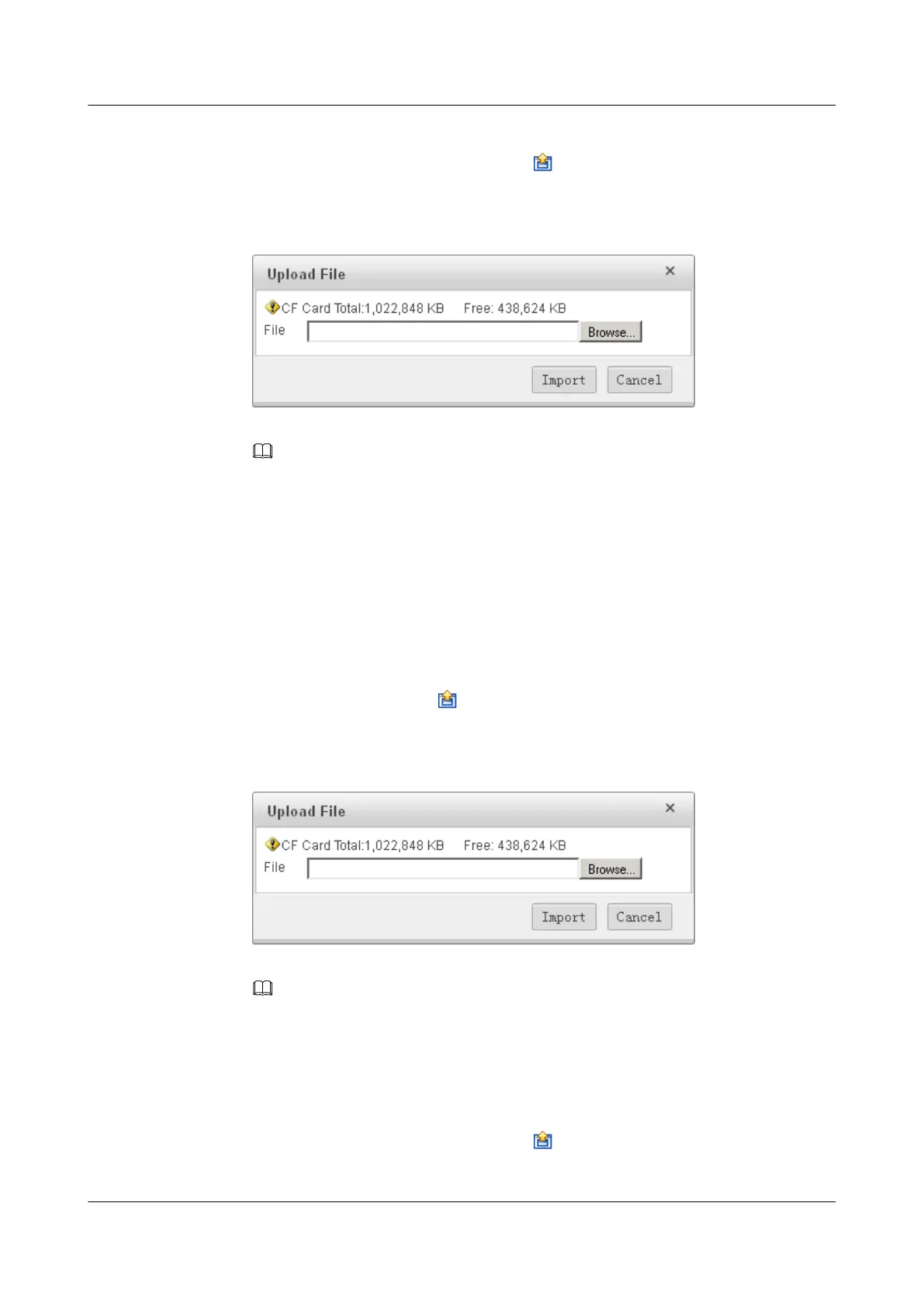
Click Browse... and select the file to be uploaded. Click Import, as shown in Figure 2.
Figure 2-7 Uploading file
NOTE
If the file fails to be uploaded, the uploaded incomplete file cannot be deleted immediately.
Therefore, you need to delete the incomplete file after the device is restarted.
The file to be uploaded must end with suffix .cc and the file with the same name cannot exist in
the CF card. After the file is successfully uploaded, return to the Master MPU System Software
Management interface.
The corresponding file is displayed in the list. You need to check whether the size of the file in the
list is the same as that on PC2. If no, re-upload the file.
Step 3 Upload the license file and PAF file. (If the files can not be uploaded, run related commands
to perform the upgrade through ClI)
1. Click Select corresponding to Master MPU. The Master MPU PAF File Management
interface is displayed. Click
. The Upload File dialog box is displayed. Click
Browse... and select the file to be uploaded. Click Import, as shown in Figure 3.
Figure 2-8 Uploading file
NOTE
The file to be uploaded must end with suffix .txt. If a file with the same name exists in CF card 1,
the system displays a message to indicate whether to overwrite the original file.
After the file is successfully uploaded, return to the Master MPU PAF File Management
interface. The corresponding file is displayed in the list. You need to check whether the size of the
file in the list is the same as that on PC2. If no, re-upload the file.
2. Click Select corresponding to Master MPU. The Master MPU License File
Management interface is displayed. Click
. The Upload File dialog box is displayed.
Click Browse... and select the file to be uploaded. Click Import, as shown in Figure 4.
HUAWEI USG6000&USG9500
Upgrade Guide
2 USG9500
Issue 01 (2018-01-16) Huawei Proprietary and Confidential
Copyright © Huawei Technologies Co., Ltd.
149



 To Next Page