................................................................................
................................................................................
................................................................................
................................................................................
..................................................................Done.
The next boot package file is <hda1:/V500R001C**.bin
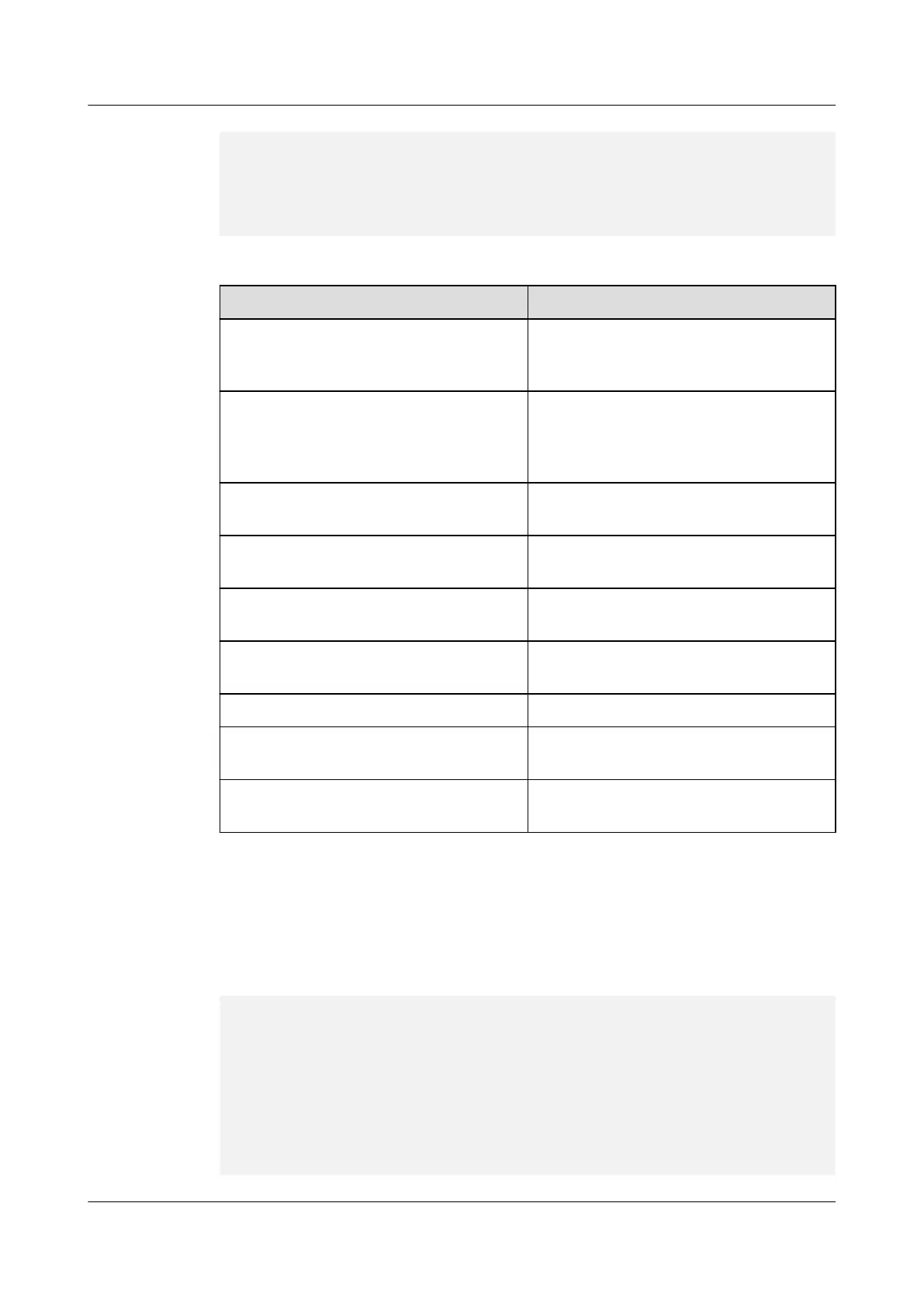
Table 1-5 Parameters of FTP download
Parameter
Description
Protocol type Indicates the protocol used for download.
The value 1 indicates FTP, and the value 2
indicates TFTP.
Unit number Indicates the interface connected to the
external FTP server (PC 2). Only 0 can be
entered in this field to identify
GigabitEthernet0/0/0.
Server IP address Indicates the IP address of the external FTP
server (PC2).
Board IP address Indicates the IP address of the device
interface.
FTP user name Indicates the user name, which must be the
same as that specified on the FTP server.
FTP user password Indicates the password, which must be the
same as that specified on the FTP server.
Load file name Indicates the name of the system software.
Target file name Indicates the name of the system software to
be saved.
Download file to Indicates the location in which the system
software is saved.
After the download is complete, the device automatically specifies the downloaded system
software as that to be used at the next startup. Enter 0 to return to the load and upgrade menu.
Then, enter 0 to return to the BootROM main menu.
Step 6 In the load and upgrade menu, enter 3 to download the converted configuration file.
=================< Load and Upgrade Menu >==================
| <1> Display File List
|
| <2> Upgrade Application Software
|
| <3> Download File from External Server |
| <4> Upload File to External Server |
| <5> Upgrade Extended Bootrom |
| <6> Upgrade Base Bootrom |
| <0> Return to Main Menu
|
============================================================
HUAWEI USG6000&USG9500
Upgrade Guide
1 USG6000
Issue 01 (2018-01-16) Huawei Proprietary and Confidential
Copyright © Huawei Technologies Co., Ltd.
86



 To Next Page