Excelon XD/XQ Operator’s Manual 103
If the result doesn’t meet the condition, perform the specified adjustment procedure.
6.3.10.1 Drill Depth Adjustment.
Load “Drill Depth Adj” data in the Job menu and then start processing.
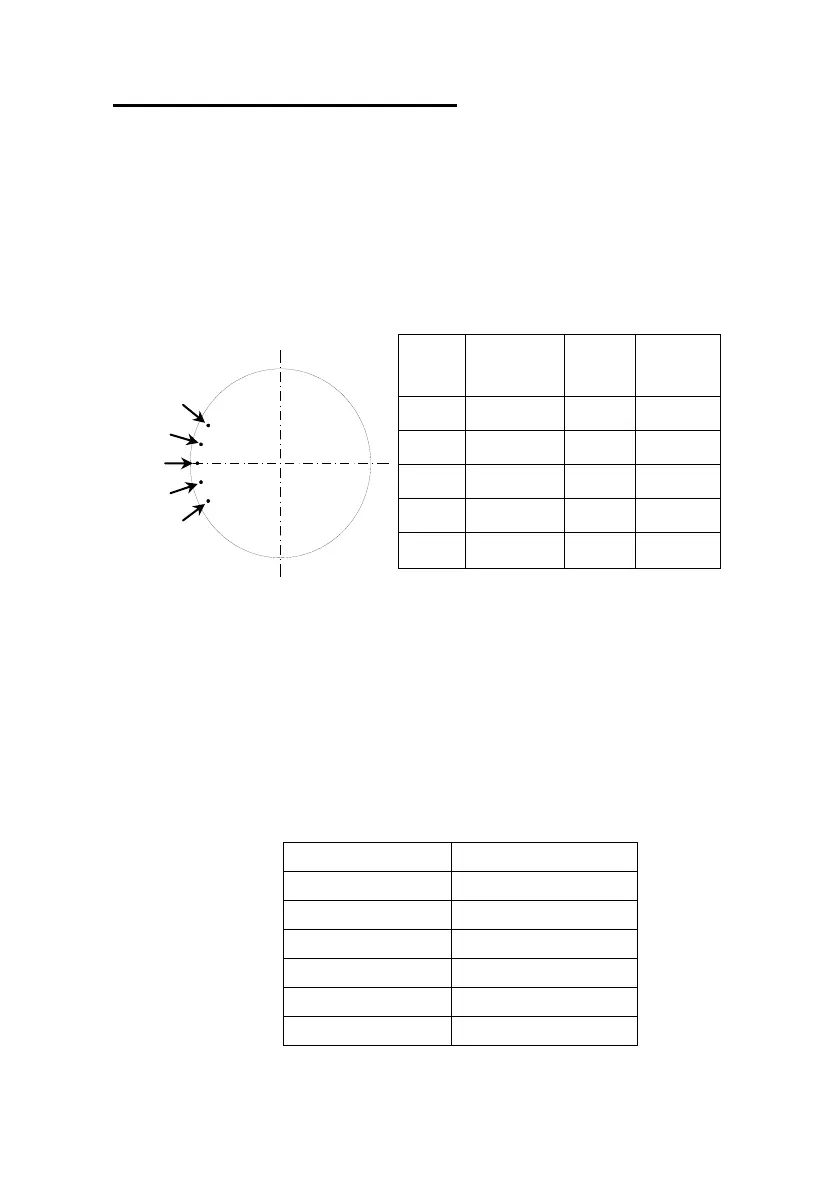
Drill Depth Adjustment Pattern
It is normal that ①, ② are not drilled, ③ is slightly drilled on the surface and ④, ⑤
are drilled. (Total 3 holes are drilled).
Check the number of holes.
If the number of holes is not equal to 3, adjust “Drill Depth Adj” value according to the
following table.



 To Next Page