Excelon Operator’s Manual 41
There are 3 ways to search the internal memory data at the ‘Saved Data
Display’.
• Use Page Up button, Page Down Button and the Data Select Button.
Remember that the first page consists of internal patterns.
• Use the Key Pad after pressing the Search Button( ).
• Use the Bar code system pressing the Search Button( )
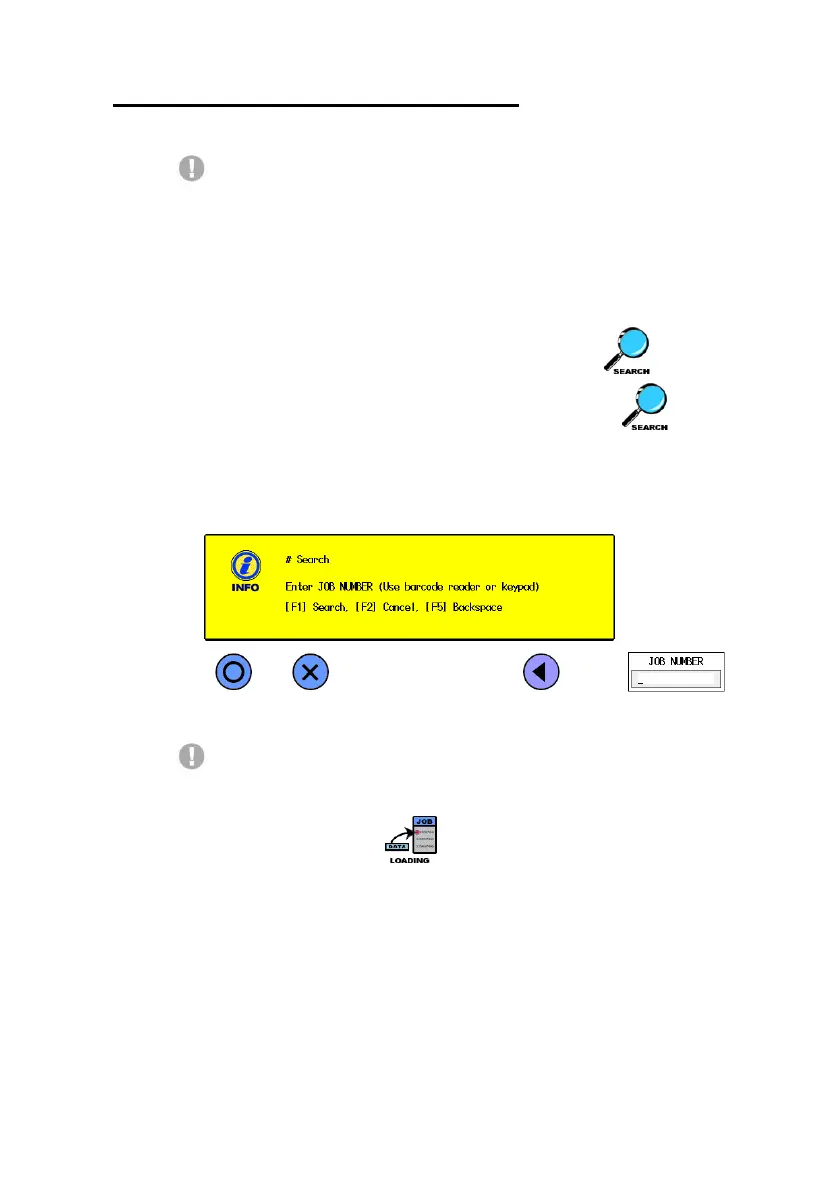
The following is the picture which is waiting the data ID from users. After
input the ID number using key pad or bar code system, press F1 button.
Be cautious that the searching is just to call and to show the internal data.
You should load it to work the consecutive job such as Layout, Edging, etc. If
you press the Load Button ( ), the system goes directly into the Working
Data Display with it.



 To Next Page