40 Excelon Operator’s Manual
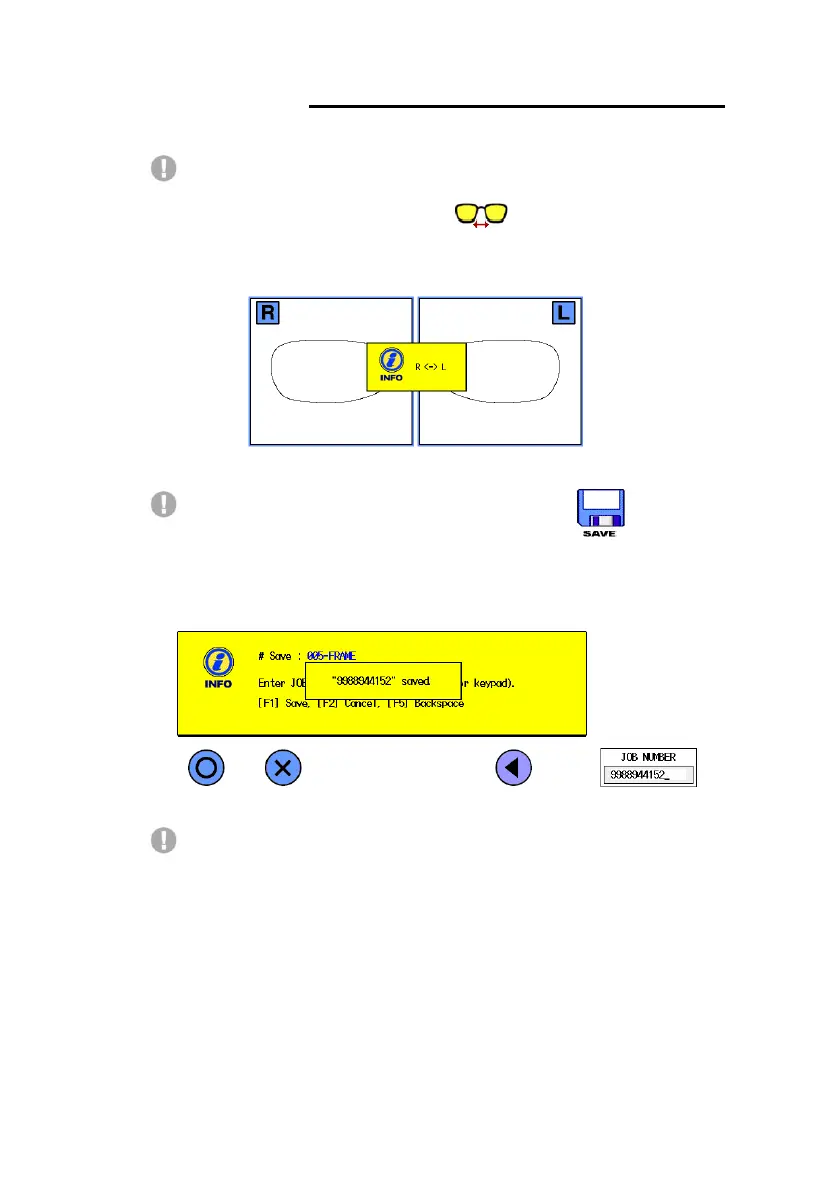
When you trace a pattern, if you select wrong lens side, you can exchange it
easily. If you press bridge size button( ) more than 3 seconds, the
following message will be shown and then the traced pattern side will be
switched.
To save the traced data, first press the save button( ). And then
key in the digits or use the bar code system for its name. Finally press the F1
button to confirm your input. The following message will be shown after
completing the job saving.
The saved frame data is stored in the internal permanent memory. You can
retrieve it at the ‘Saved Data Display’. Maximum 1,000 jobs data can be saved.



 To Next Page