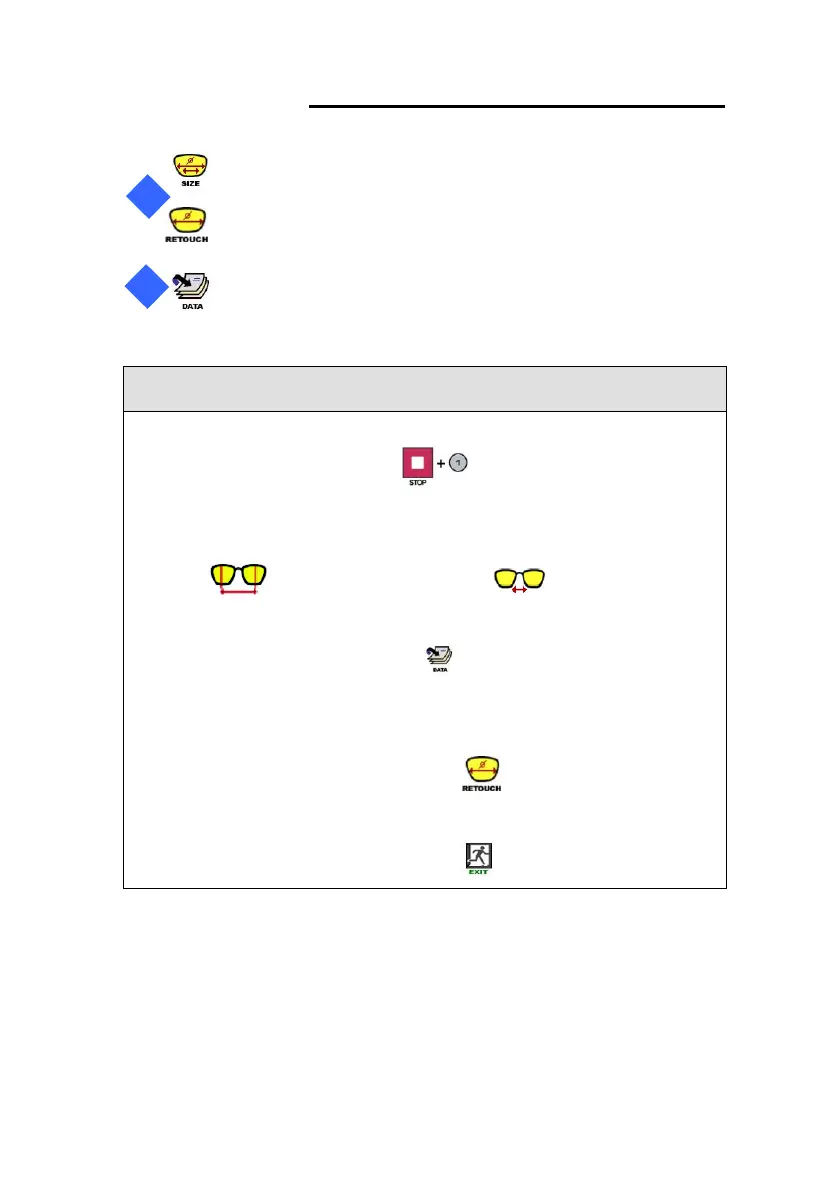
• In case of execute or cancel the One-Stop Edging Mode, press [STOP] button
and “1” (numeric key) in sequence.
• FPD Input Button works alternately whenever being pressed as FPD Input
Button or Bridge Size Input Button
• Frame/Pattern Data Selection Button recalls the recent tracing data from
the Frame Reader for the Edging Process.
• The operator can activate Retouch Mode by pressing Retouch Mode
Button after completing One-Stop Edging Process. By pressing EXIT Button, the
operator returns to One-Stop Edging Mode.



 To Next Page