15
CHAPTER 4 MAIN MENU SETUP
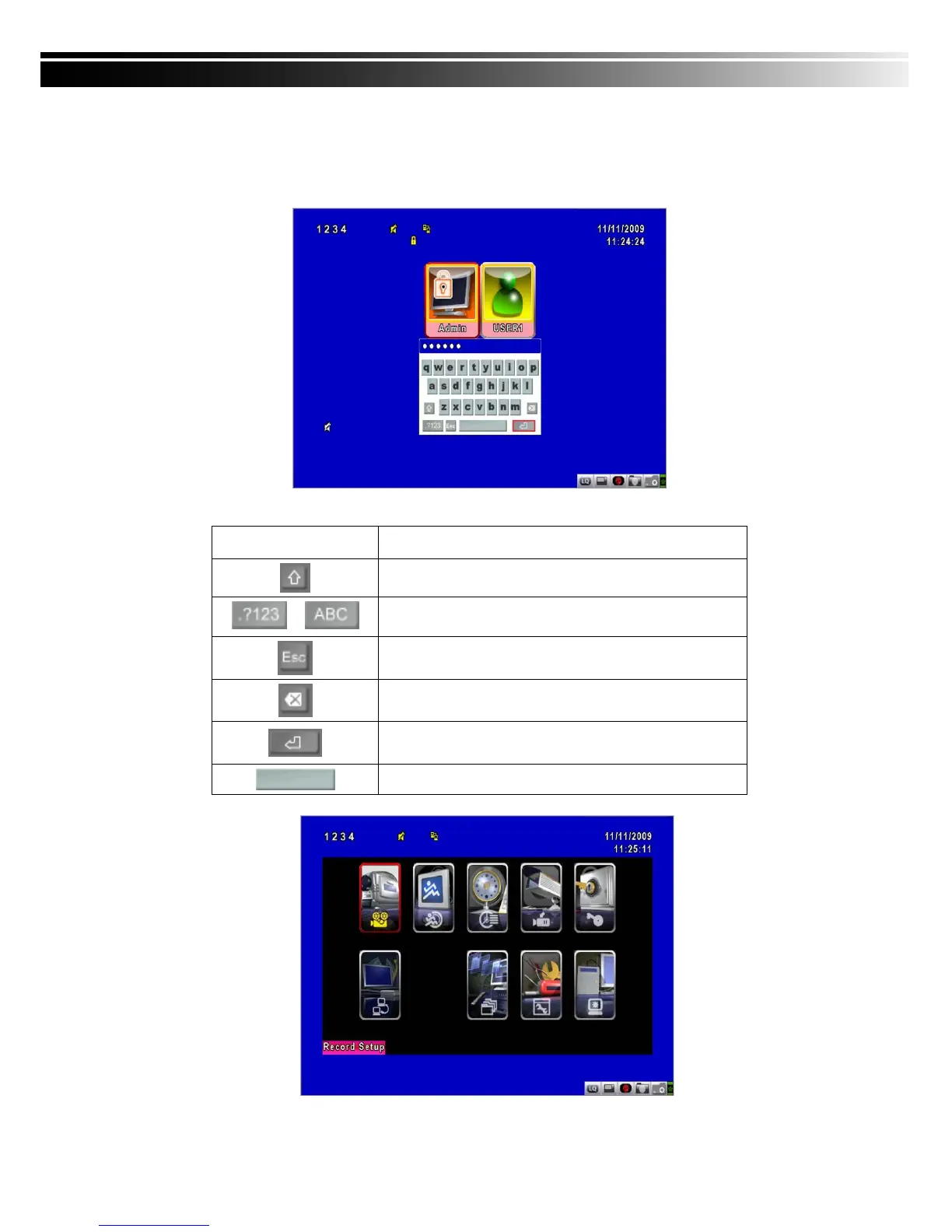
To enter the main menu and set up DVR, log-in account and user password are required.
The default password of the administrator is “123456”. Please check the “Account Setup” for
related setup of other log-in users.
Table 4-0.1 Some definition of virtual keyboard.
Item Description
Switch between capital and small letters.
/
Switch between numbers and letters.
Press to cancel the setup, and re-choose the login
account.
Delete the last character.
Enter to identify the password. It will enter the set
up menu, If the password is verified.
Space key



 To Next Page