55
9-3 DVRs, Groups & Events
Icon Description
View list of logged in DVR/ Group.
View Logs: list all the event information of DVR
9-3.1 View DVR
/
Group List
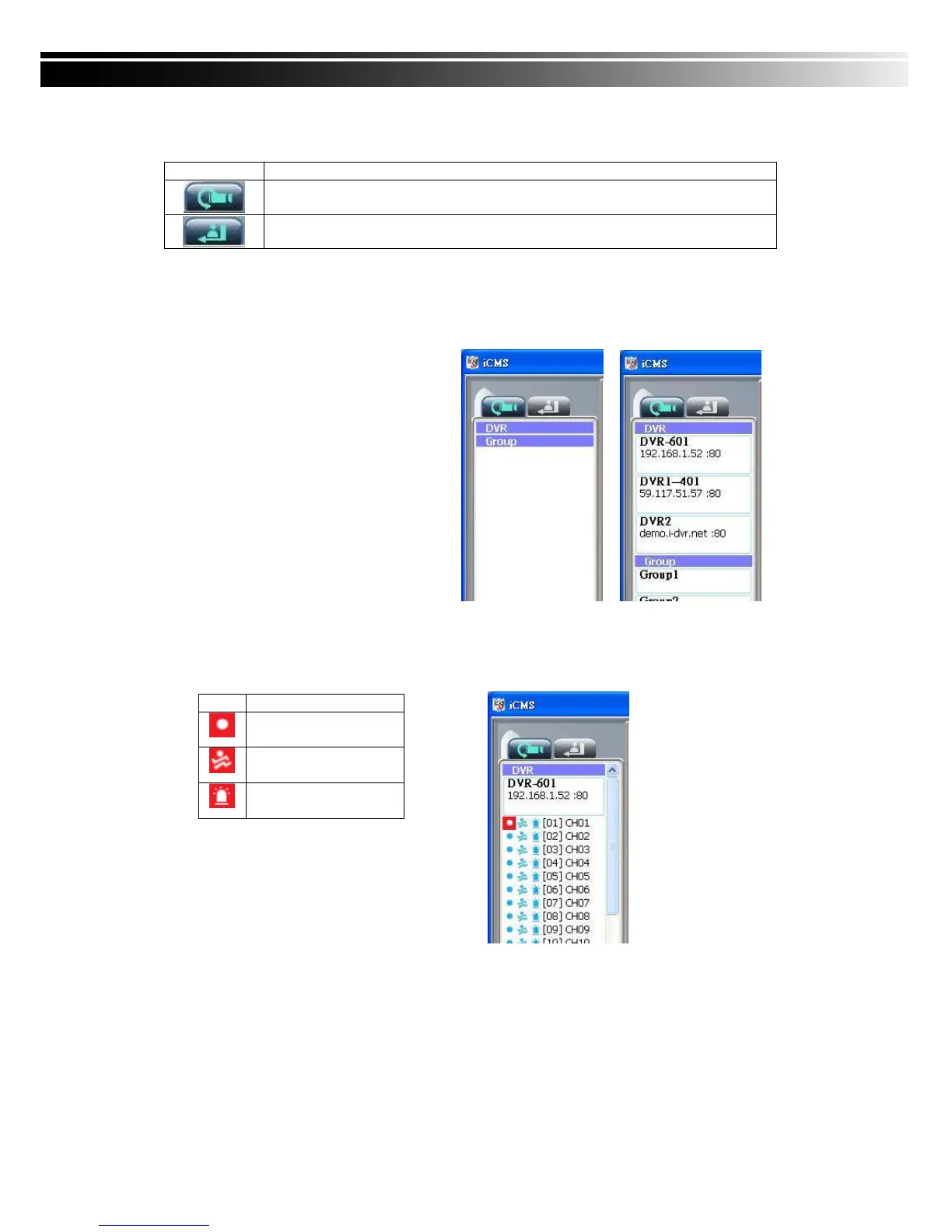
Single left click on ‘DVR’ or ‘Group’ will
expand/collapse the entire DVRs and
groups list.
On the DVR list, double left click on a
connected DVR will show its image in
main display. See “9-6.2 DVR
Administration” for further information.
On the Group list, double left click on a
group will show live image from the
channels of the group in the main
display. See “9-6.3 for Group
Administration” for further information.
Left-clicking on a connected DVR will expand/collapse status of its all channels as below:
Icon Description
Video Loss
Motion Detected
Sensor Triggered



 To Next Page