53
Instruction for Log-in Failure to CMS After Upgrade
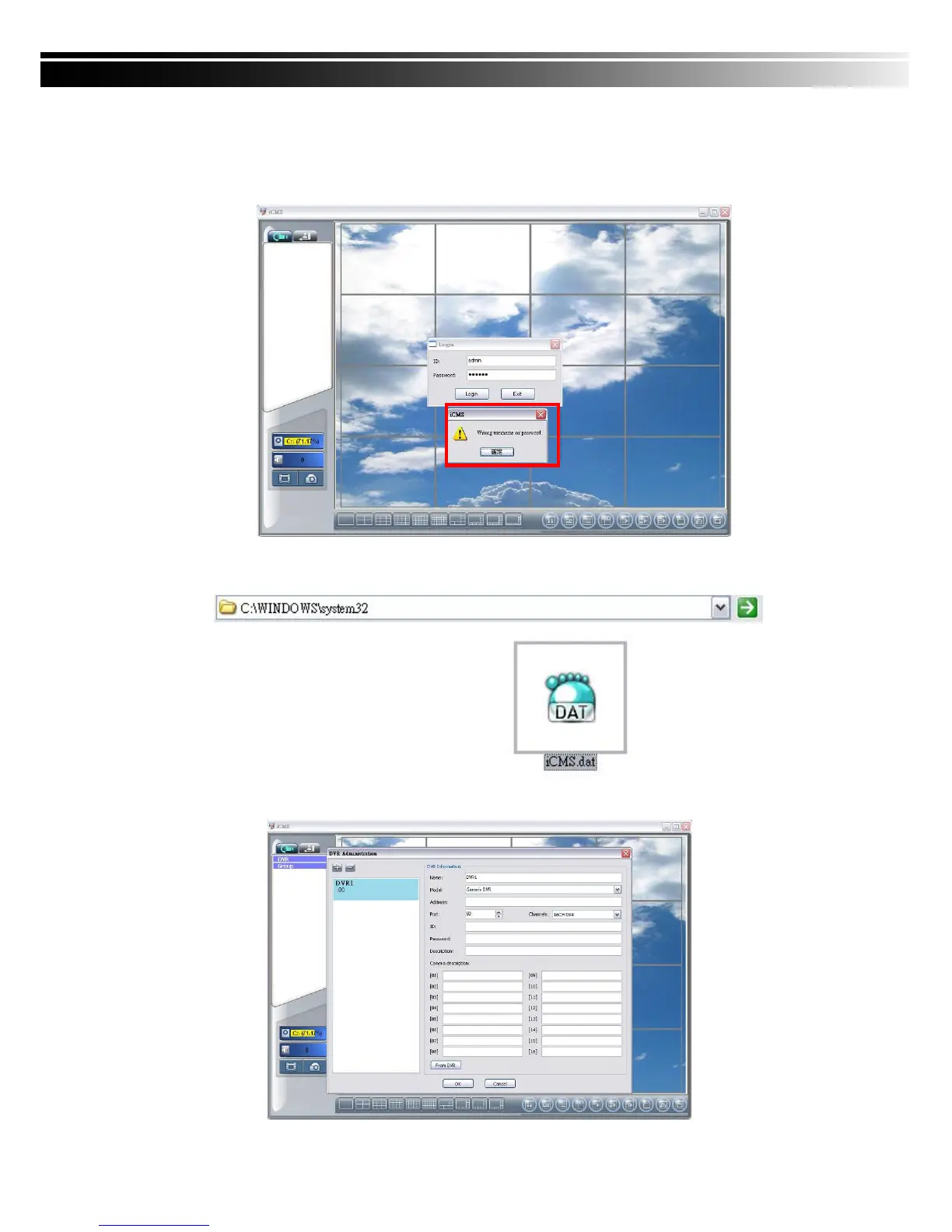
Log in to CMS with the default account and password after CMS upgrade. If an error
message occurs as shown in the image, please follow the instruction to solve the error.
Step 1: Please enter file manager to enter folder, “Windows” and then folder “Systme32”
(ex:C:\Windows\System32)
Step 2: Locate file, “iCMS.dat” and delete it.
Step 3: Restart CMS. Log-in successfully.



 To Next Page