66
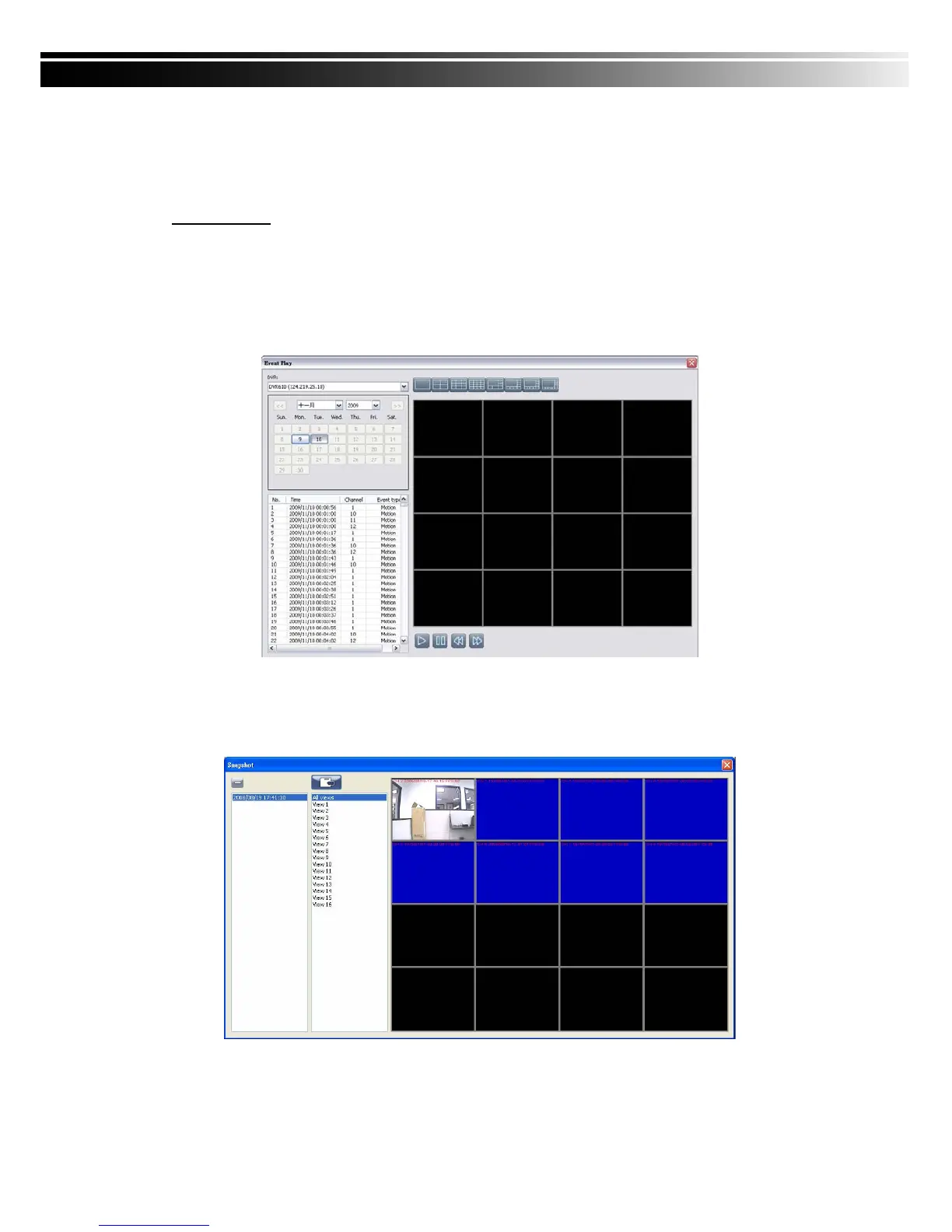
9-6.8 Event Playback
Event recordings on the DVR can be played back in CMS.
Steps to follow:
1. Select a DVR and a display mode.
2. Select a date.
3. Double click an event and play back the images on the right.
Use buttons at the bottom to control the playback.
9-6.9 Snapshot Data
It can display all the snapshots you’ve taken in line in “Snapshot Data”. You can review, delete
or save as other files here.
*Capture images of the date and time will follow the PC-time display



 To Next Page