57
9-5 Main Display
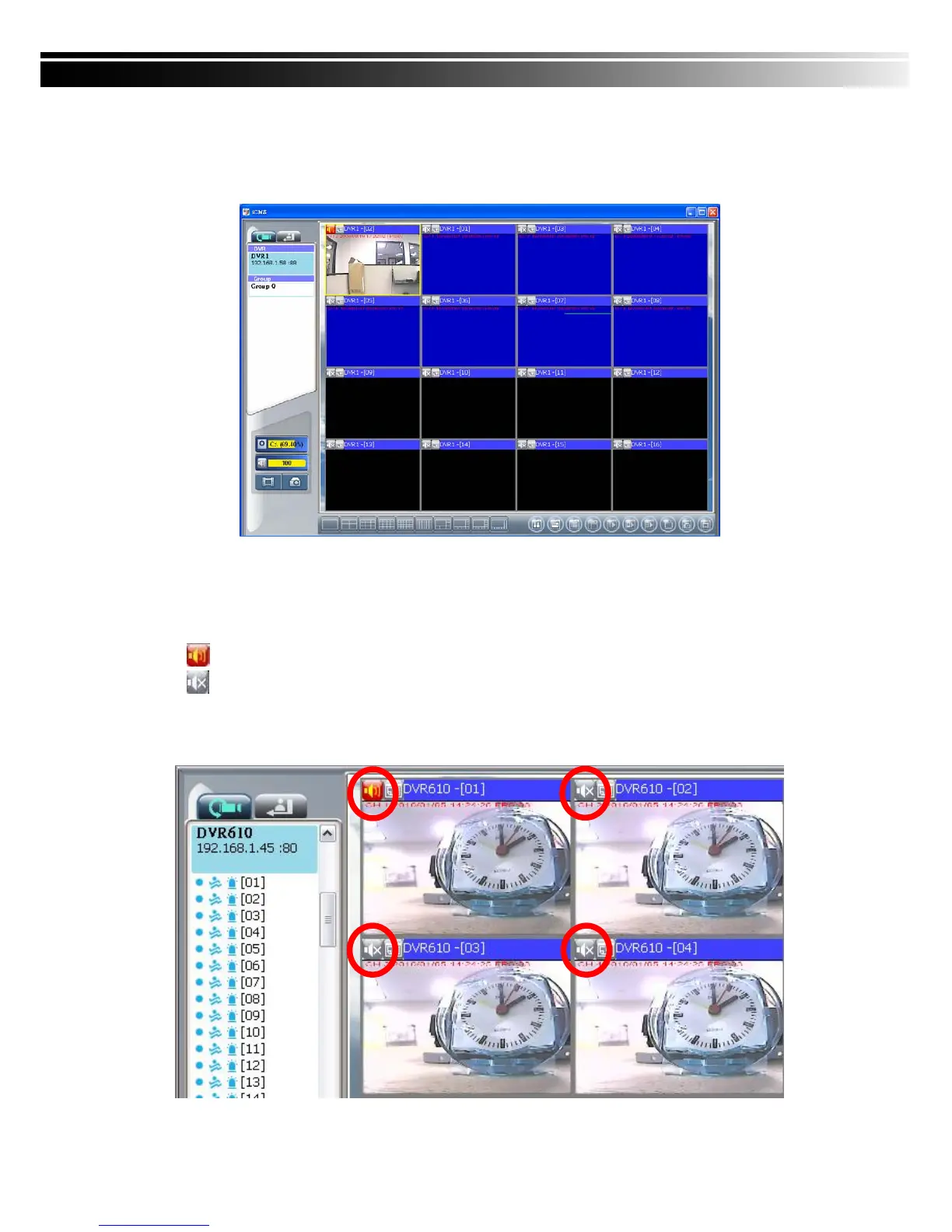
The main display area is where the live image of DVR is shown. You can drag to change the
location of screen for each channel and turn on/off audio signal with mouse-click.
9-5.1 Audio Control
In live mode, you can turn on/off the audio signal of Ch1~Ch4:
「
」Audio signal is On
「
」Audio signal is Off
Turn on/off by clicking on the graphical icon, please note there can allow only one chan
nel’s audio signal to be on at one time.



 To Next Page