46
8-1.3.1 Scroll the Image
You can use the keypad on your mobile device to scroll the image if it’s oversized.
Key Action
2 Scroll Up
4 Scroll Left
6 Scroll Right
8 Scroll Down
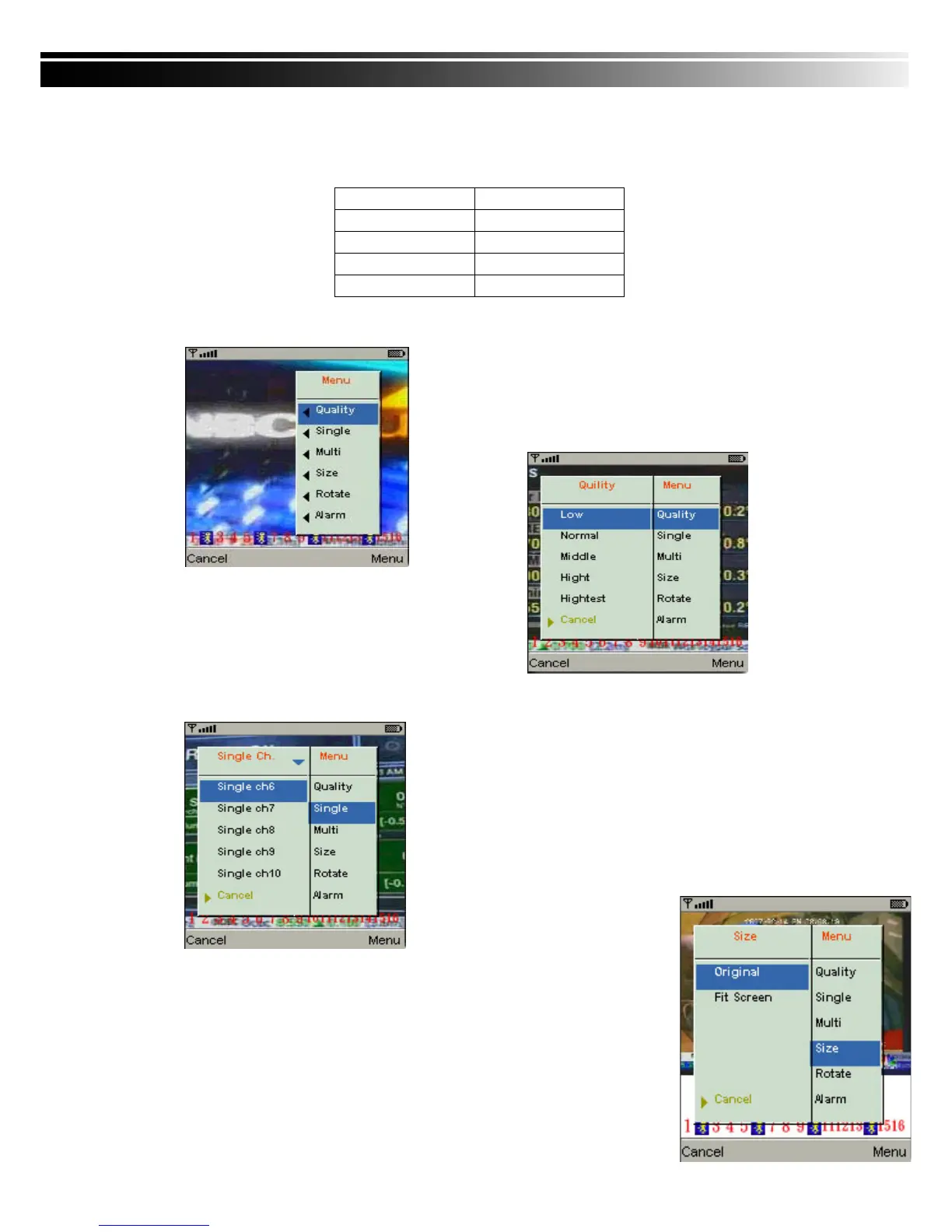
8-1.3.2 Image Quality Setup
Select “Quality” under the “Menu”
There will be 5 levels for your to choose: Low、
Normal、Middle、High and Highest.
8-1.3.3 Channel Display
Select “Single” under the “Menu”, there will be all
channels of your DVR in list for you to choose.
PS. The Live can not be displayed in your mobile
when the recoding is off in local DVR.



 To Next Page