30
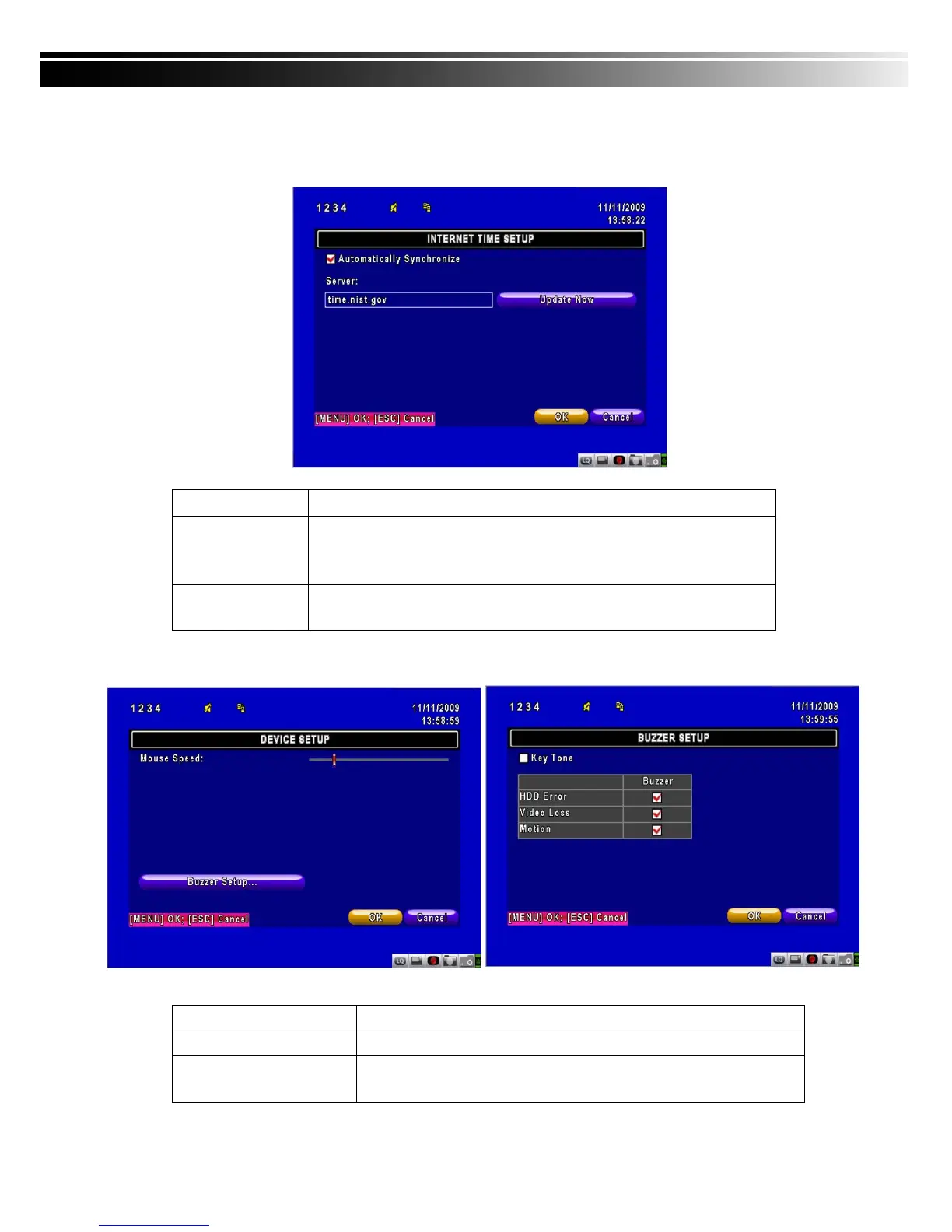
4-7.2.3 INTERNET TIME SETUP
Synchronize your DVR time with internet time server.
Item Description
Automatic
Synchronization
Check to enable DVR automatic synchronization function. Effective by
this option selected, DVR will automatically synchronize the time upon
rebooting or by every 24 hours after booting.
Update Now
Effectively, Date and Time show on DVR will immediately correspond
with those in internet server.
4-7.3 DEVICE SETUP
Item Description
Key Tone
Enable/Disable keystrokes.
Buzzer
Enable/Disable buzzer operation when the alarm is triggered for
HDD Error, Video Loss and Motion.



 To Next Page