64
9-6.5 Remote Play
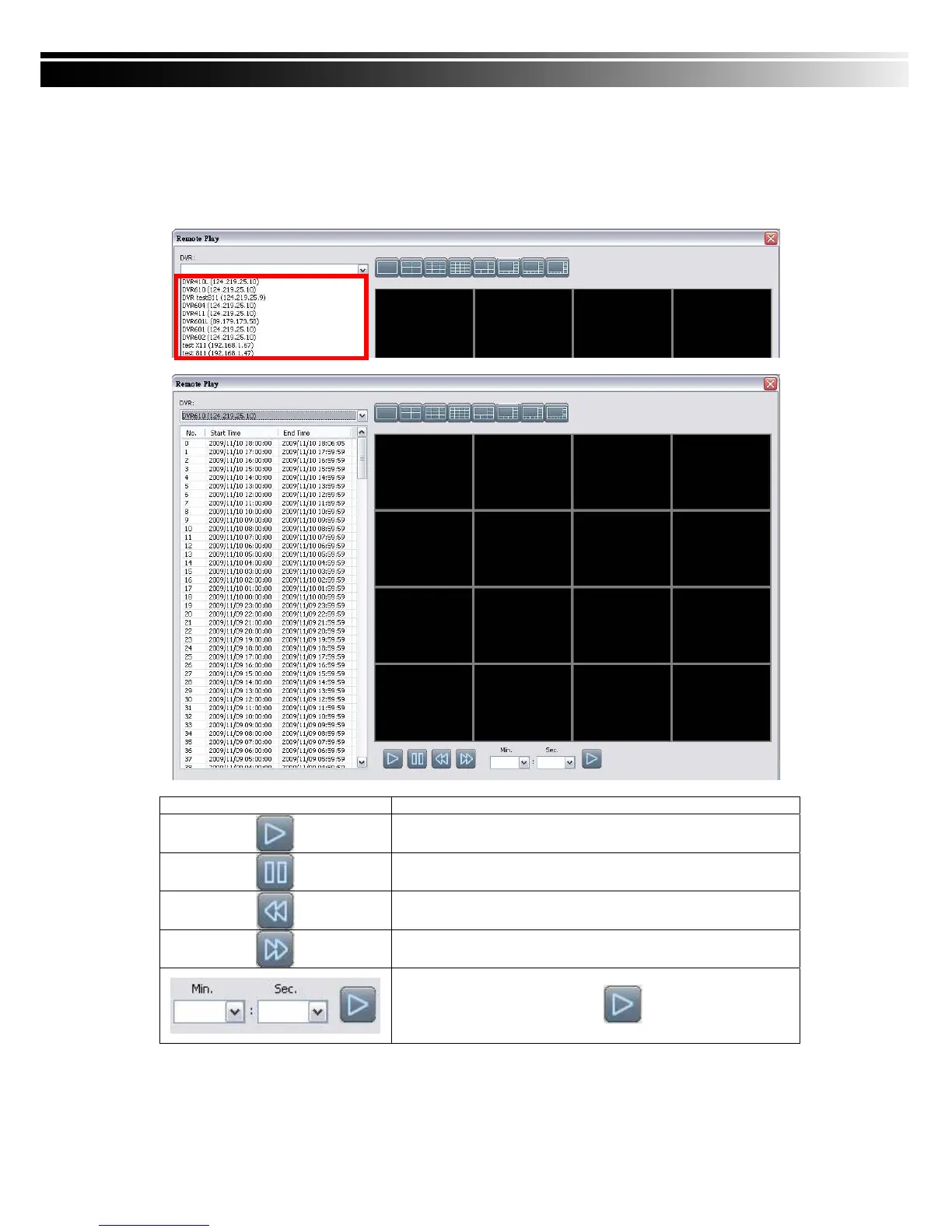
Video images recorded on a DVR can be displayed on a remote CMS. With Remote Play
function, select a DVR and a display mode on top of the screen. After the recorded segments
are listed below, double click on one to show its image on the right.
Icon Description
Start playing.
Pause.
Fast forward.
Fast rewind.
Select the clip you want to watch the number of minutes and
seconds,Press the right button is set to start playing



 To Next Page