13
3-2 PLAYBACK Mode
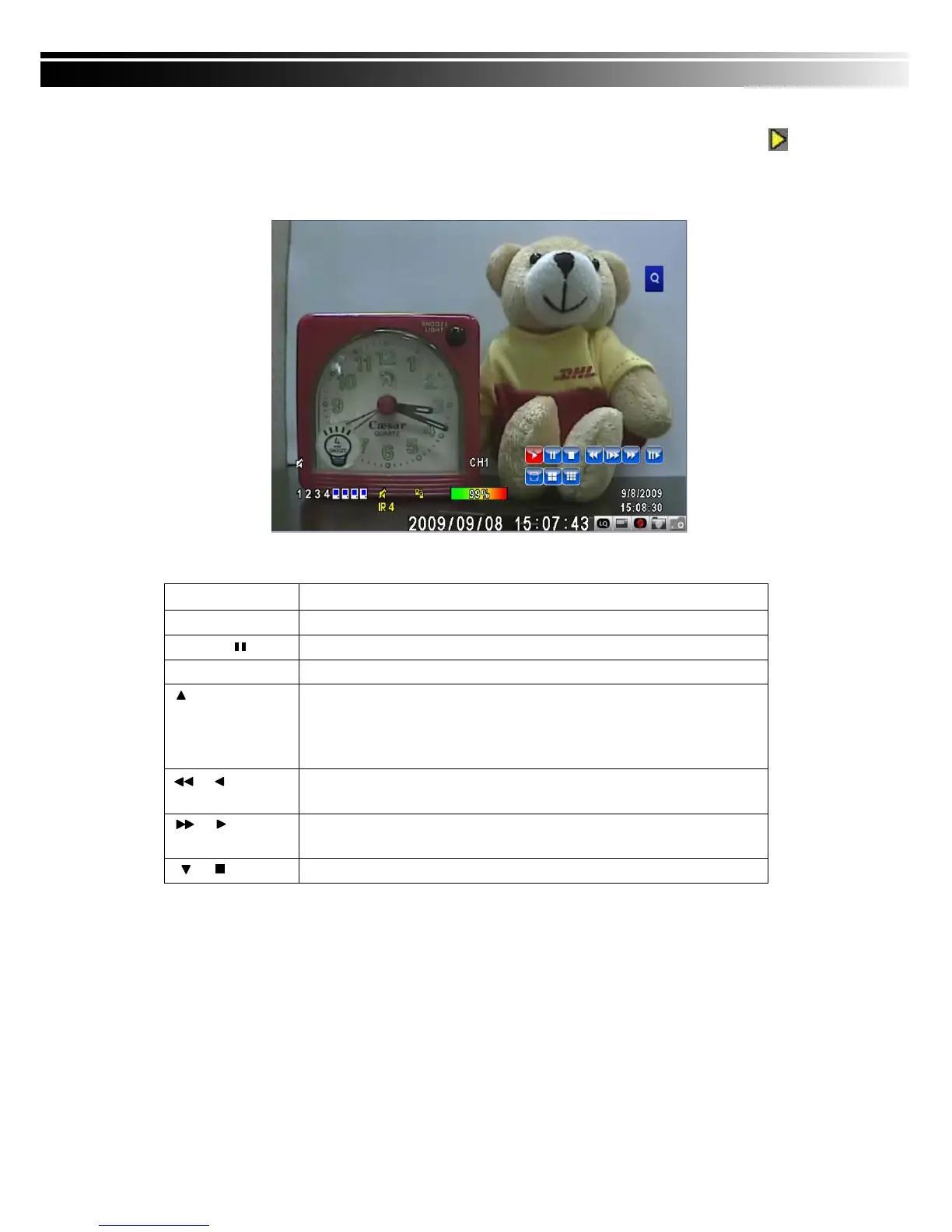
Switch to PLAYBACK mode by pressing “PLAY” under the LIVE mode, the graphical icon
will show up on the upper center of the screen and the operation panel ( see below picture) will
show up at right lower corner of the screen. You can drag the panel by mouse to place it on
any location of your screen.
Table 3-2.1 Remote control functions under the PLAYBACK mode
Button Description
ENTER / MODE
Switch to full screen, quad.
MENU /
Turn on/off PAUSE.
PLAY
Play back at normal speed.
/ SLOW
Play back at slower speed. The speed will be slowed to 1/2, 1/4, 1/8,
1/16 by each pressing of the button till the slowest limitation of 1/16 of
the normal speed. Current playback speed is shown in the upper
center of the screen.
/
Fast rewind. Each press increases the speed to the next level. There
are six speeds: 2x, 4X, 8X, 16x, 32X and 64X.
/
Fast forward. Each press increases the speed to the next level. There
are six speeds: 2x, 4X, 8X, 16x, 32X and 64X.
/
Stop playback.



 To Next Page