25
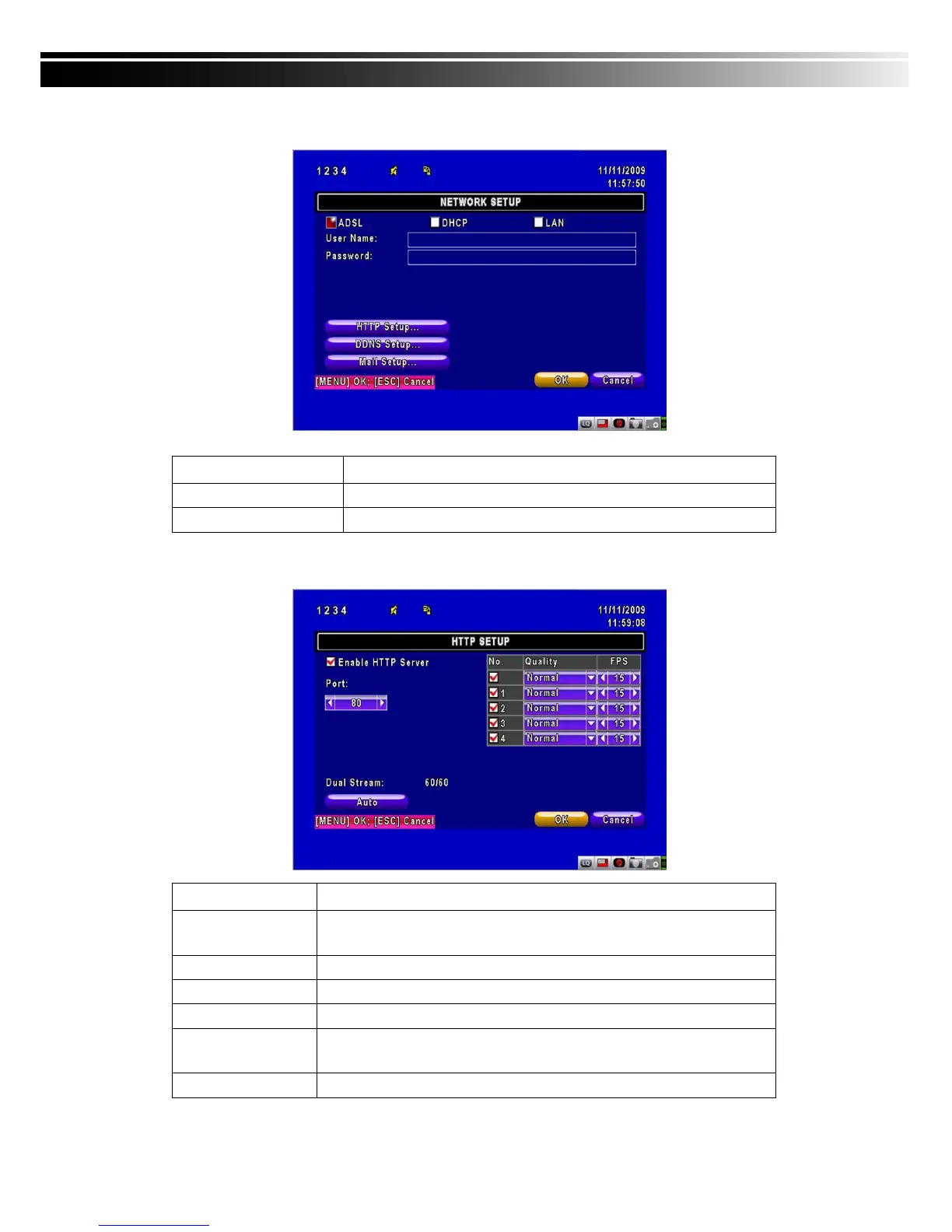
4-6.1.3 ADSL
Select ADSL for network connection, the following information is required.
Item Description
User Name
Enter user name provided by ISP
Password
Enter password provided by ISP
4-6.2 HTTP Setup
Item Description
Enable HTTP
Server
Check to enable HTTP server. Users can remotely access into the
DVR over the network if the HTTP function is activated.
Port
Enter a valid port value from 1 up to 65000. The default value is 80.
Auto
Assign each channel with its maxima accessible fps
No.
Chanel number
Quality
Set up record quality. There are below basic, basic, normal, high,
highest
FPS
Set up record FPS



 To Next Page