iCR 3600
TM
– Service Manual
s
3. Hardware Installation
3.1 Unpacking Instructions
1. Open the box from the top.
2. Remove any small accessories loaded into the top of the box.
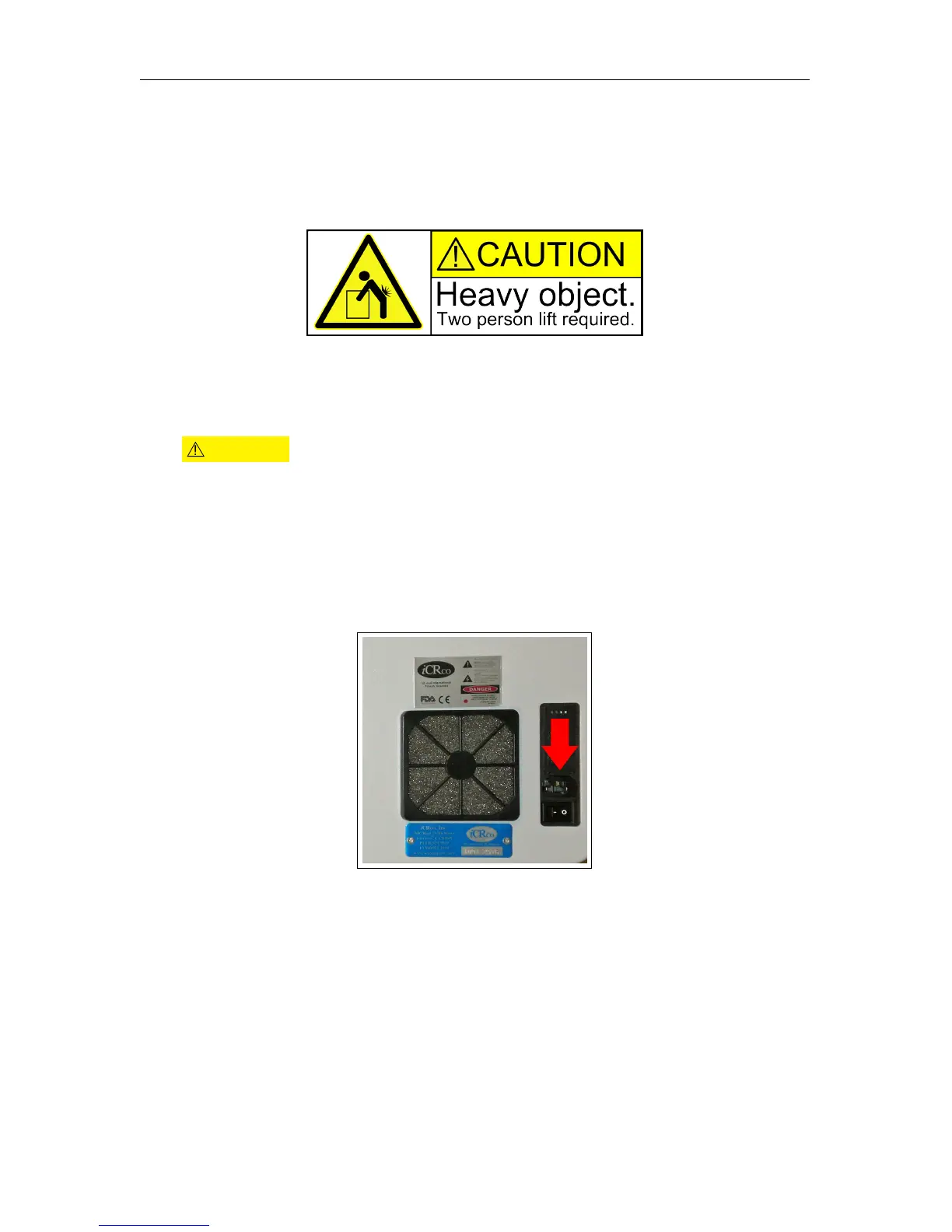
3. With at least two (2) people, lift the iCR 3600 out of the box.
CAUTION
Always practice proper heavy lifting procedures. Failure to practice
proper lifting procedures may result in injury or damage to the unit.
4.
Store the box and any foam inserts somewhere safe & dry, so that if the
i
CR 3600
needs to be shipped again, there are packing materials available.
3.2 Installing Power Cable
1. Plug the power cable for the iCR 3600into the power switch unit.
2. Plug the other end of the power switch cord into the UPS.
3. Make sure the UPS is not in bypass mode.
4. Plug the UPS into a standard wall outlet.
c
2007-2009
Confidential and Proprietary
Property of iCRco, Inc.
5 of 61 Document # 3600-02A Rev C
March 22, 2010



 To Next Page