iCR 3600
TM
– Service Manual
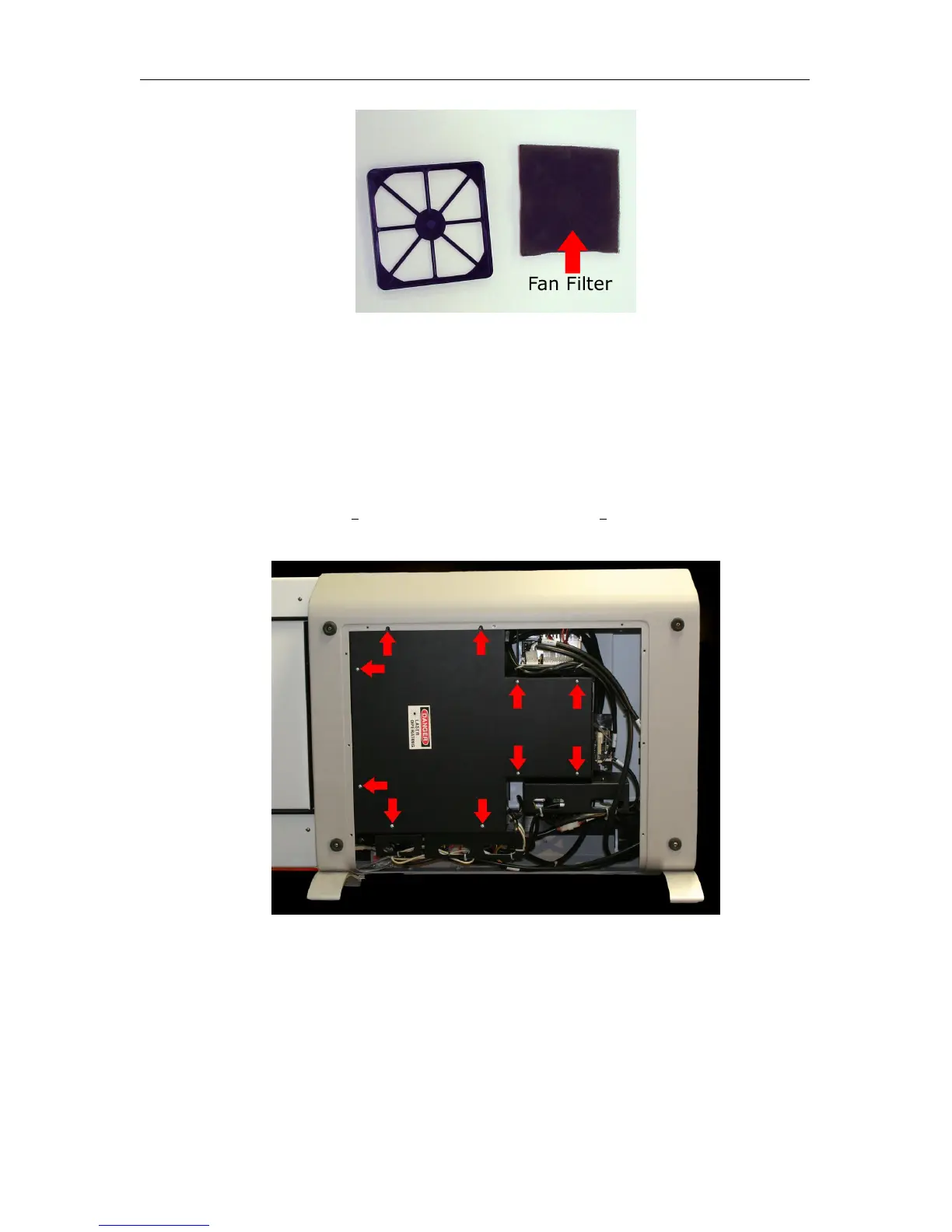
3. To clean the filter, wash throughly in warm water, then air dry the filter over night.
8.11 Cleaning the Mirrors
1. Make sure the CR unit is powered off. Remove the power cord from the unit.
2. Remove the back cover, as covered in Section 8.2.
3.
Remove two (2) 6-32 x
1
4
” truss head and eight (8) 4-40 x
3
8
” lock washer and panhead
screws from the back optical cover.
4. Locate the mirrors.
c
2007-2009
Confidential and Proprietary
Property of iCRco, Inc.
56 of 61 Document # 3600-02A Rev C
March 22, 2010



 To Next Page