iCR 3600
TM
– Service Manual
If the focus tool does not come up, what questions can we ask?
1.
Is there power to the unit (Green Power light on and steady?, Orange scan light off,
or on and blinking?)
2.
Does the unit move before an error condition is seen? If so, motor is working and
carriage is functioning. If not, several things can be wrong: No connection to PC, No
power to Unit, bad USB cable.
3.
Is there a NO DATA ACQUIRED error after the motor comes to rest at the scan
position?
This indicates that the unit is not transmitting data to the PC. Please see Section 7.5
for more information.
7.3 Image Symptoms
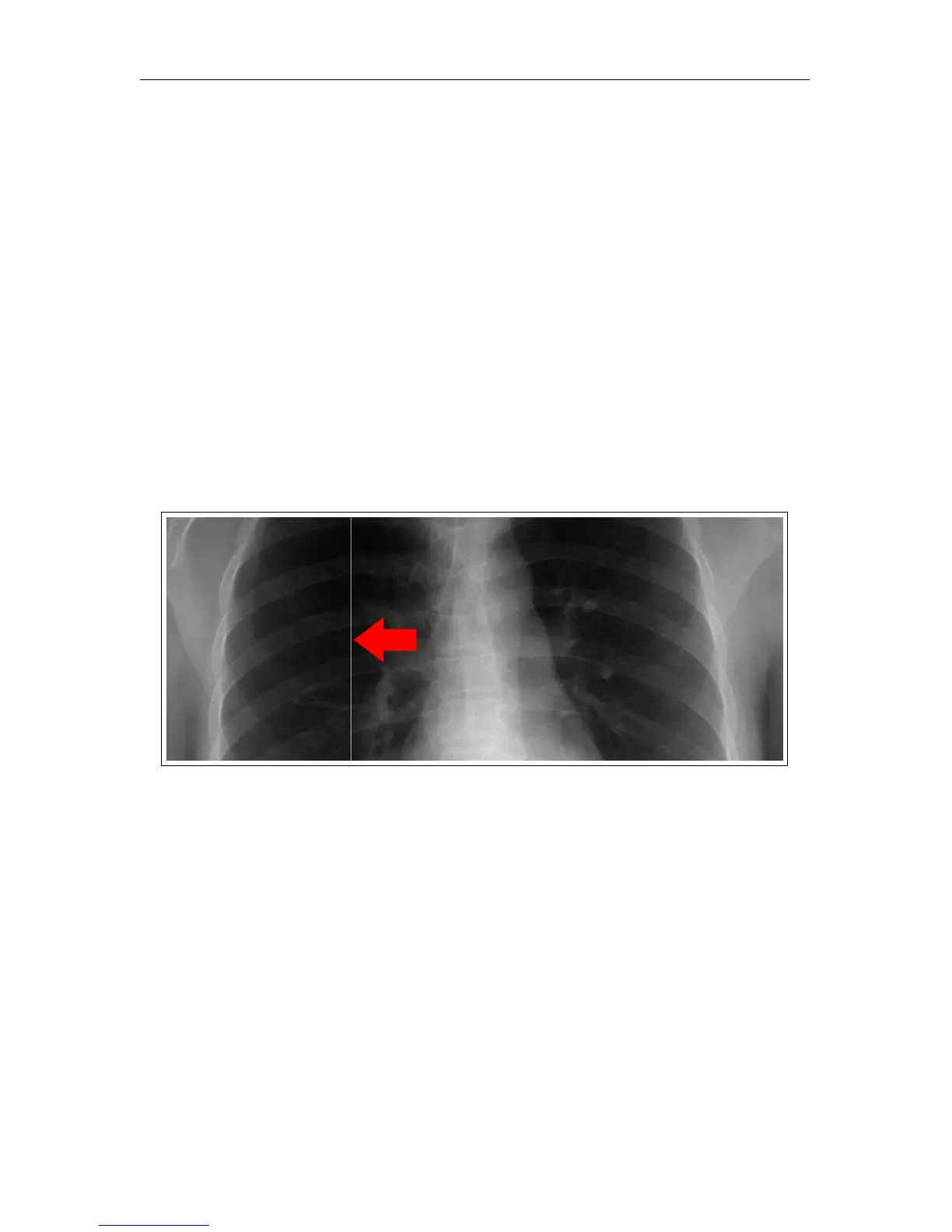
7.3.1 Lint in the Scan Path
Symptom: Sharp, white lines, usually only a pixel or two in width and spanning the
length of the entire image.
Cause: Lint or other particulate matter in the scan slot.
Solution: See Section 8.3 for instructions on accessing the scan slot. Once the user has
access to the scan slot, visually inspect the area in and around the scan slot for particulates
and remove them by hand, or with a vacuum if necessary.
c
2007-2009
Confidential and Proprietary
Property of iCRco, Inc.
29 of 61 Document # 3600-02A Rev C
March 22, 2010



 To Next Page