iCR 3600
TM
– Service Manual
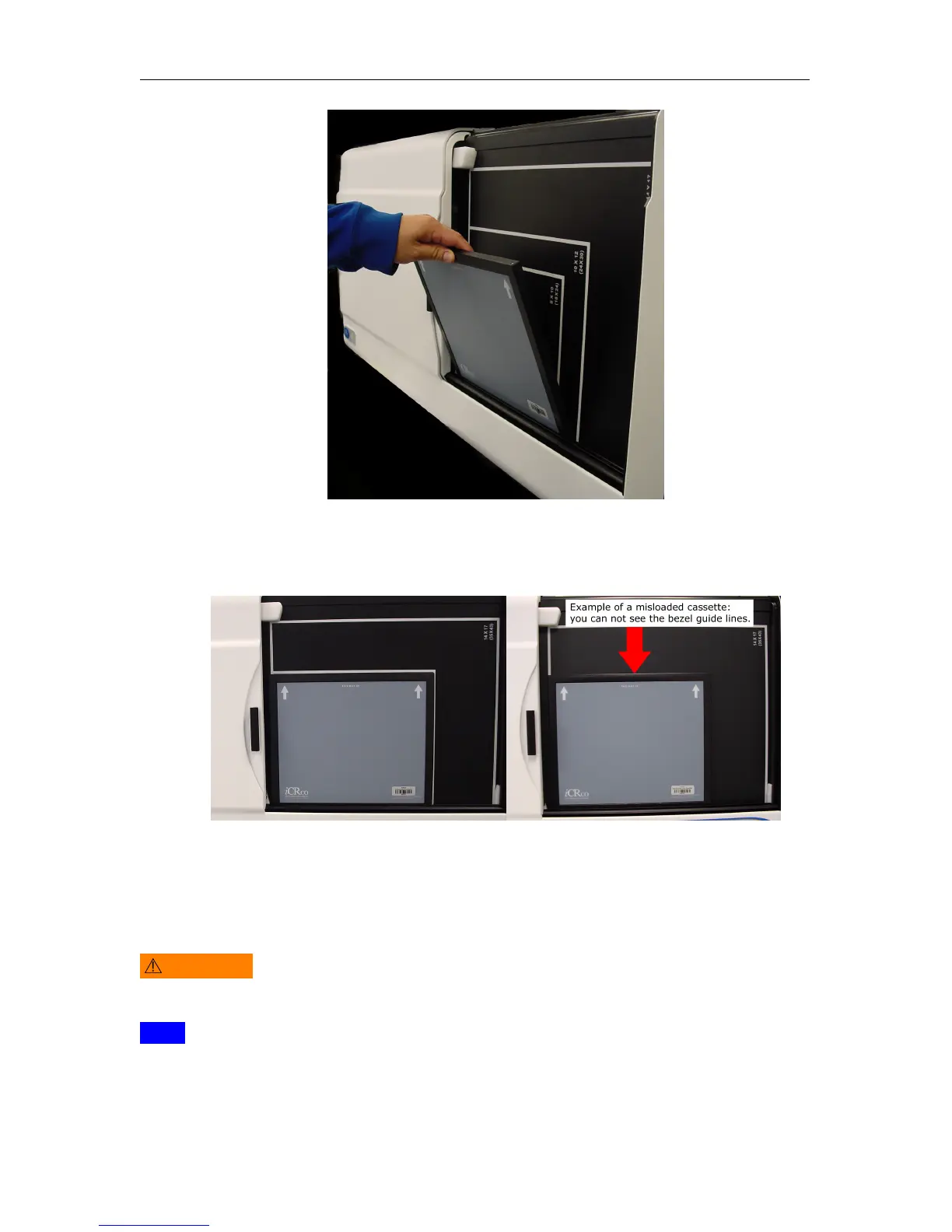
4. Gently push the top of the cassette into place.
5.
If loaded correctly, the user will see the white guide lines around the edge of the
cassette.
6. Close the bay door.
5.4 Acquiring an Image
WARNING
This equipment employs a laser. Laser radiation may be present if the CR
unit is operated without the covers in place. Avoid the laser beam. Direct eye exposure to
laser light must be avoided.
Note
The instructions in this section represent a typical CR workflow. Every workflow
varies in process.
c
2007-2009
Confidential and Proprietary
Property of iCRco, Inc.
15 of 61 Document # 3600-02A Rev C
March 22, 2010



 To Next Page