iCR 3600
TM
– Service Manual
1.
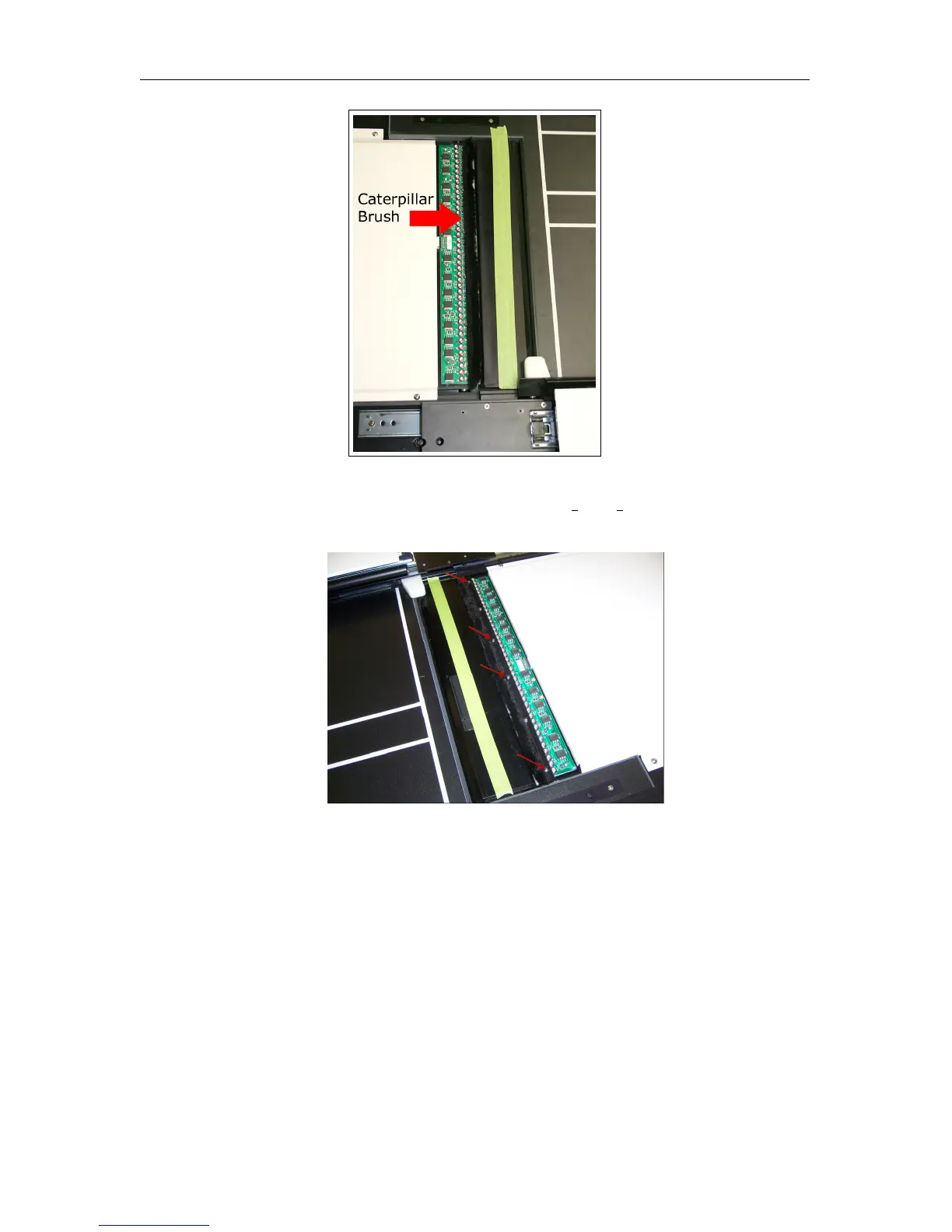
To remove the Caterpillar Brush, ensure that there are no brush clips holding it down.
2.
If there are brush clips, remove the four (4) 4-40 x
3
8
” or
1
2
” (depending on the CR
model) panhead screws from the light bar.
3. Pull the Caterpillar Brush from the light bar.
4. Using a finger, rub away any extra adhesive from the light bar.
5. Remove the double-sided tape from the new Caterpillar Brush.
6.
Apply the new Caterpillar Brush in the same position as the old one. Ensure that the
brush goes on smooth, as bumps in the brush may cause cassette bumps.
8.13.2 Brush Bar Brushes
The Brush Bar Brushes are located on the back side of the brush bar.
c
2007-2009
Confidential and Proprietary
Property of iCRco, Inc.
60 of 61 Document # 3600-02A Rev C
March 22, 2010



 To Next Page