iCR 3600
TM
– Service Manual
Solution: To alleviate grid lines/ moir
´
e effect, first ensure that the grid being used is 178
LPI. If the grid in use is 178 LPI, then rotate the cassette 90
◦
under the grid.
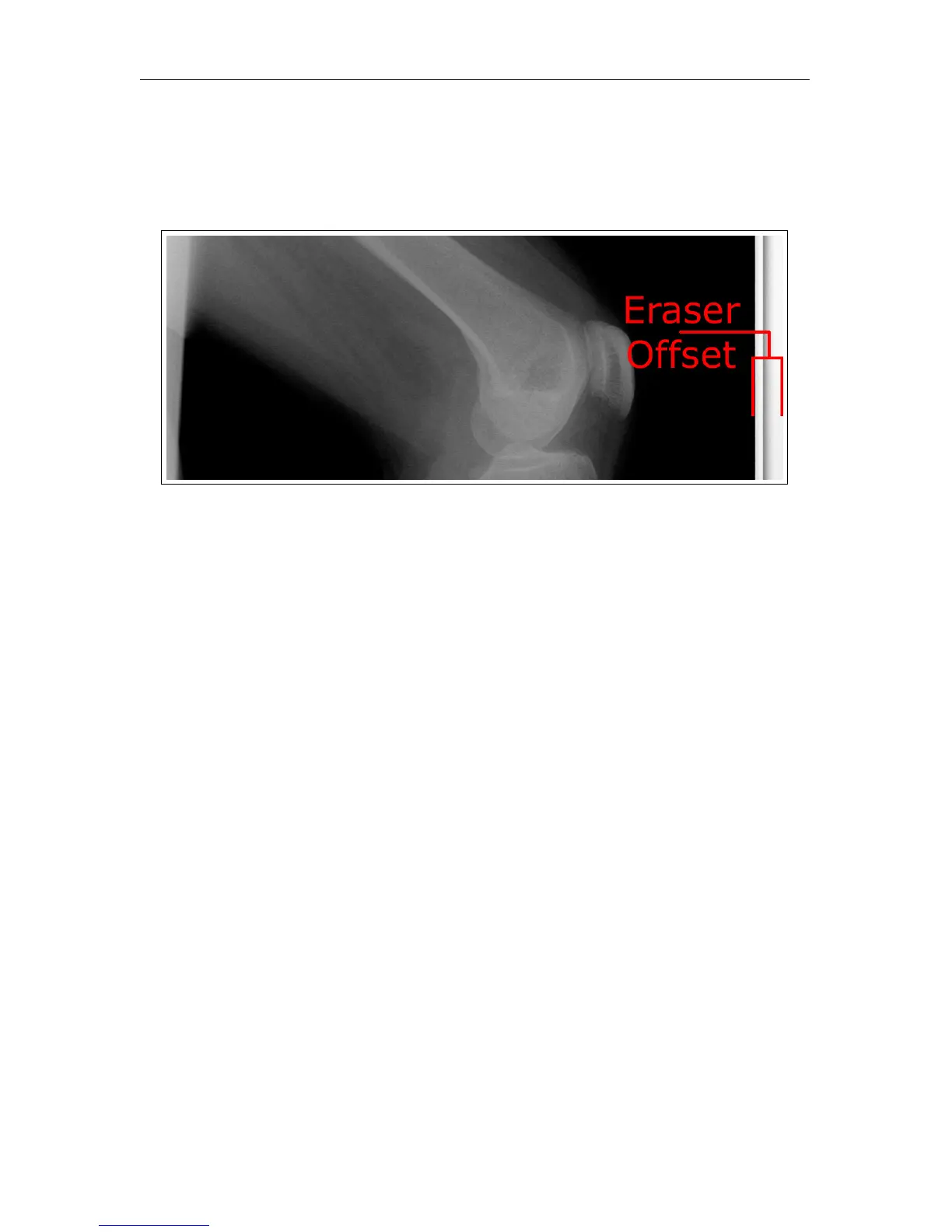
7.3.7 Eraser Offset
Symptom: A gap of white space between the edge of the image and the physical edge of
the cassette after scanning.
Cause: Eraser offset needs to be increased or decreased.
Solution:
1. Open XSCAN32.
2. Create/edit a patient, then click Save & View.
3.
Click the
Scan
button (if it is a patient with no images, the Scan interface will auto-
matically open).
4. Click the Settings button, then enter the password earl (case sensitive).
5. Locate the setting for Eraser Offset.
6.
The user may need to adjust this setting several times before achieving the desired
result. Expose a couple of cassettes, then scan and adjust the Eraser Offset until the
image is acceptable.
c
2007-2009
Confidential and Proprietary
Property of iCRco, Inc.
33 of 61 Document # 3600-02A Rev C
March 22, 2010



 To Next Page