iCR 3600
TM
– Service Manual
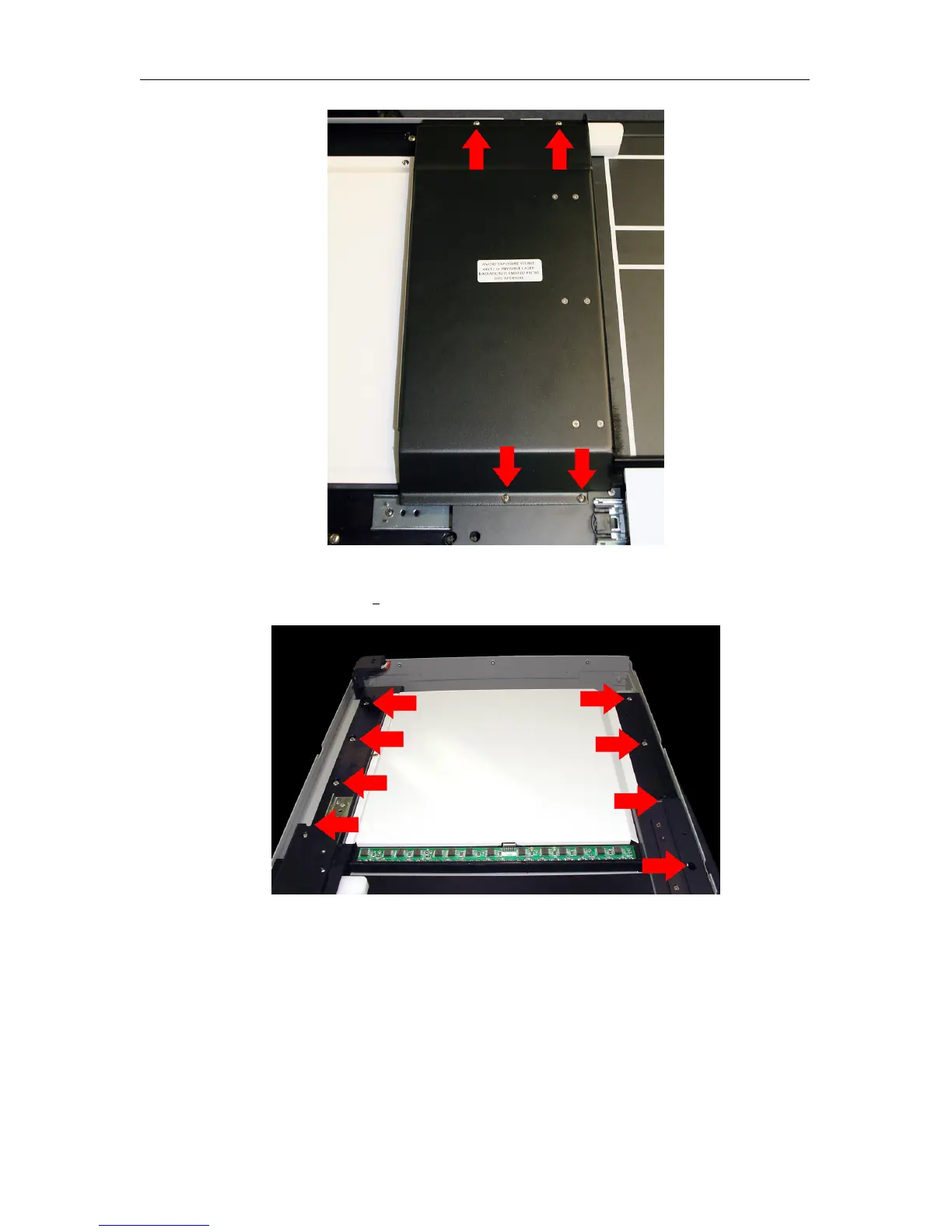
11. Add masking tape over the Scan Slot to minimize dust entry into the system.
12. Remove eight (8) 10-32 x
1
2
”screws from the chasis.
13. With two (2) or more people, lift the module out of the outer shell.
8.6 Replacing the Motor Controller Board
1. Remove the module from the case, as covered in Section 8.5 on page 48.
c
2007-2009
Confidential and Proprietary
Property of iCRco, Inc.
50 of 61 Document # 3600-02A Rev C
March 22, 2010



 To Next Page