iCR 3600
TM
– Service Manual
1. Open the door on the CR unit.
2.
Load the cassette into the CR unit. The blue, non-carbon fiber side of the cassette
faces away from the CR unit.
CAUTION
Do not use excessive force when loading the cassette! The cassette will
not fit if the orientation is incorrect. If the user requires more instruction on cassette
loading, please see Section 5.3.
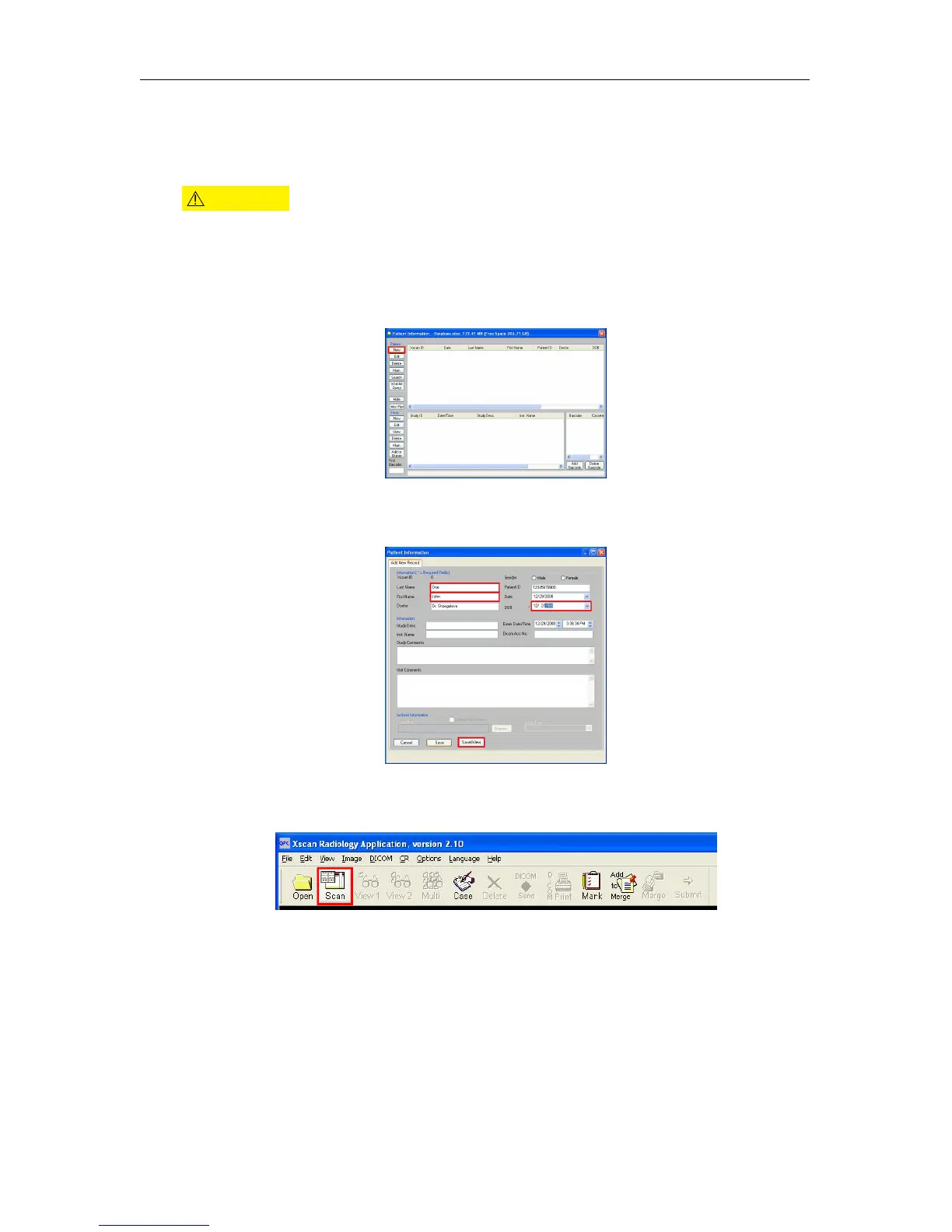
3. Open QPC XSCAN32.
4. Create or edit patient profile. To do this, click New or Edit, respectively.
5.
If creating a new patient, enter the relevant patient info, or if editing a patient, change
the information accordingly, then click Save and View.
6.
Click on
Scan
to bring up the Quality Processing Center Scan dialog. (if it is a patient
with no images the scan dialog will automatically appear).
7. The iCR Quality Processing Center dialog will appear.
c
2007-2009
Confidential and Proprietary
Property of iCRco, Inc.
16 of 61 Document # 3600-02A Rev C
March 22, 2010



 To Next Page