iCR 3600
TM
– Service Manual
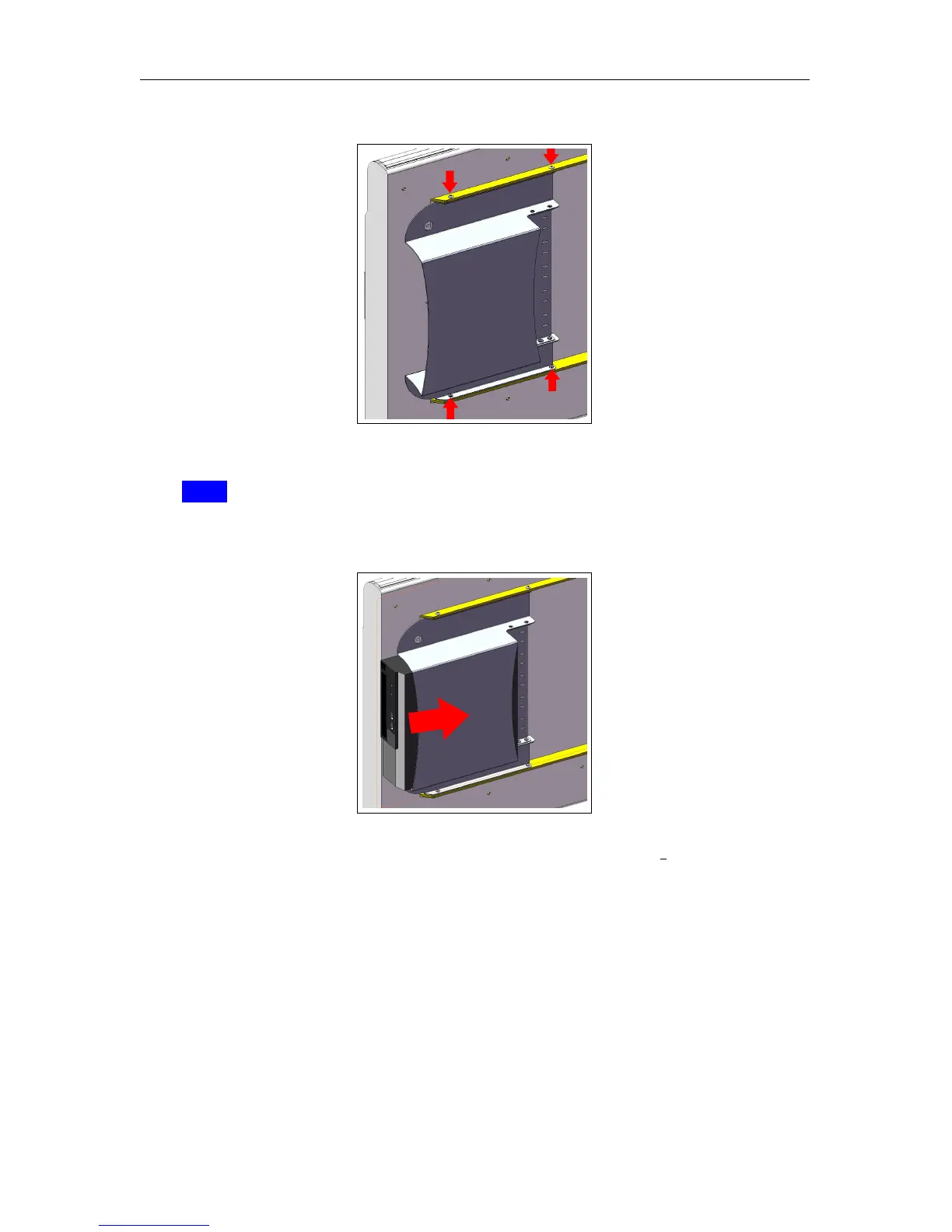
Figure 3.2:
4. Carefully slide the computer into the computer mounting bracket (Figure 3.3).
Note
For easy access to the CD-ROM drive, make sure the drive opens towards the
outside of the unit.
Figure 3.3:
5.
Fasten the computer to the mounting bracket using one (1) 8-32 x
3
8
” truss head screws
and #10 flat washer. The computer’s security tab should be in between the washer
and the mounting bracket (Figure 3.4).
c
2007-2009
Confidential and Proprietary
Property of iCRco, Inc.
7 of 61 Document # 3600-02A Rev C
March 22, 2010



 To Next Page