iCR 3600
TM
– Service Manual
5.
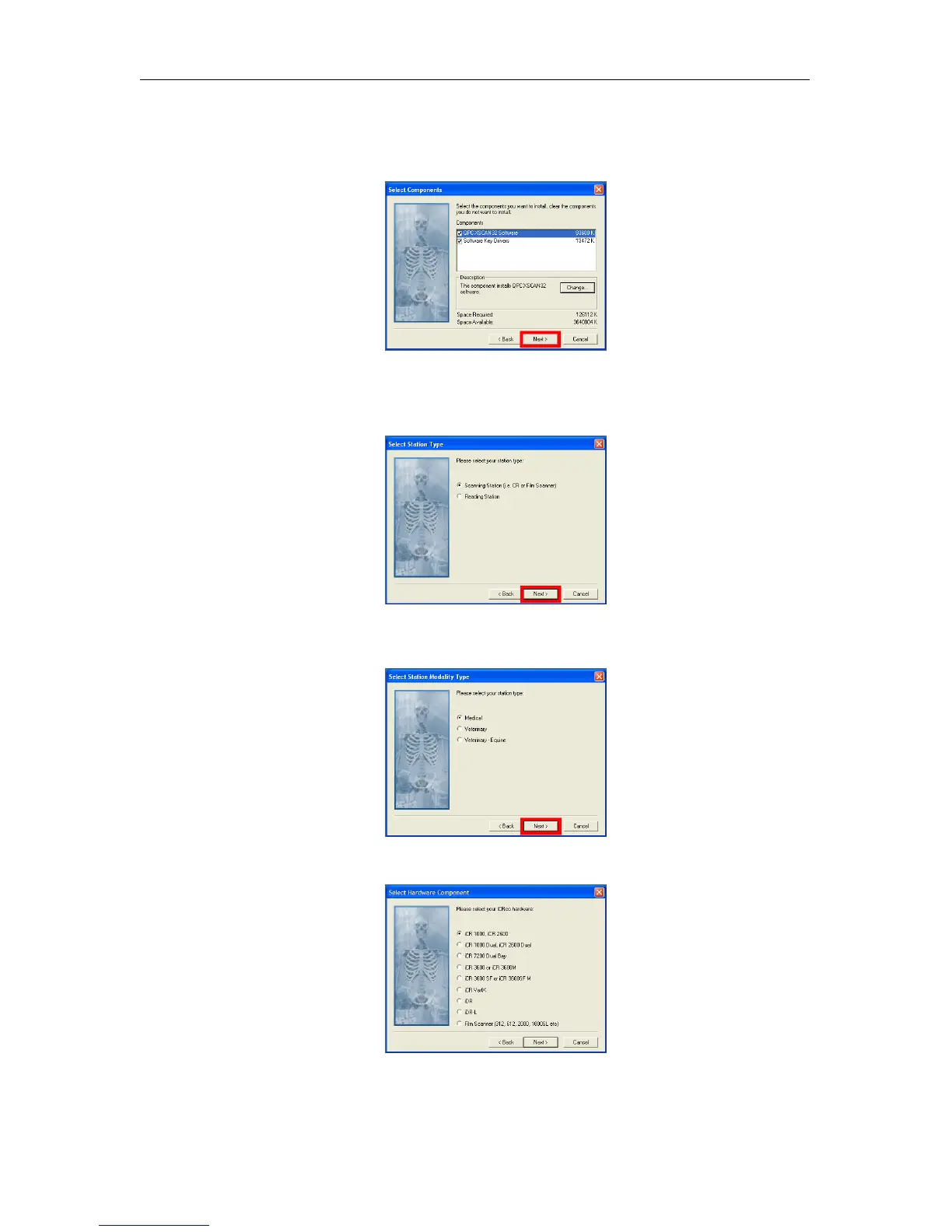
Make sure both QPC XSCAN32 Software and Software Key Driver boxes are checked,
then click Next.
6.
Select Scanning Station or Reading Station depend on the use, then click
Next
to con-
tinue.
7. Select the appropriate modality, then click Next to continue.
8. Select the appropriate CR hardware profile, then click Next to continue.
c
2007-2009
Confidential and Proprietary
Property of iCRco, Inc.
11 of 61 Document # 3600-02A Rev C
March 22, 2010



 To Next Page