iCR 3600
TM
– Service Manual
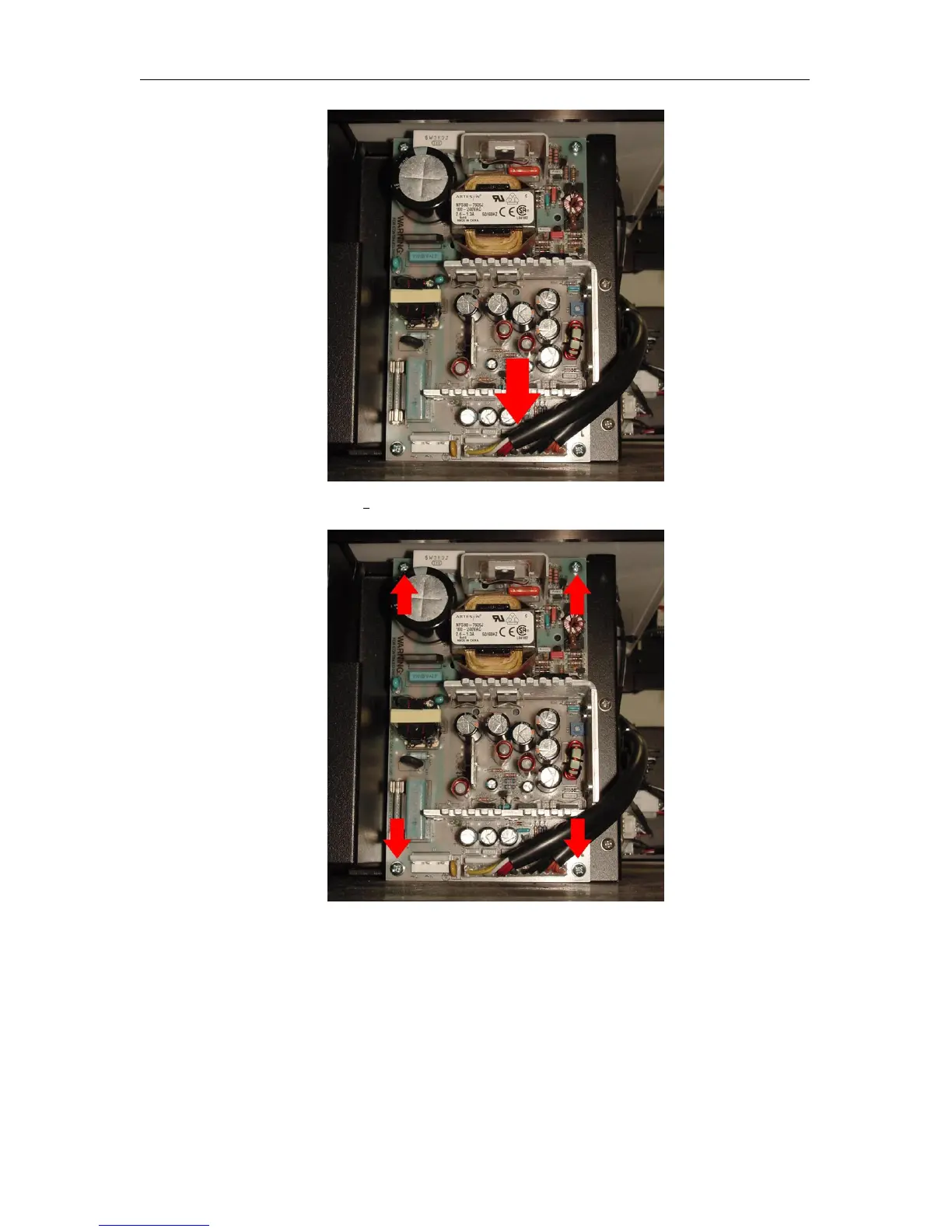
3. Unscrew four (4) 6-32 x
3
8
” screws from the Main Power Supply.
4. Remove the Main Power Supply from the CR unit.
5.
Replace the Main Power Supply, then reassemble the CR unit in the reverse order
from taking it apart.
c
2007-2009
Confidential and Proprietary
Property of iCRco, Inc.
53 of 61 Document # 3600-02A Rev C
March 22, 2010



 To Next Page