PRT-KLCD Protege Alphanumeric LCD Keypad User Manual | April 2011 5
1 Introduction
Thank you for choosing the Protege Integrated Alarm and Access Control System. The Protege System will give
you peace of mind by providing reliable security protection, building automation and access control for your
premises.
The Protege System is an advanced technology security system specifically designed to enhance the
functionality of security, building automation and access control by providing a complete integrated solution with
local monitoring and offsite communication.
The elegant Protege LCD Keypad allows complete control of your security and access control system with a user
friendly LCD display and 24 key ergonomic keypad.
All the actions performed in your system will be executed and displayed through the Protege keypad. Therefore,
before using your Protege Integrated Alarm and Access Control System, we highly recommend you read this
manual carefully and have your security professional or property manager explain basic system operation to you.
Optional management software
(Protege System Management Suite)
is available and is recommended to
enhance your productivity when using the Protege System. For more information visit the Integrated Control
Technology website (http://www.incontrol.co.nz) or ask your System Administrator.
1.1 Legend
Indicates a warning or advisory message
Indicates a tip, suggestion, or general note
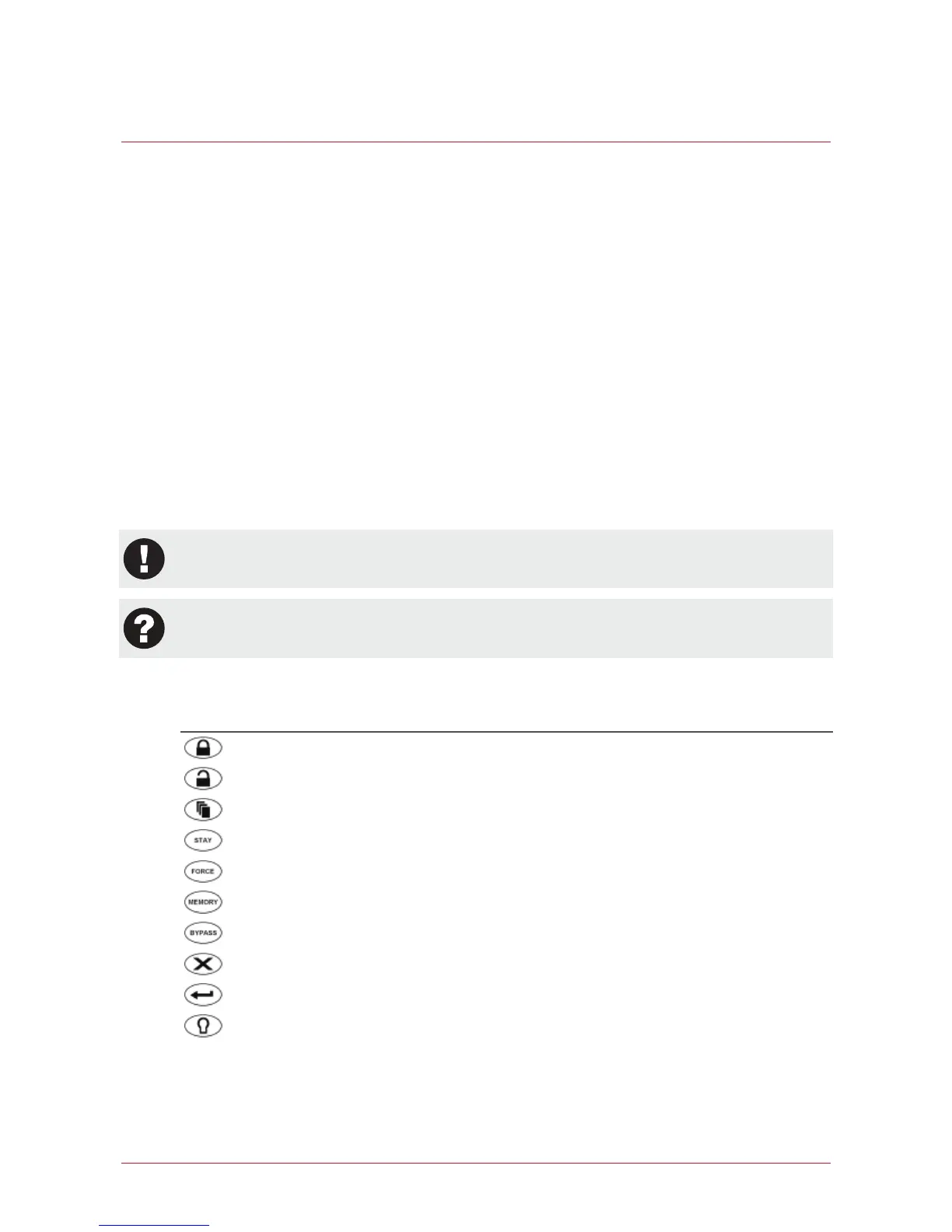
[TEXT] Bold text enclosed in brackets is used to show key press information or menu shortcut sequences.
This Key Is Shown as
[ARM]
[DISARM]
[MENU]
[STAY]
[FORCE]
[MEMORY]
[BYPASS]
[CLEAR]
[ENTER]
[FUNCTION]



 To Next Page