Enable: set to activate
Search: You can search for Wi-Fi networks in your area
SSID: The name of the used Wi-Fi network
Encryption: type of encryption (suggest to use WPA2)
Password: the preshared key of the Wi-Fi network
IP address: IP address of the camera
Subnet mask: Subnet mask of the actual network
Gateway: the gateway of the network
3G: optional with 3G compatible router (example:TP-LINK TL-MR3420)
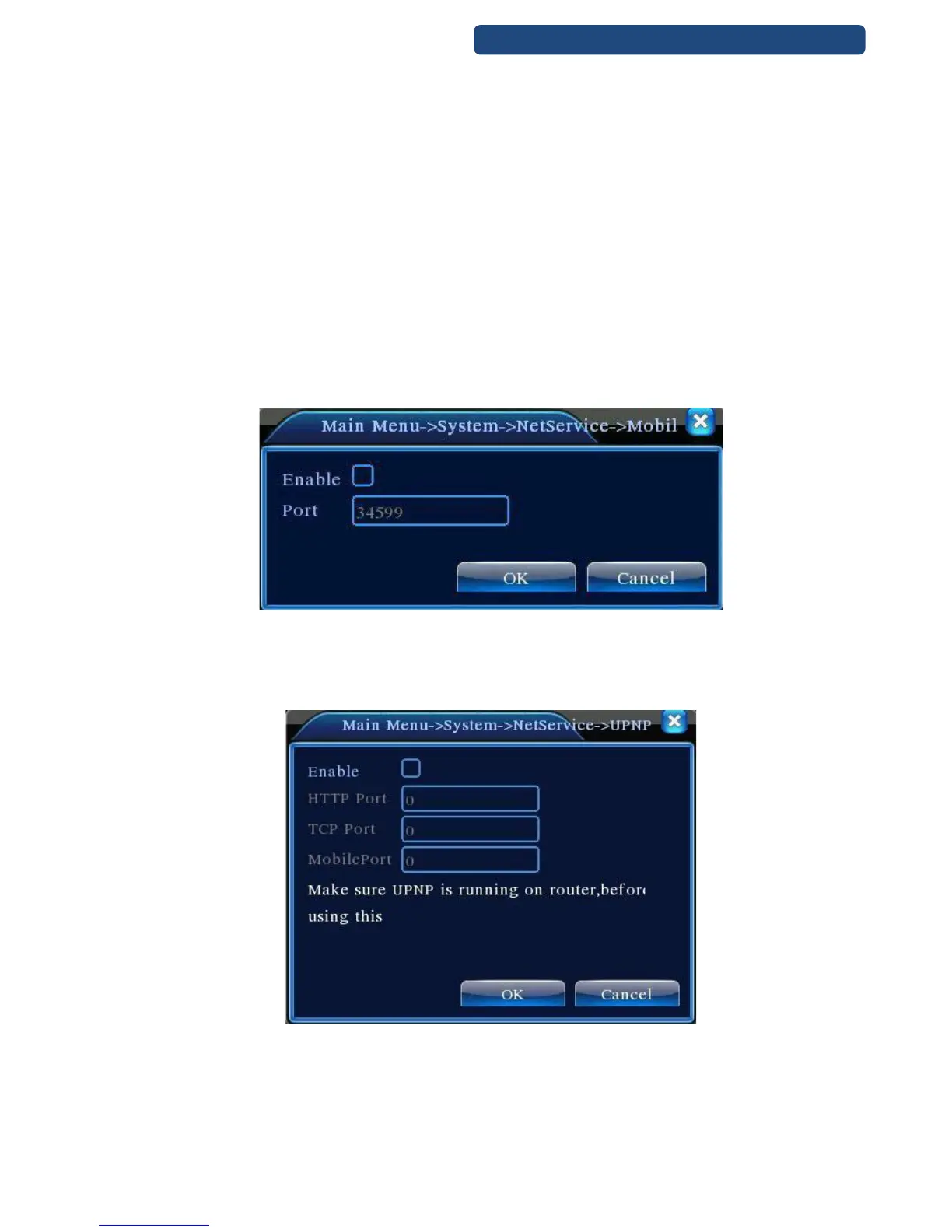
[Mobil Monitor settings]
To visit the device by mobile, please make a router mapping of this port and use CMS to monitor and
operate it by protocol.
Enable: set to activate
Port: default port: 34599
43. picture Mobil monitor Port forward
[UPNP]
UPNP protocol can auto port forwarding on router, make sure UPNP is enable on router before use it.
44. picture UPNP
Enable: set to activate
Http port: Route will automatically distribute HTTP port for the device, when IE viewing, it need this port
Az Internet Explorer –es kéréseket automatikusan a DVR-re írányítja a Router
TCP port: Router will automatically distribute TCP port for the device, when monitoring via CMS
Port: Router will automatically distribute Mobile Port for the device, when mobile monitor



 To Next Page