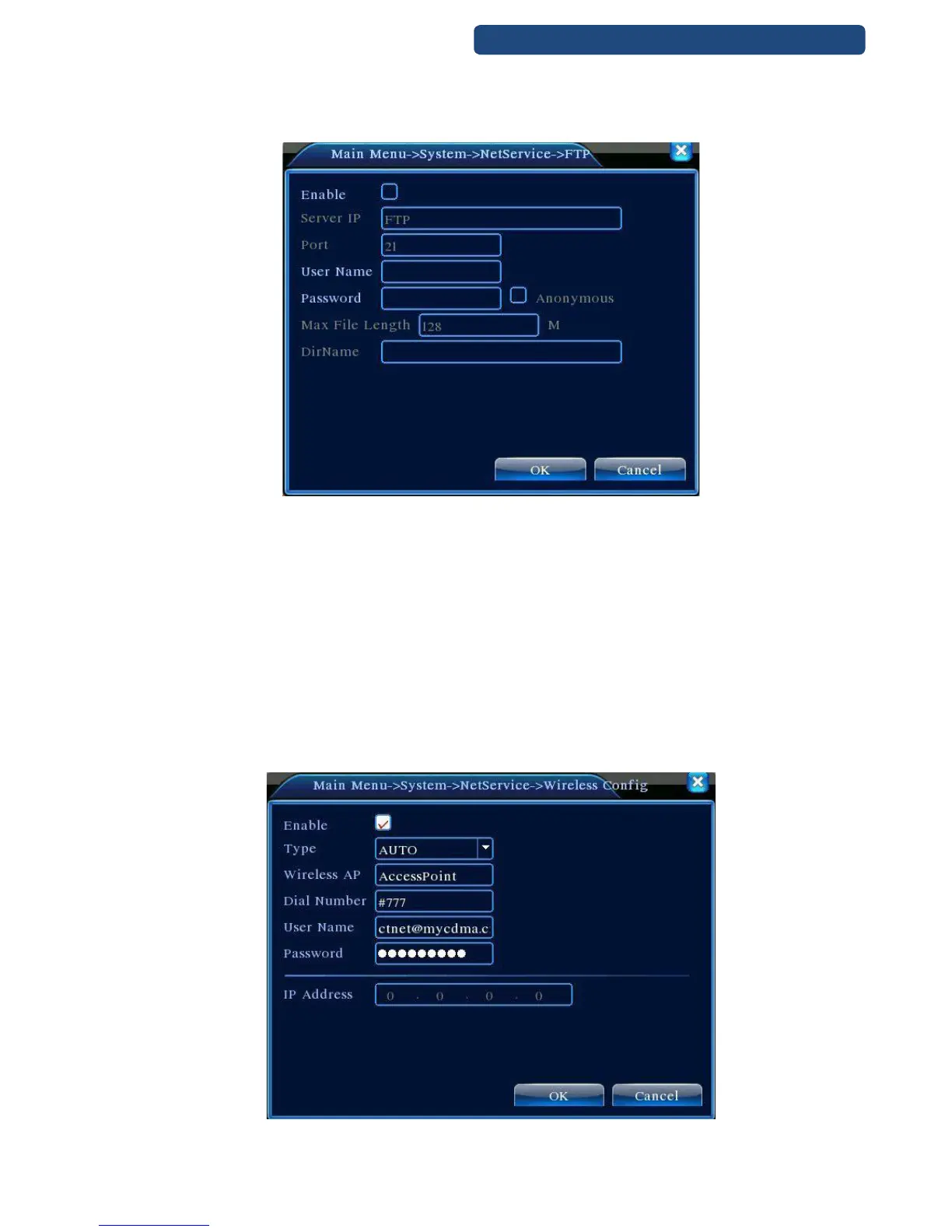
FTP upload is only possible when alarm is activated. When the alarm time is over, the uploading is
automatic.
41. picture FTP settings
[Alarm server]
When alarm is activated, the alarm server receives information from the device.
Protocoll type: set the right option, default: General
Enable: set to activate
Server IP: IP address of alarm server
Port: port address
Alarm: set to activate
History: set to activate
[Wi-Fi settings]
42. picture Wifi settings



 To Next Page