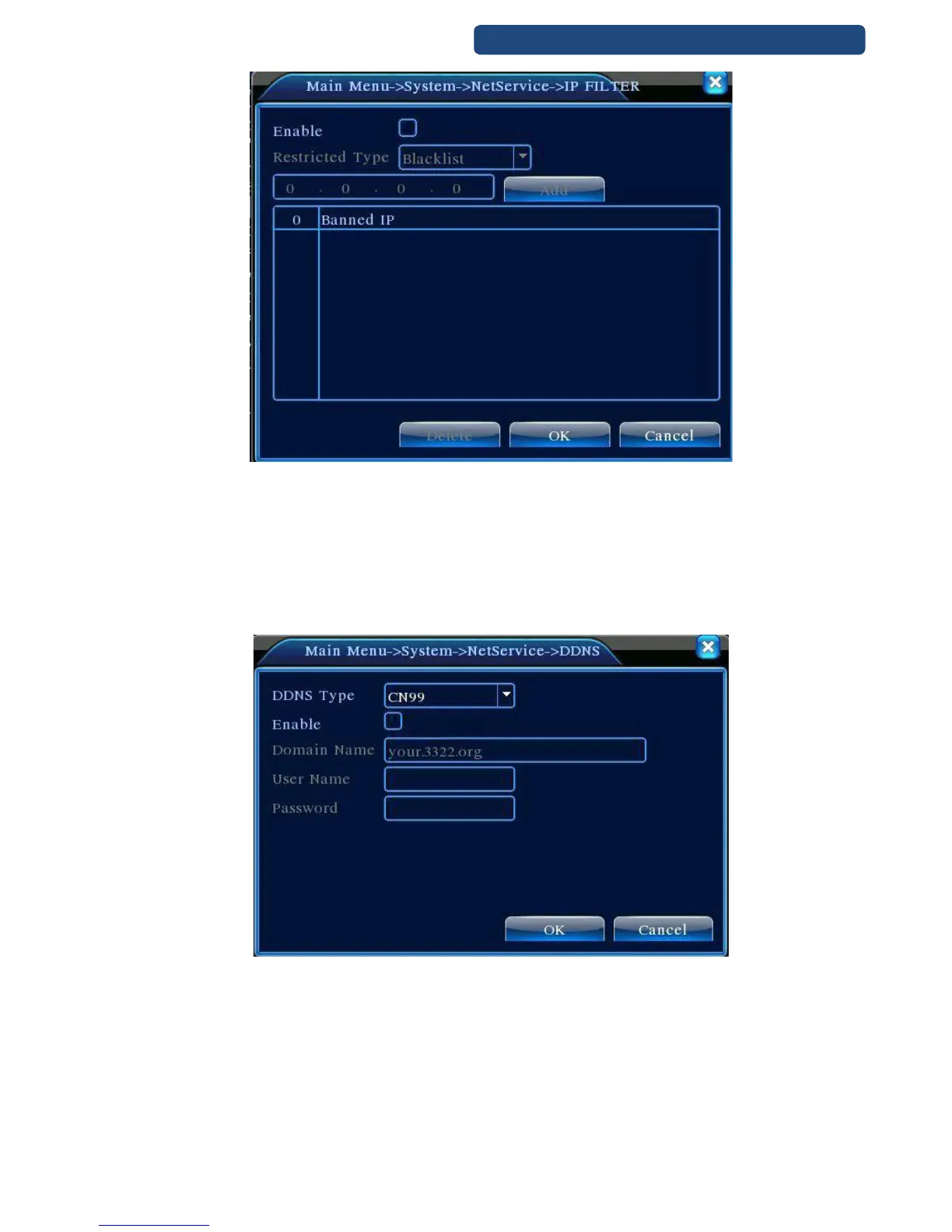
39. picture IP filter
[DDNS]
Dynamic Domain Name System
DDNS type: set the right option
Enable: set to activate
DNS name: write the DNS address
User name: write the user name
Password: write the password
When DDNS is activated and ready, you can access with this address from the Internet Explorer.
40. picture DDNS settings
[FTP Settings]
Enable: set to activate
Server IP: server IP address
Port: FTP server port number
User name: write the user name
Password: write the password
File size: Set the max upload file size to. default: 128MB
Order name: upload order name



 To Next Page