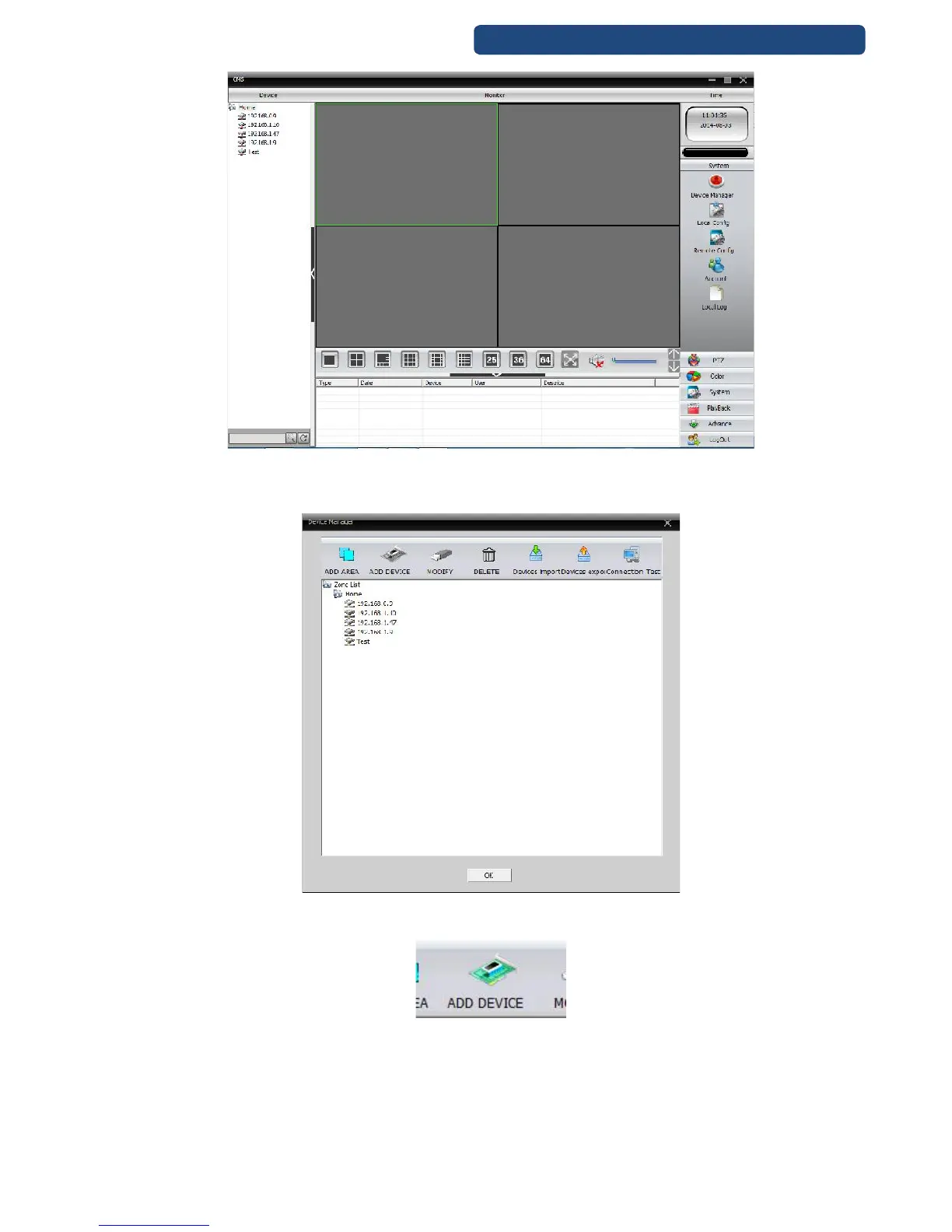
66. picture CMS software menu
Step 4. Choose the Add Region and write an optional region name (example: Home, Office, Storage,
…).
67. picture Add region
Step 5. Choose the region, and click on the add device option.
68. picture Add Device
Step 6. On he new screen click on the IP Search option. After the searching time, it will show the
available devices.



 To Next Page