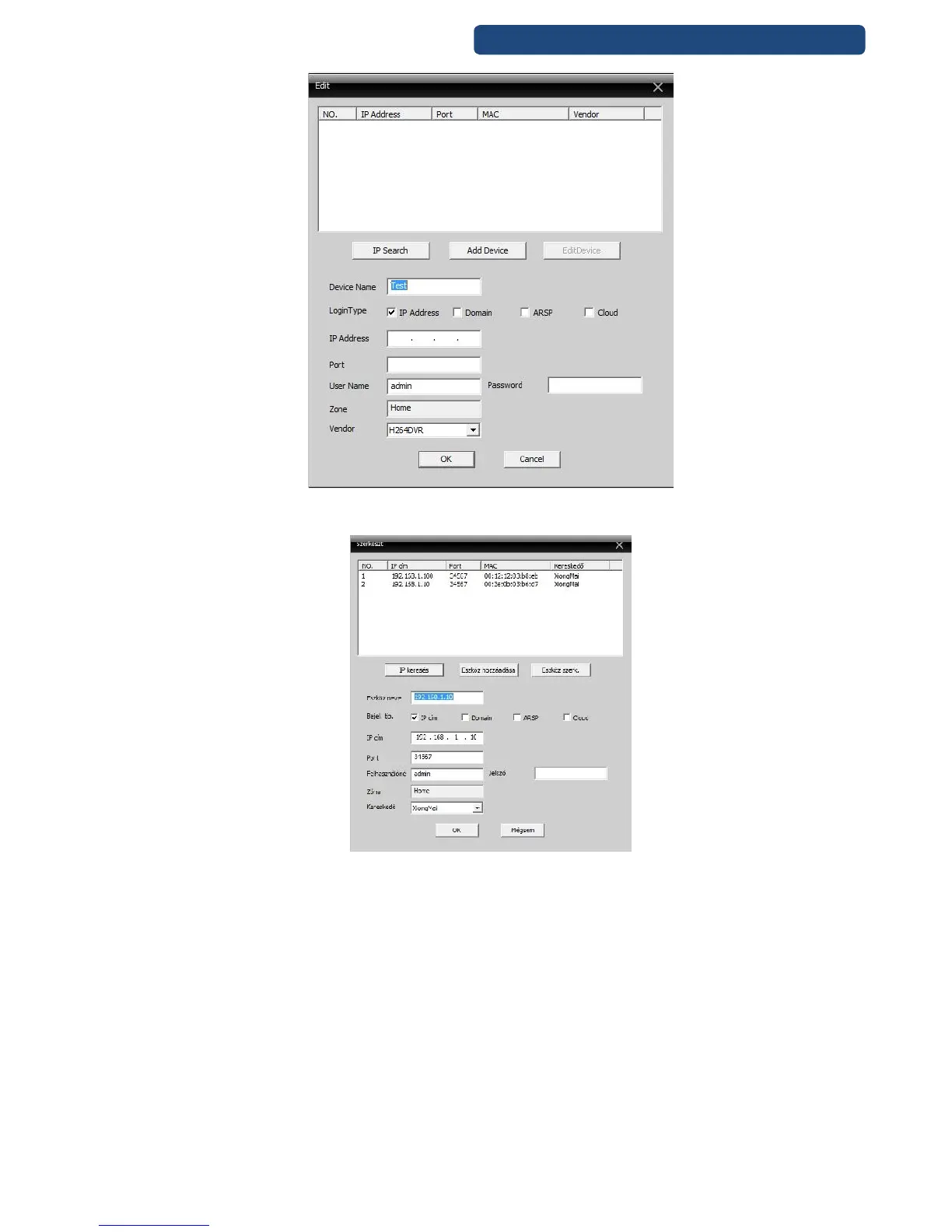
69. picture IP Searc
Step 7. Choose the device, which will be used (double click, and the fields will be automatically filled)
70. picture Camera network settings
Note: If there are no devices after the search, probably there is a network problem. Please make sure
that the network settings are good, or the devices have installed correctly. (It can cause problems a
broken UTP cable, make sure to test every network cable with an UTP tester).
Other problem can be, that the devices are not in the same network region. (example: IP addresses:
router: 192.168.0.1, device 192.168.1.10). In this case use the Upgrade Tool software to change IP
addresses of the devices.
Step 8. Click on the OK button when finished. If every settings are correct, the cameras picture can
be watched in the program. Choose the left side the region and the name\IP address of the camera
and double click on it.



 To Next Page