196
ifm System Manual ecomatmobile BasicDisplay (CR0451) V01
CAN in the PDM360 CAN POUs to CANopen
CANOPEN_GETBUFFERFLAGS
7890
= Get Buffer-Flags
Unit type = function block (FB)
Contained in the library: ifm_CANopen_NT_Vxxyyzz.LIB
Available for the following devices:
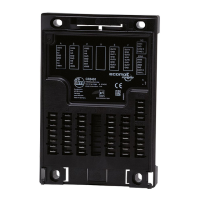
- BasicController: CR040n
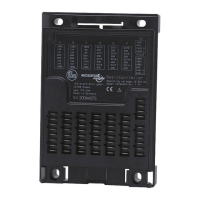
- BasicDisplay: CR0451
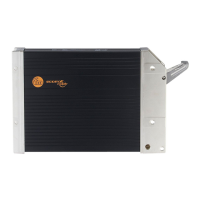
- PDM360NG: CR108n
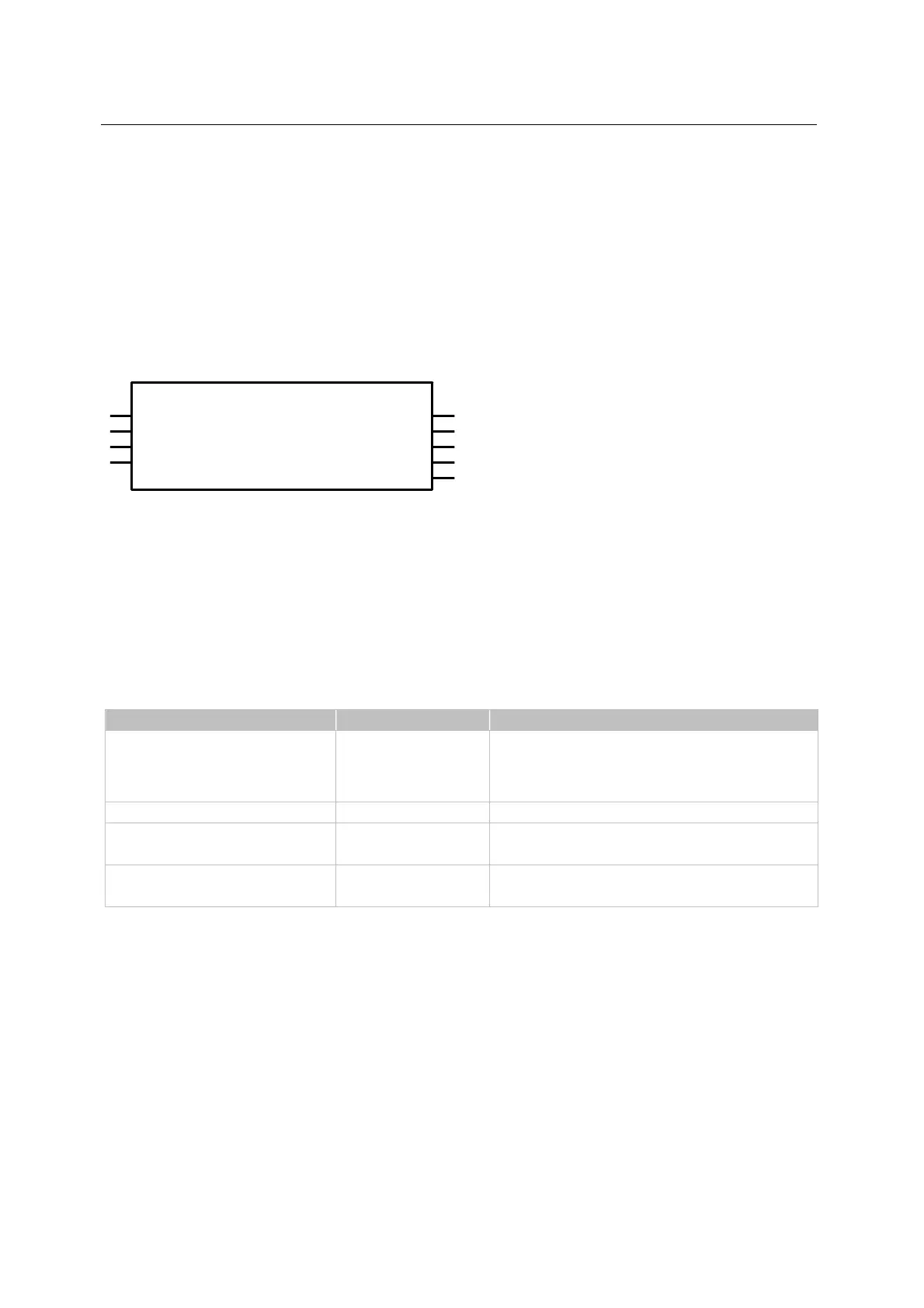
Symbol in CoDeSys:
CANOPEN_GETBUFFERFLAGS
EXECUTE
RXOVFL
CHANNEL
RXWARN
ResetRXFlags
TXOVFL
ResetTXFlags
TXWARN
RESULT
Description
7892
CANOPEN_GETBUFFERFLAGS supplies information on the buffer flags.
The flags can be reset via the optional inputs.
The function block returns the state of the overflow flags.
Parameters of the inputs
7893
Parameter Data type Description
EXECUTE BOOL
FALSETRUE (edge):
POU is executed once
otherwise: POU not active
A POU already started is processed.
CHANNEL BYTE CAN interface (1...n) depending on the device
ResetRXFlags
(optional use of the parameter)
BOOL TRUE: Flag status is provided at the output and then reset.
FALSE: this function is not executed (preset)
ResetTXFlags
(optional use of the parameter)
BOOL TRUE: Flag status is provided at the output and then reset.
FALSE: this function is not executed (preset)


 To Next Page