192
ifm System Manual ecomatmobile BasicDisplay (CR0451) V01
CAN in the PDM360 CAN POUs to CANopen
CANOPEN_SETSYNCSTATE
7883
= Set Sync State
Unit type = function block (FB)
Contained in the library: ifm_CANopen_NT_Vxxyyzz.LIB
Available for the following devices:
- BasicController: CR040n
- BasicDisplay: CR0451
- PDM360NG: CR108n
Symbol in CoDeSys:
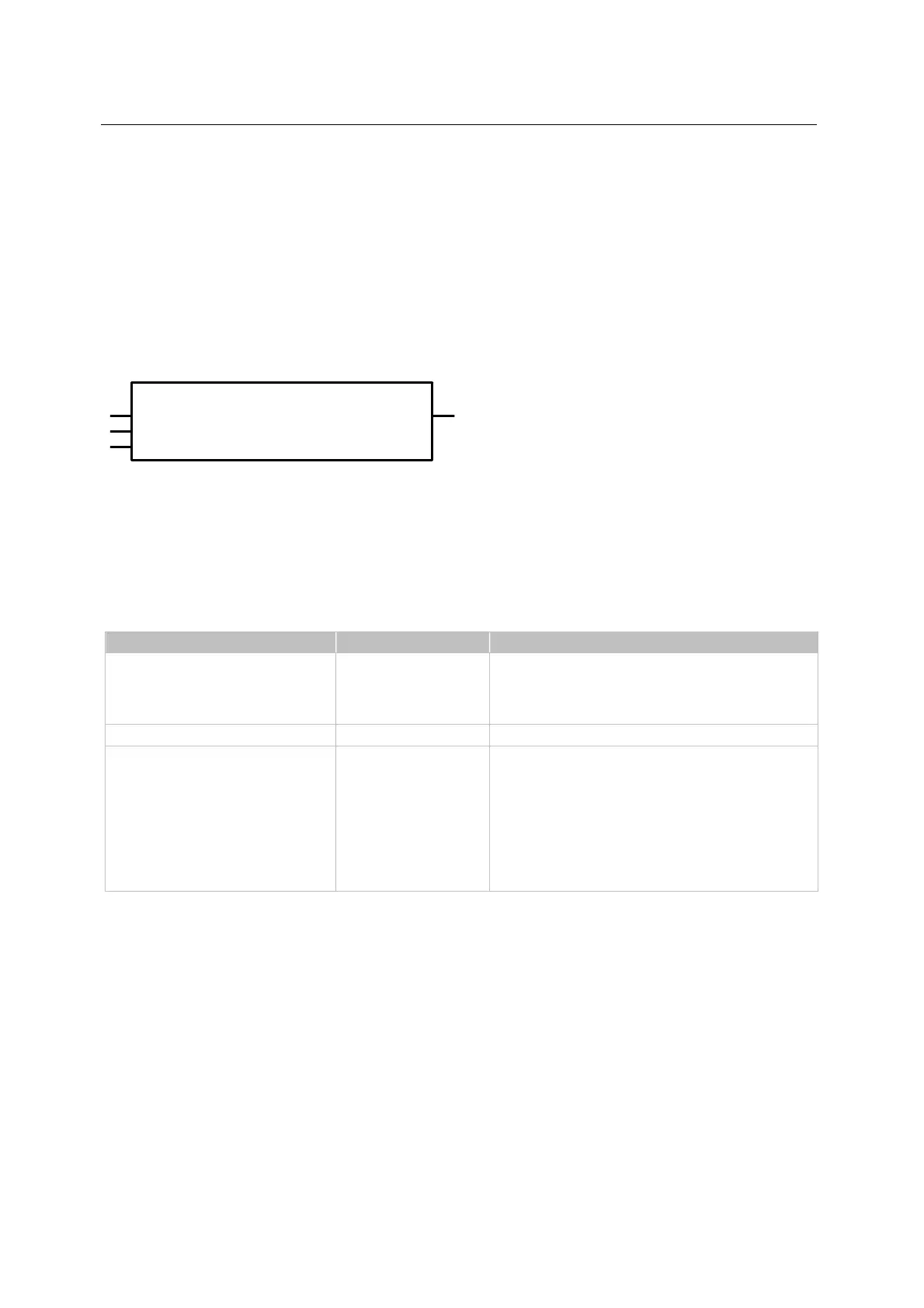
CANOPEN_SETSYNCSTATE
EXECUTE
RESULT
CHANNEL
SYNC
Description
7884
With CANOPEN_SETSYNCSTATE, the SYNC functionality is switched on and off.
Parameters of the inputs
7886
Parameter Data type Description
EXECUTE BOOL
FALSETRUE (edge):
POU is executed once
otherwise: POU not active
A POU already started is processed.
CHANNEL BYTE CAN interface (1...n) depending on the device
SYNC BOOL status of the SYNC functionality
TRUE: SYNC is activated:
In the master mode SYNC telegrams are generated according to the
settings in the configuration, and synchronous PDOs are transmitted
and received.
In the slave mode SYNC telegrams are received and accordingly
processed.
FALSE: SYNC is not active



 To Next Page