63
ifm System Manual ecomatmobile BasicDisplay (CR0451) V01
Visualisations in the device Power reserves of the device
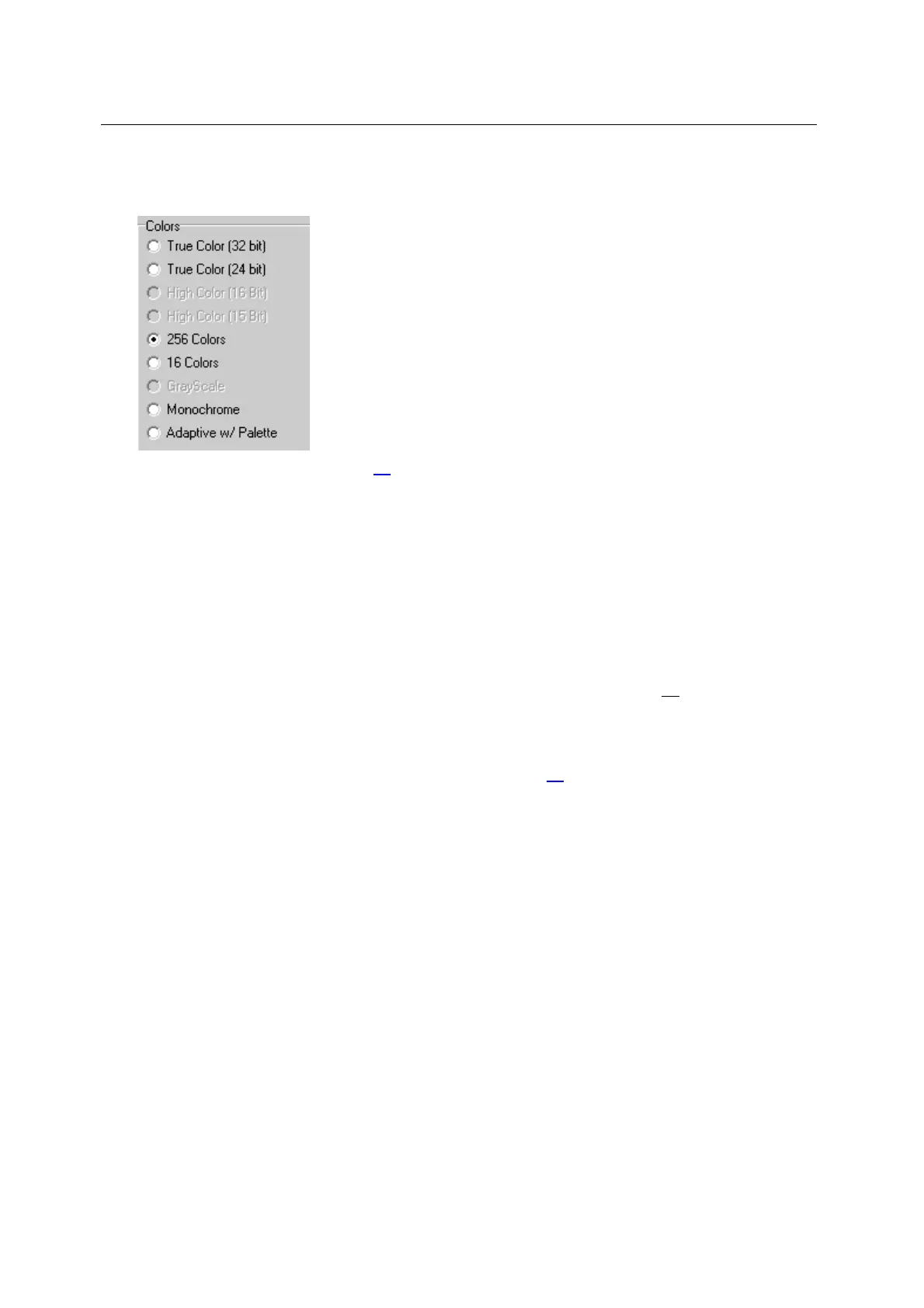
Colours:
The device supports 2
8
(= 256) colour nuances.
► Create bitmap (BMP) with 256 colours:
What colours are shown? (→ page 62
)
7.3.1 Resample / scale image
3117
If an image is loaded in the device which does not meet the requirements for size or colour, it is
resized before it is displayed and the colours used are "checked".
Each time the image is opened, it must be resampled. This often leads to much longer times to
change from one image to the other. Remedy:
► First carry out all transformations of the bitmap or the image in an image processing program on
your computer.
For BasicDisplay: CR0451 only: Transformation to the colour table (→ page 65
) will be done
during inserting the bitmap into the project by CoDeSys. On the device itself there won't happen
any transformations (image size, scaling, colour)
► Only save the suitably transformed images in the device visualisation.
chapter Image size vector graphics / pixel graphics (→ page 61
)
7.3.2 Visualisation in case of a controller failure
7397
If the controller no longer reacts, a bitmap can be shown in the visualisation drawing the user's
attention to the failure of the controller.
The bitmap for signalling the controller failure can be selected by the user.



 To Next Page