228
ifm System Manual ecomatmobile BasicDisplay (CR0451) V01
Managing the data Data access and data check
10.3.3 SET_PASSWORD
8178
Unit type = function block (FB)
Contained in the library: ifm_CRnnnn_Vxxyyzz.LIB
Available for the following devices:
- BasicController: CR040n
- BasicDisplay: CR0451
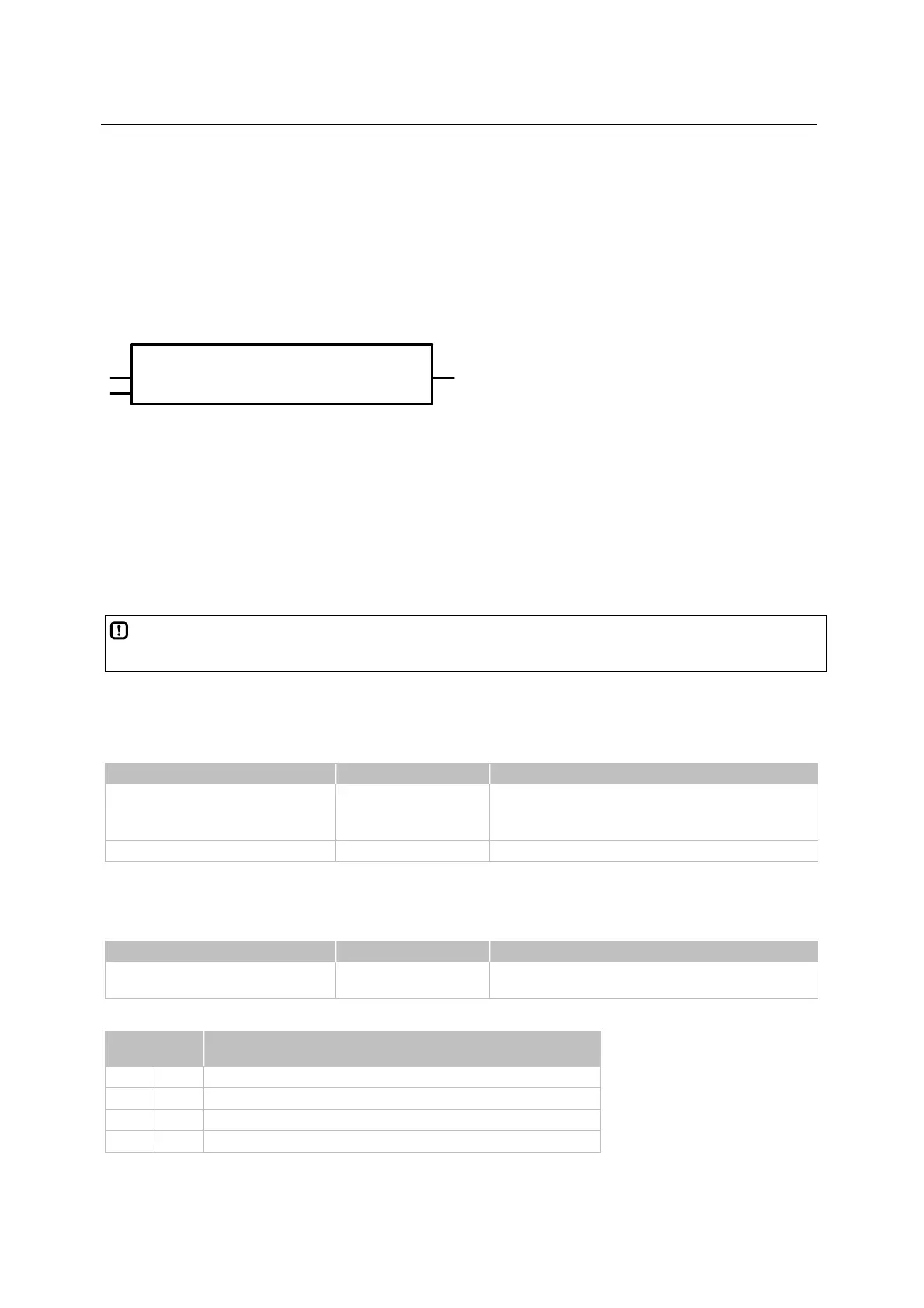
Symbol in CoDeSys:
SET_PASSWORD
ENABLE
RESULT
PASSWORD
Description
8179
SET_PASSWORD sets a user password for program and memory upload via the maintenance tool.
If the user password is active, reading of the application program or the data memory via the
maintenance tool is only possible if the correct password has been entered.
If an empty string (default condition) is assigned to the PASSWORD input, an upload of the application
software or of the data memory is possible at any time.
NOTE
The password is reset when loading a new application program.
Parameters of the inputs
8180
Parameter Data type Description
ENABLE BOOL TRUE: unit is executed
FALSE: unit is not executed
> POU inputs and outputs are not active
PASSWORD STRING(16) password
Parameters of the outputs
8181
Parameter Data type Description
RESULT BYTE feedback of the function block
(possible messages following table)
Possibly values for RESULT:
Value
dec | hex
Description
000 00 function block is not active
001 01 FB execution completed without error – data is valid
002 02 function block is active (action not yet completed)
154 9A value could not be written



 To Next Page