99
ifm System Manual ecomatmobile BasicDisplay (CR0451) V01
CAN in the PDM360 CAN-FBs on layer 2 (RAW-CAN)
CAN_RX
7586
Unit type = function block (FB)
Contained in the library: ifm_RawCAN_NT_Vxxyyzz.LIB
Available for the following devices:
- BasicController: CR040n
- BasicDisplay: CR0451
- PDM360NG: CR108n
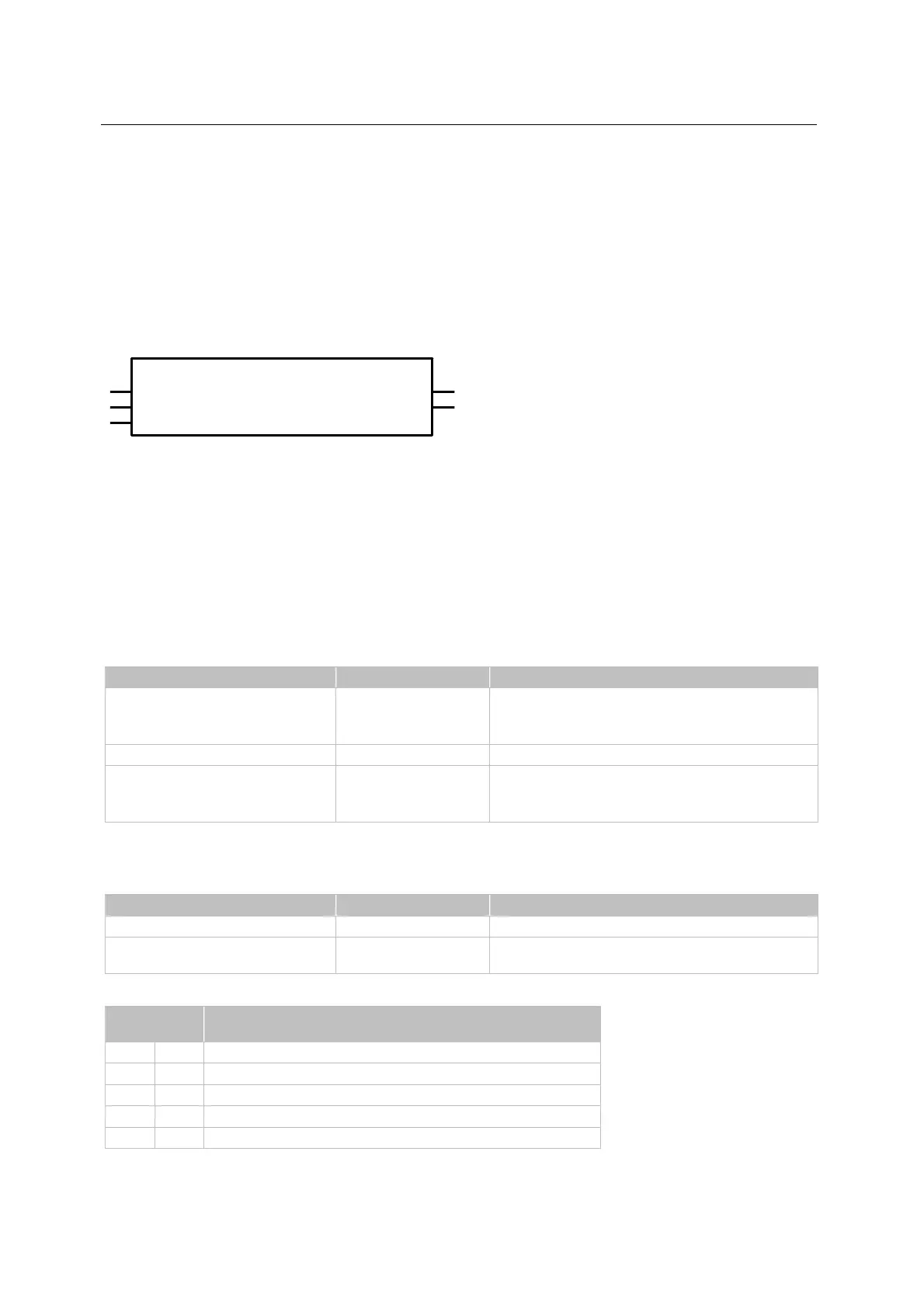
Symbol in CoDeSys:
CAN_RX
ENABLE
DATA
CHANNEL
RESULT
ID
Description
7588
CAN_RX is used for receiving a message. The input possibilities and the required memory space are
low.
CAN_RX filters for the set identifier. If several CAN messages with the same identifier are received in
one cycle, only the last / latest message is available.
Parameters of the inputs
7589
Parameter Data type Description
ENABLE BOOL TRUE: unit is executed
FALSE: unit is not executed
> POU inputs and outputs are not active
CHANNEL BYTE CAN interface (1...n) depending on the device
ID DWORD number of the data object identifier:
normal frame: 0...2 047 (2
11
)
extended frame: 2 048...536 870 912 (2
29
)
Parameters of the outputs
7590
Parameter Data type Description
DATA ARRAY [0...7] OF BYTE received data, (1...8 bytes)
RESULT BYTE feedback of the function block
(possible messages following table)
Possibly values for RESULT:
Value
dec | hex
Description
000 00 function block is not active
001 01 function block execution completed without error
005 05 FB is being processed – still receiving
009 09 CAN is not active
242 F2 Error: setting is not possible



 To Next Page