65
ifm System Manual ecomatmobile BasicDisplay (CR0451) V01
Visualisations in the device Special information about bitmap graphics
Nuances in the colour saturation result from smaller shares of the respective primary colour:
Screenshot: RGB colour mixture at Photoshop; 100 % 255
dez
= FF
hex
7.4.2 What graphics are suitable for which PDM and what steps
must be carried out?
7387
Not all bitmaps are suitable for display on the PDM.
In principle, photos should be transformed so that they are optimised when displayed in the given
resolution and colour depth.
Images with a low contrast are not suitable because the colour differences cannot be displayed on
the PDM.
If needed, logos and symbols should be optimised for the display on the PDM or drawn again.
7.4.3 Colour palettes
3119
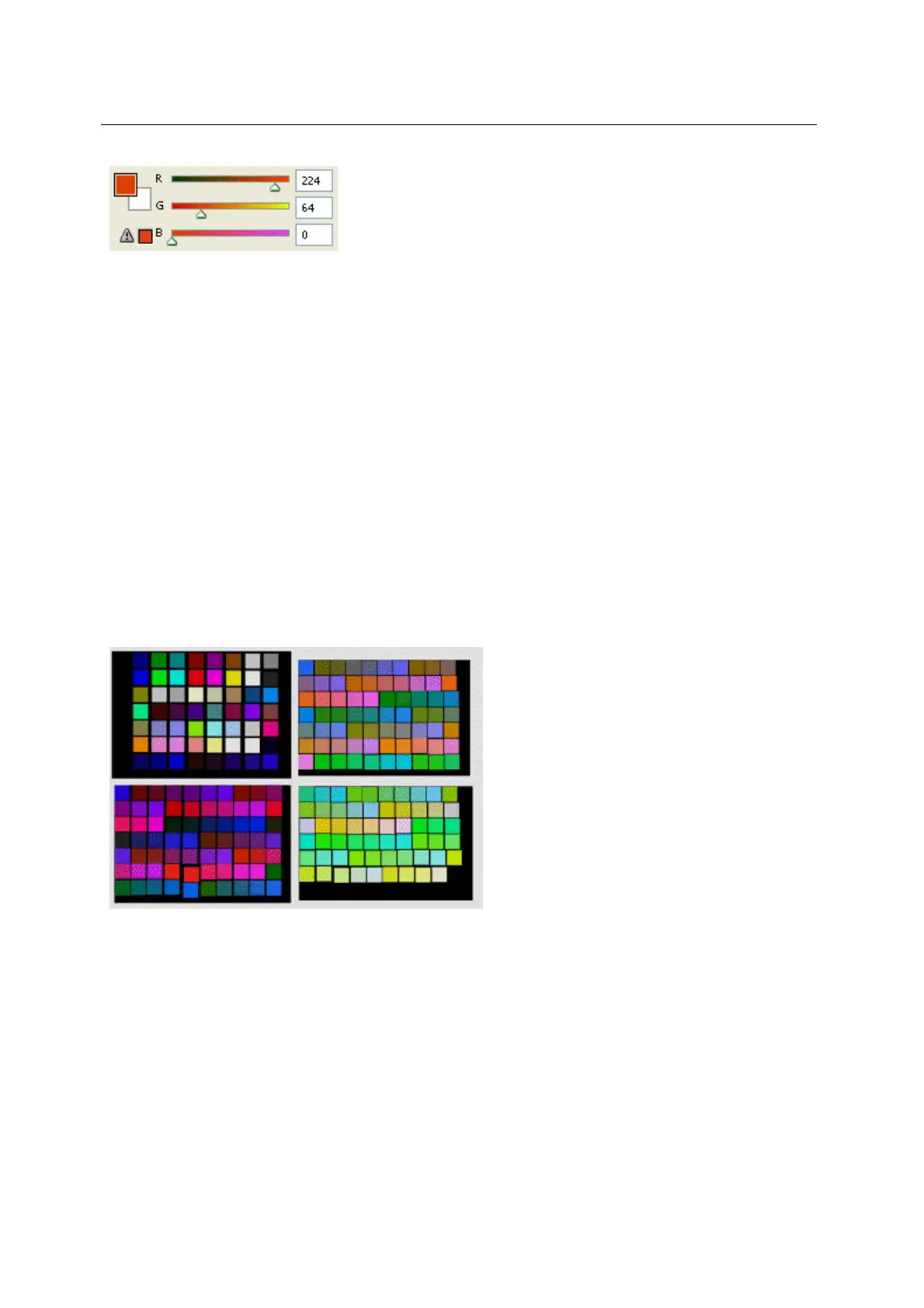
To change bitmaps to the correct colour space, ready-to-use colour palettes, e.g. for Adobe
Photoshop, Corel Draw, etc., are available. Please contact your ifm specialist!
Figure: examples of colour palettes
As an alternative, you can also load a bitmap which only contains the colours supported by the PDM.
A colour table can then be created from this bitmap using your image processing program.
With the dither function the representation can be improved even for the low number of colours of the
allowed colour palettes. The following examples show the different effects of the individual
conversions from the original image:



 To Next Page