ifm Programming Manual ecomatController/60-1 (CR711S) Operating System V2.5.0.n 2017-12-19
System configuration Configure PLC
>
7.1.2 Allocate inputs/outputs
23482
23368
The safety functionality is in preparation.
At present the device has NO safety functionality!
► Do NOT use the device for safety-related functions!
To allocate the I/Os to the PLCs:
Before the programming of the application may even begin:
1 Select I/O allocation
► In the CODESYS device tree: Double-click on symbol [Device (CR711S)]
► In the editor window: Select [I/O Assignment] tab.
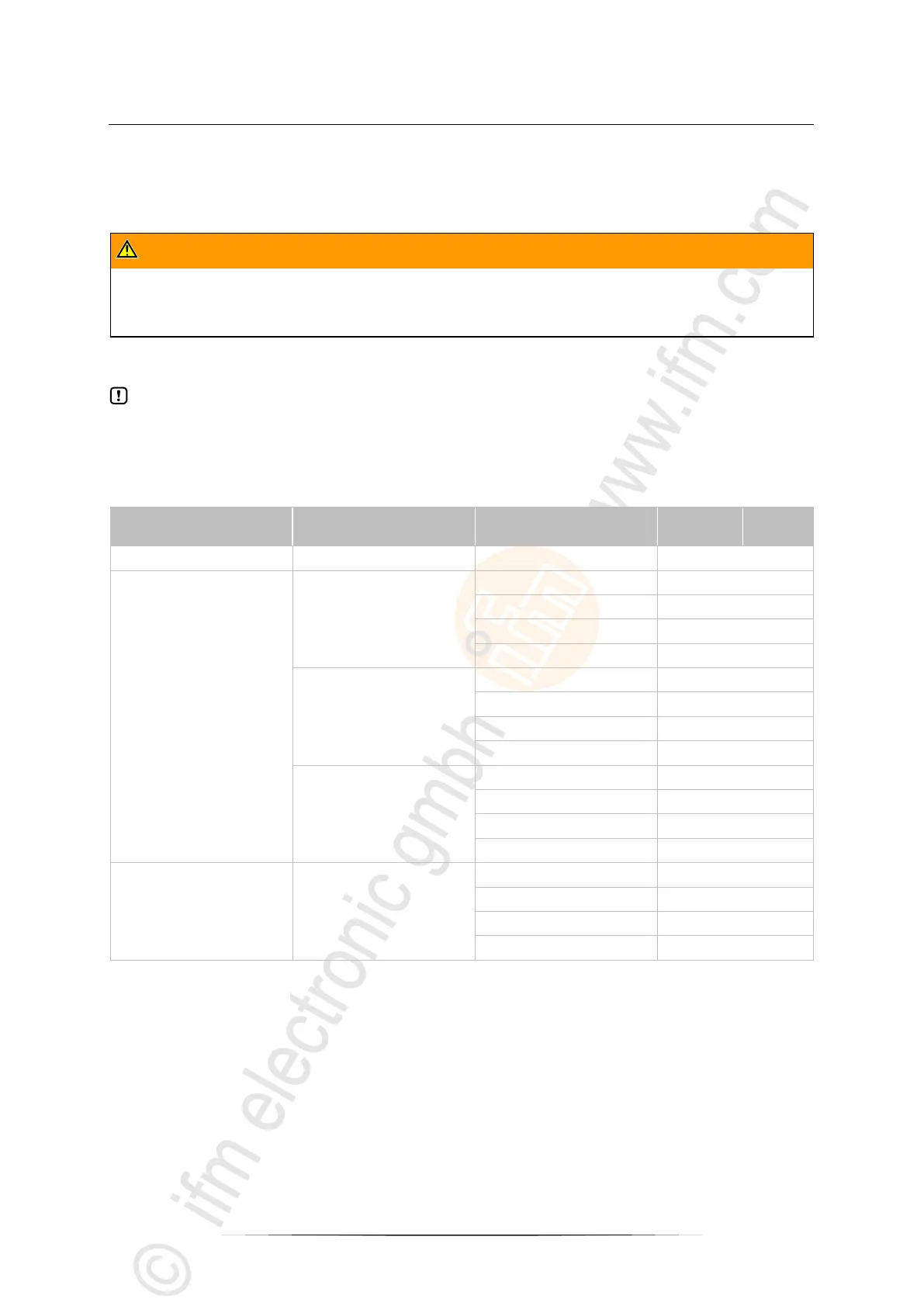
> Editor window shows the PLC allocation of the inputs/outputs (excerpt):
2 Set I/O allocation
► Highlight all I/Os in the column [StandardPLC] to allocate it to the standard PLC
► Highlight all I/Os in the column [SafetyPLC] to allocate it to the safety PLC
> The I/Os are allocated


 To Next Page