16
Manual calibration for the VR headset is now complete.
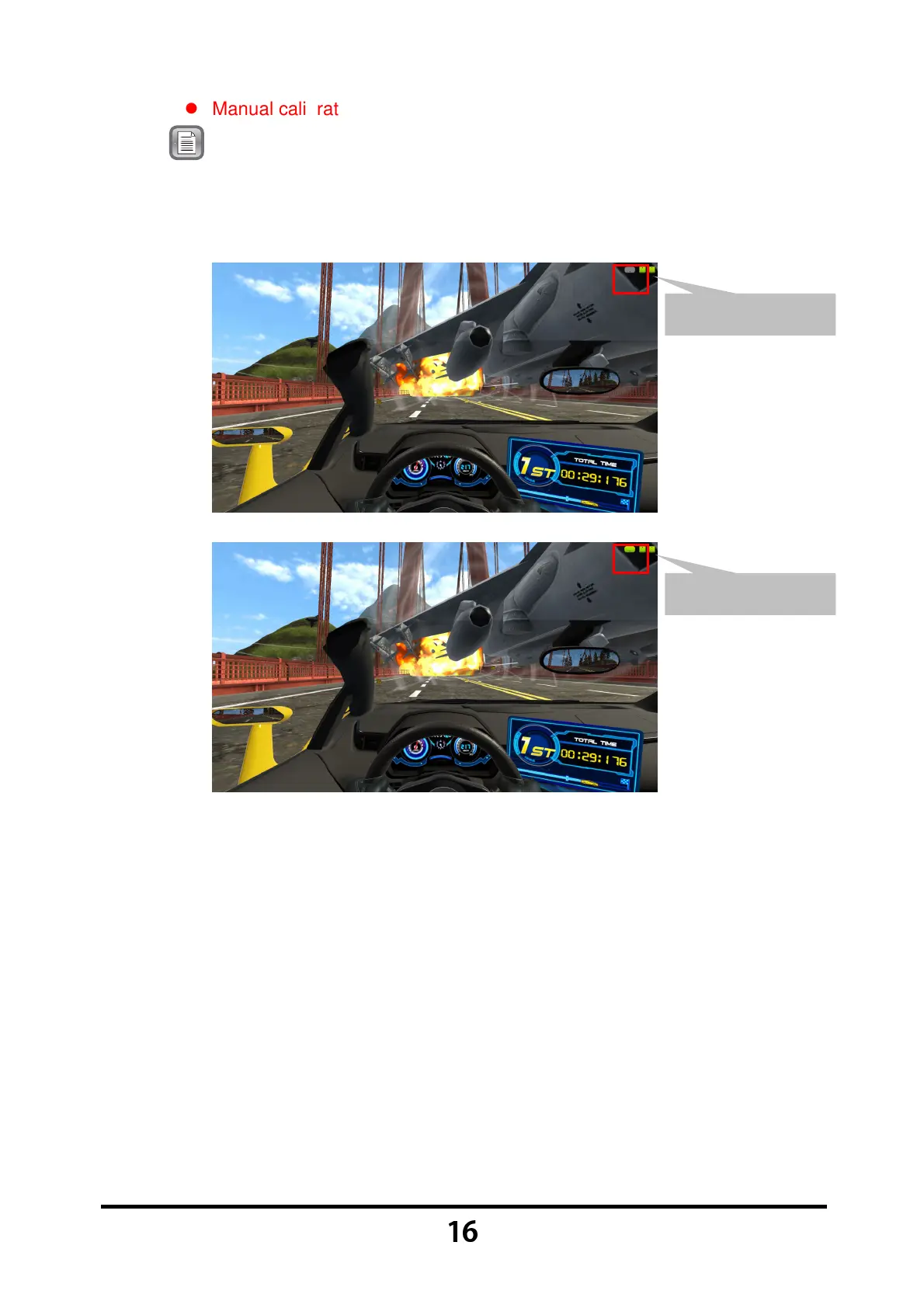
Note: If the VR headset icon displayed on the screen's upper-right corner
is shown in gray (detection failed), please pick up the VR headset
from the headset stand and shake it gently until the VR headset
icon becomes green (detection successful).
Detection Failed
Detection Successful



 To Next Page