42
3.3.12 Drain valve test
In the page of 【Drain valve test】, you can test whether the drain valve is
normally function or not.
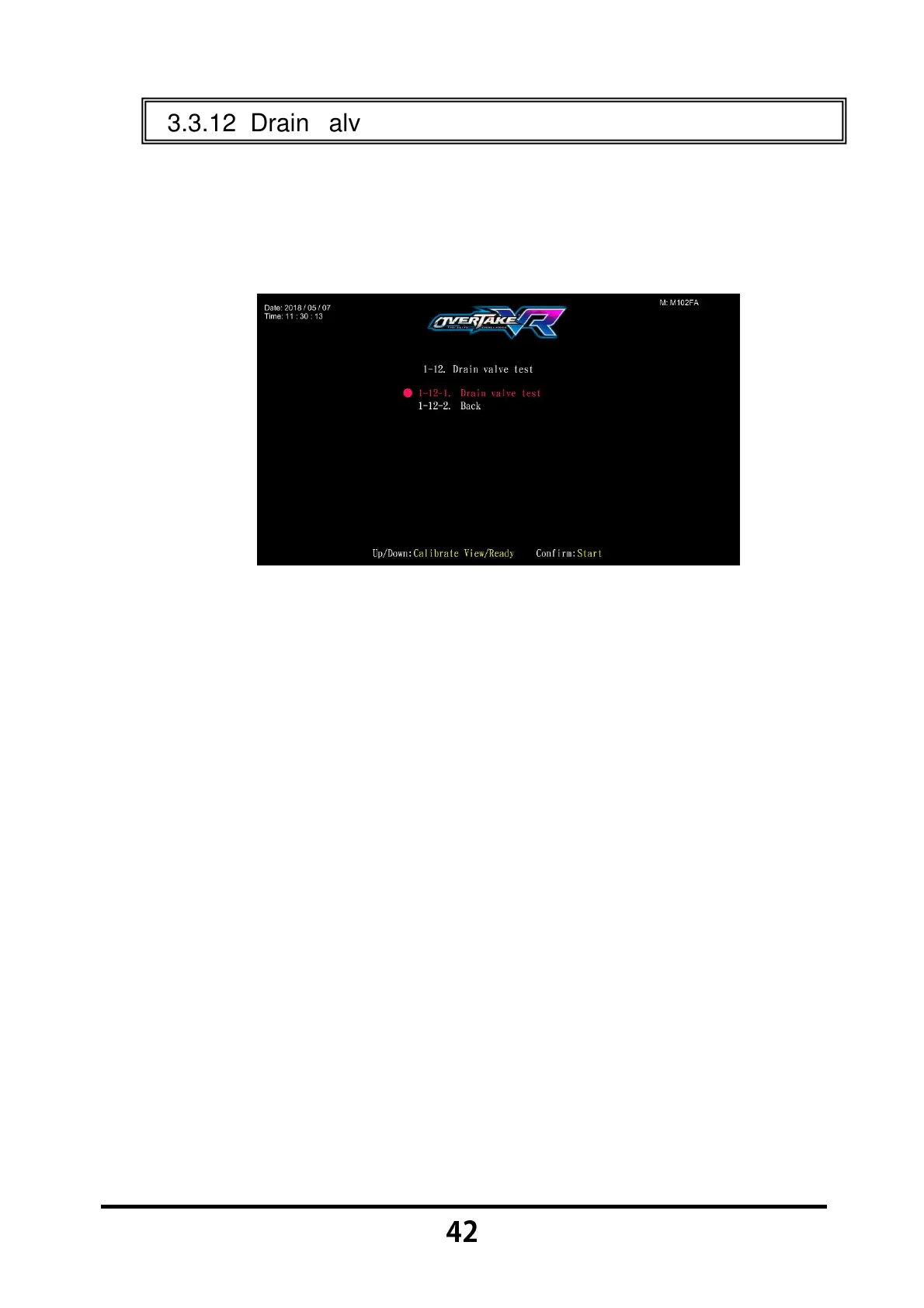
Enter 【Operator Settings】→【1.Hardware test】→【1-12.Drain valve
test】, and the screen will display as below:
Move the cursor, and choose the 【Drain valve test】, then press the
【Start】 button to start testing.
The Drain Valve Test will automatically stop after 5 seconds. In addition,
you can press the 【Start】 button one more time to discontinue the
testing process.
Move the cursor to 【1-12-2.Back】,and press the 【Start】 button to
return to 【Hardware test】.



 To Next Page