41
3.3.11 Fan speed test
In the page of 【Fan speed test】, you can test whether the fan is normally
function or not.
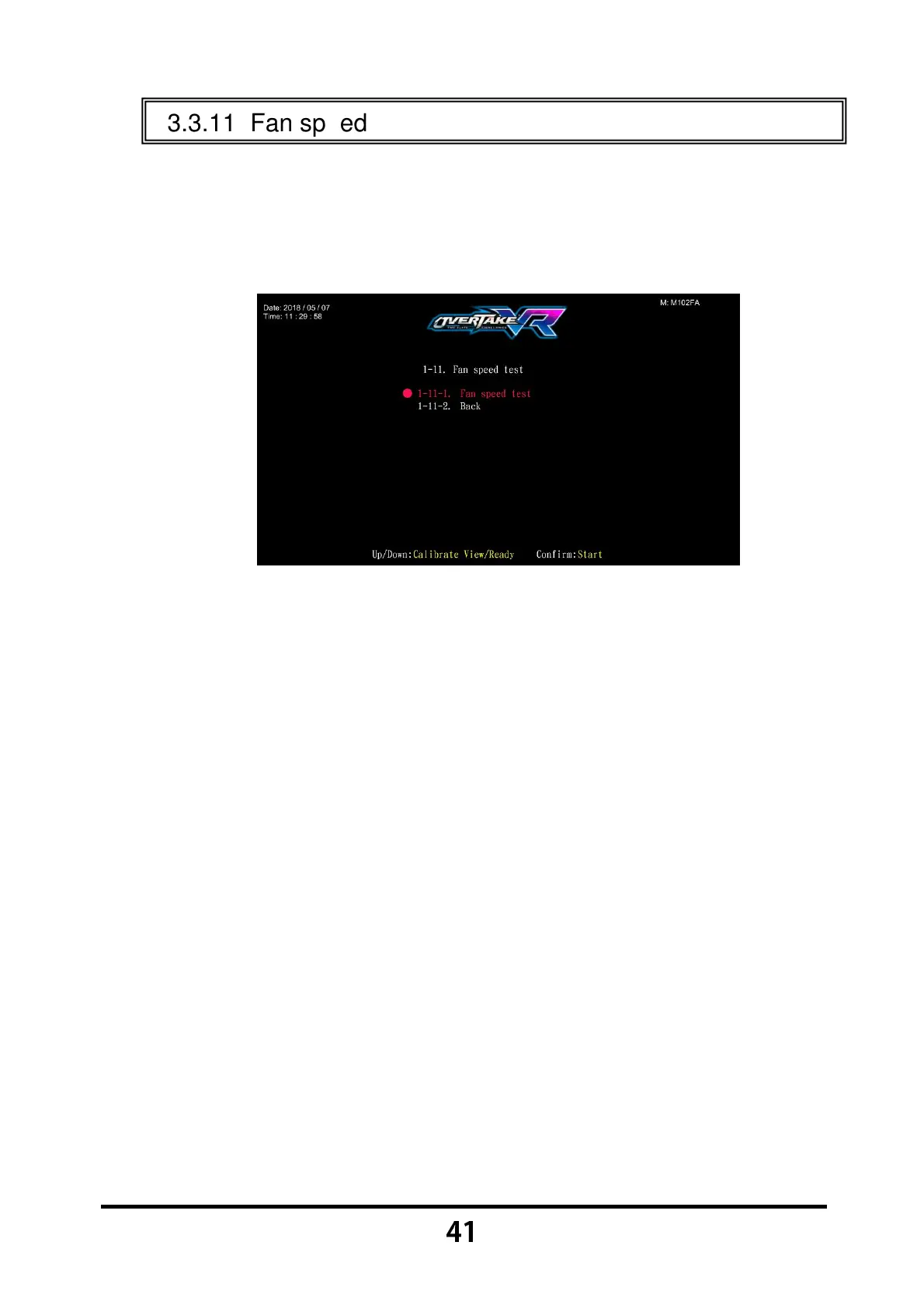
Enter 【Operator Settings】→【1.Hardware test】→【1-11.Fan speed
test】, and the screen will display as below:
Move the cursor, and choose the 【Fan speed test】, then press the
【Start】 button to start testing.
While testing, press the 【Start】 button one more time to discontinue the
testing process.
Move the cursor to 【1-11-2.Back】,and press the 【Start】 button to
return to 【Hardware test】.



 To Next Page